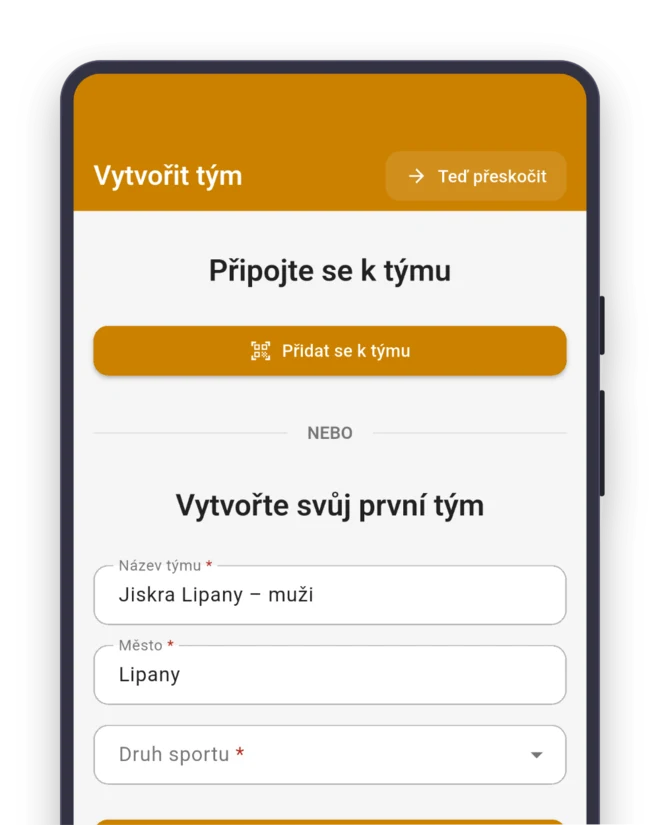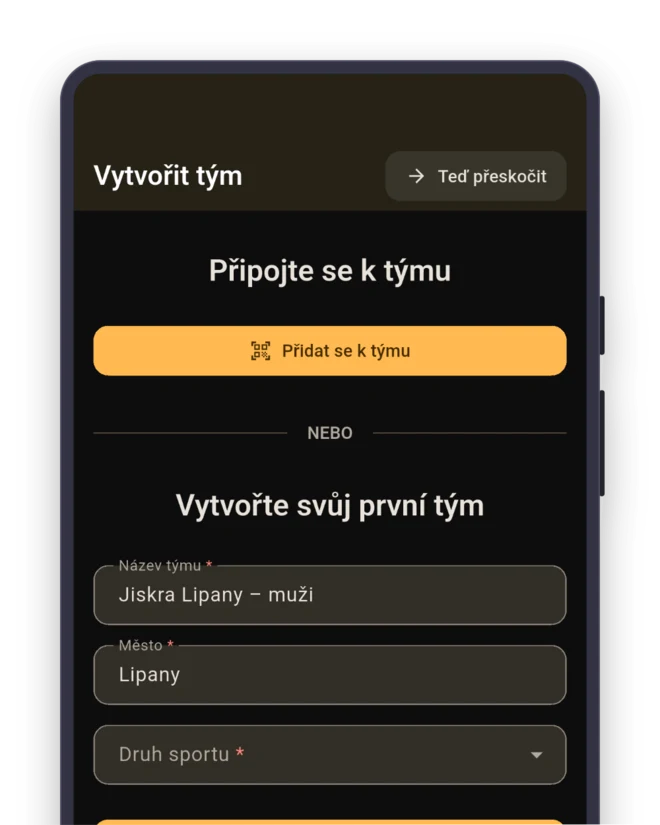
An app for your volleyball team
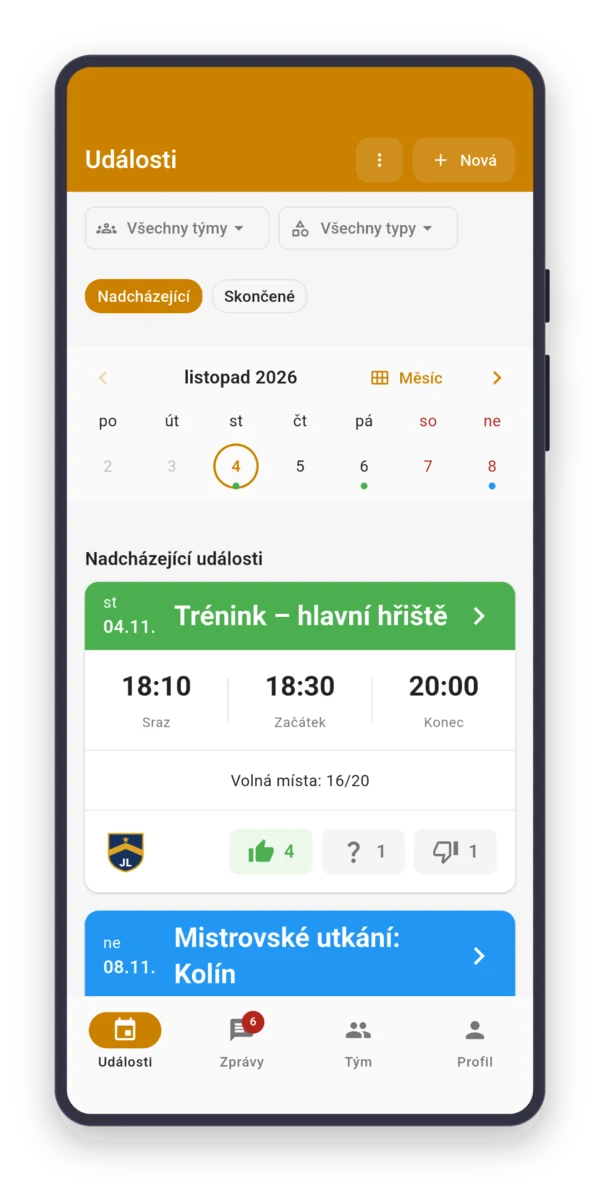
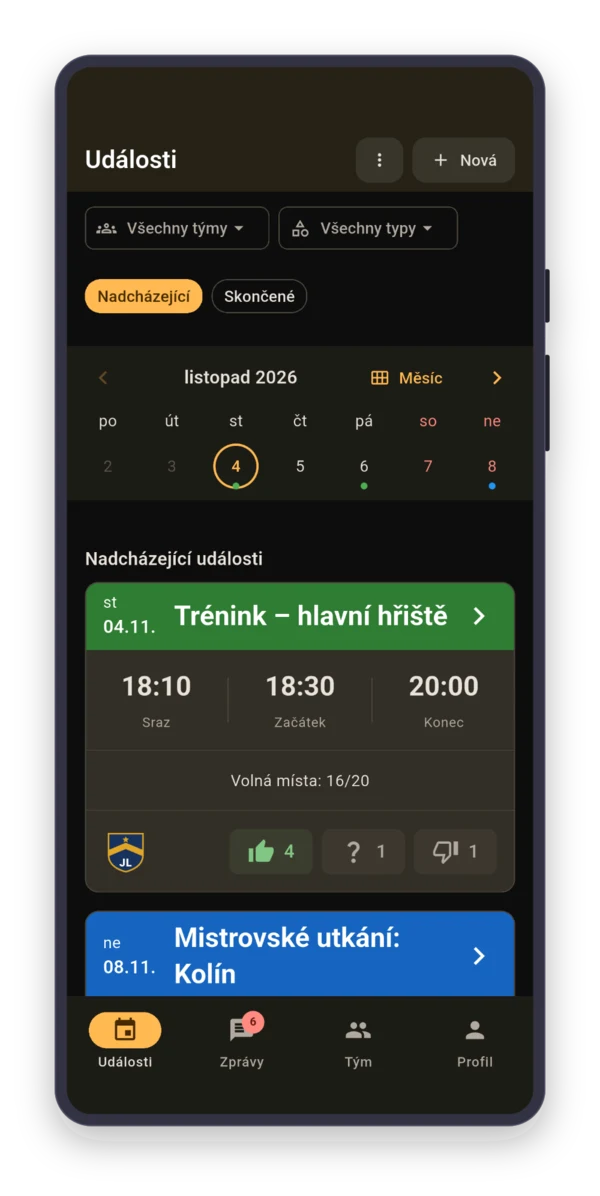
Thursday, 7:00 PM, gym paid through the semester. Fifteen in the group chat, nobody knows if twelve come, or seven. With Sportuj.app, you know Wednesday.













 Sportuj.app · now
Sound familiar?
Create. Invite. Play.
Sign up
With email, Google or Apple. On your phone or in the browser.
Team
Sport: Volleyball. The team gets the roles Setter, Outside hitter, Middle blocker and Opposite hitter right away.
- Setter
- Outside hitter
- Middle blocker
- Opposite hitter
Invite
Send the link to the group chat, or show a QR code at training.
Six on six takes twelve people
Sarah runs a coed group. On Wednesday morning, she has eight “Going”, two “Maybe” and five people who are silent. She doesn’t have to post in the group chat: the “RSVP reminder” the day before goes to exactly those five.
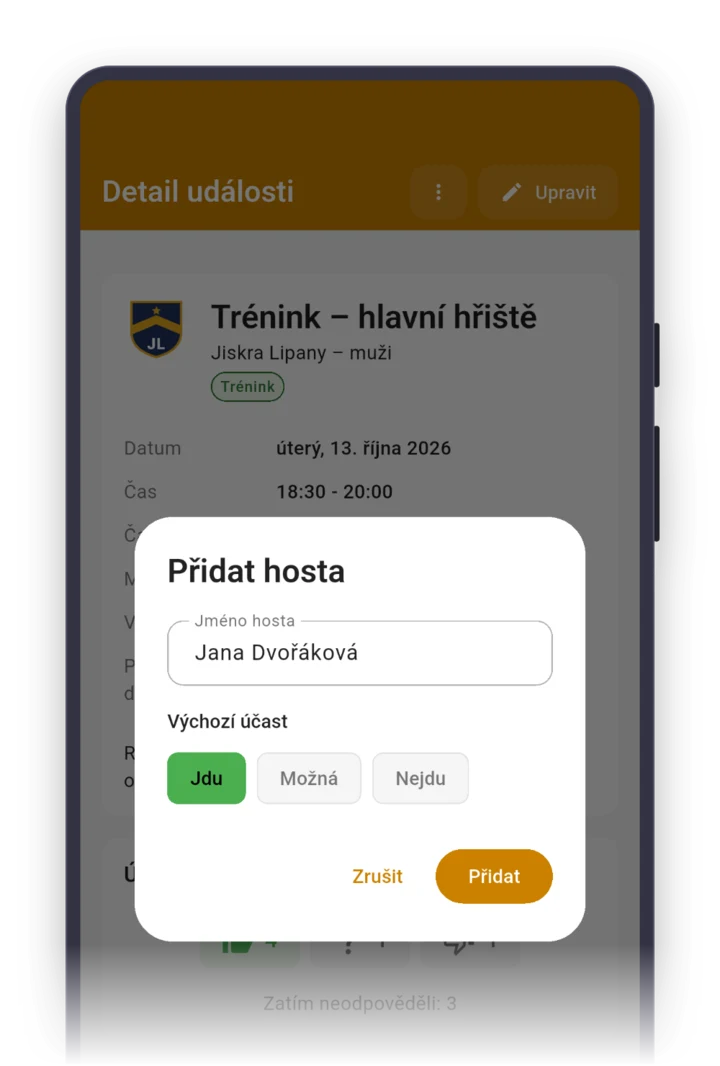
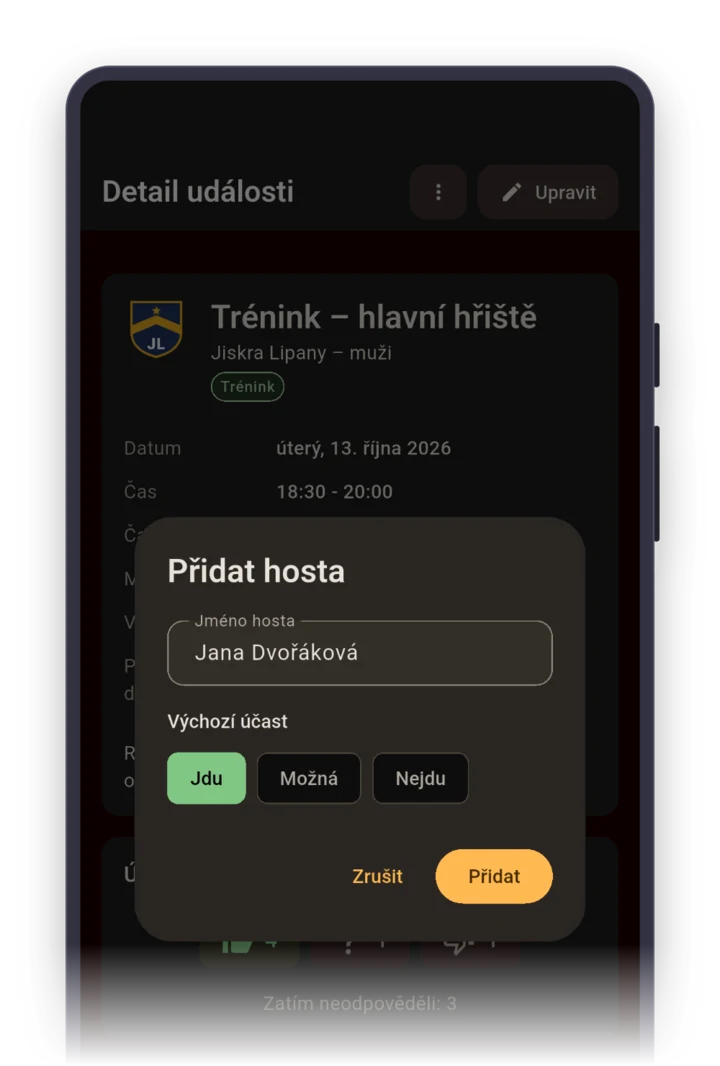
She has the whole day to find two friends. She adds them with “Add guest”, and their spot counts as a player’s spot.

Without a setter, you’re just hitting it over
Rob coaches a men’s team in the regional league. On Tuesday, both setters answer that they can’t make it Thursday. Rob plans practice differently and has his opposite hitter work on setting.
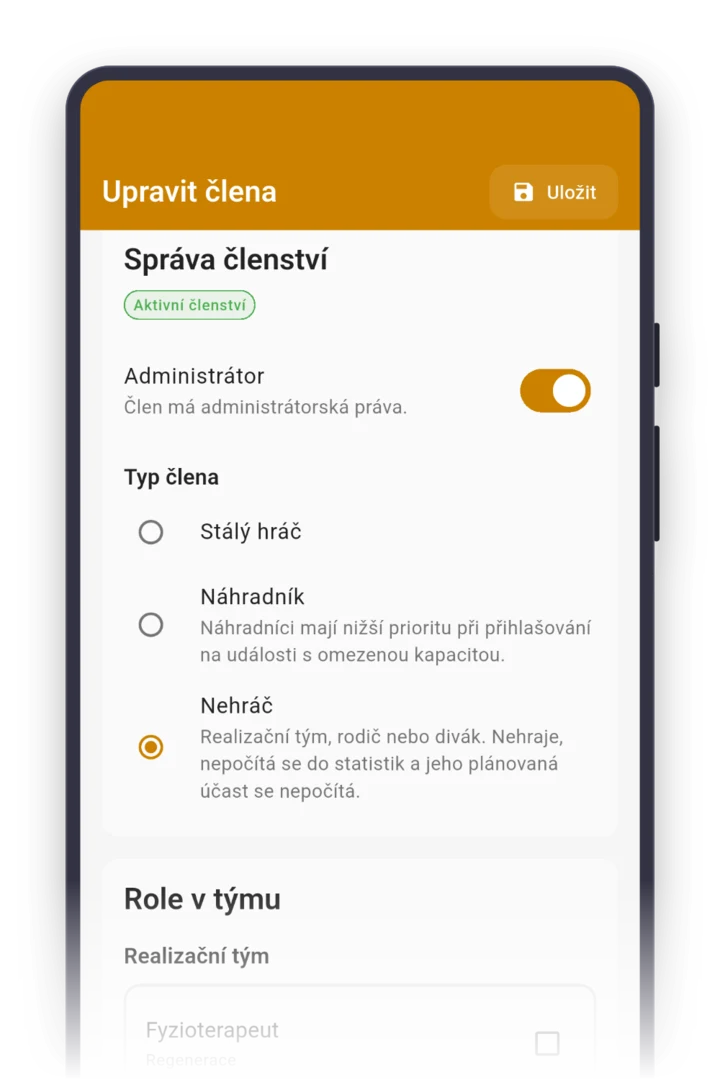
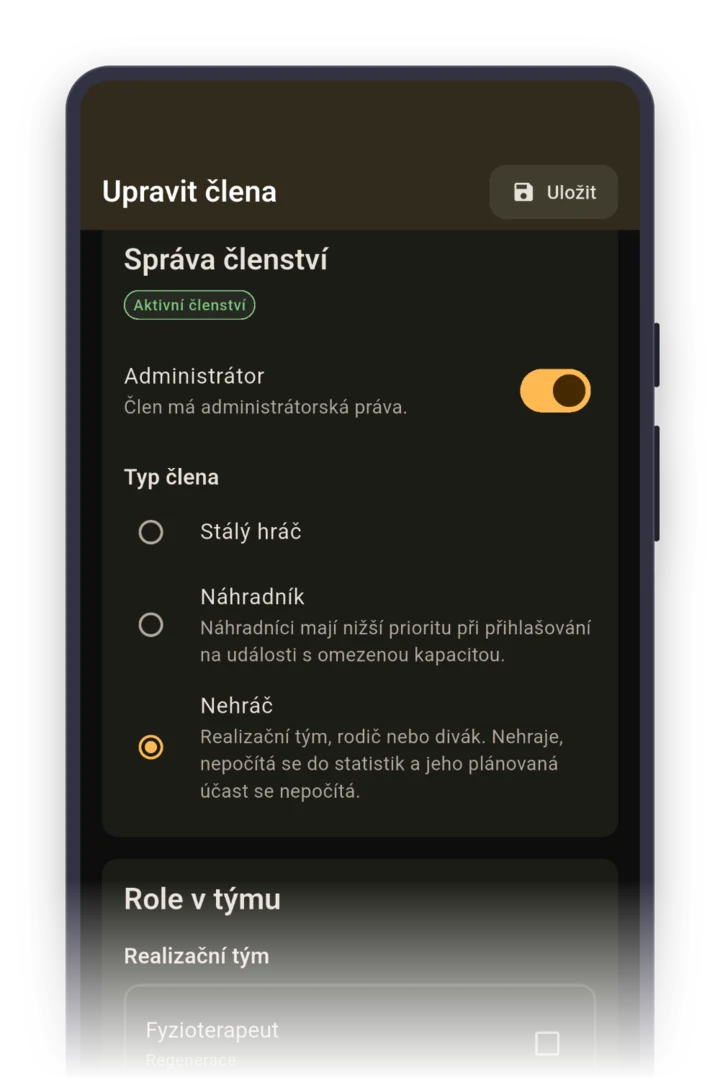
You assign the roles Setter, Outside hitter, Middle blocker, Opposite hitter and Libero when you edit the member, and then they show next to every answer. One libero and no middle going to the match, you see at a glance.
A steady core keeps the mix balanced
A balanced mix is kept by a steady core: six women and six men as “Regular player”, the rest as “Substitute”. With “Substitutes can sign up” set a day ahead, the core’s spots are guaranteed.
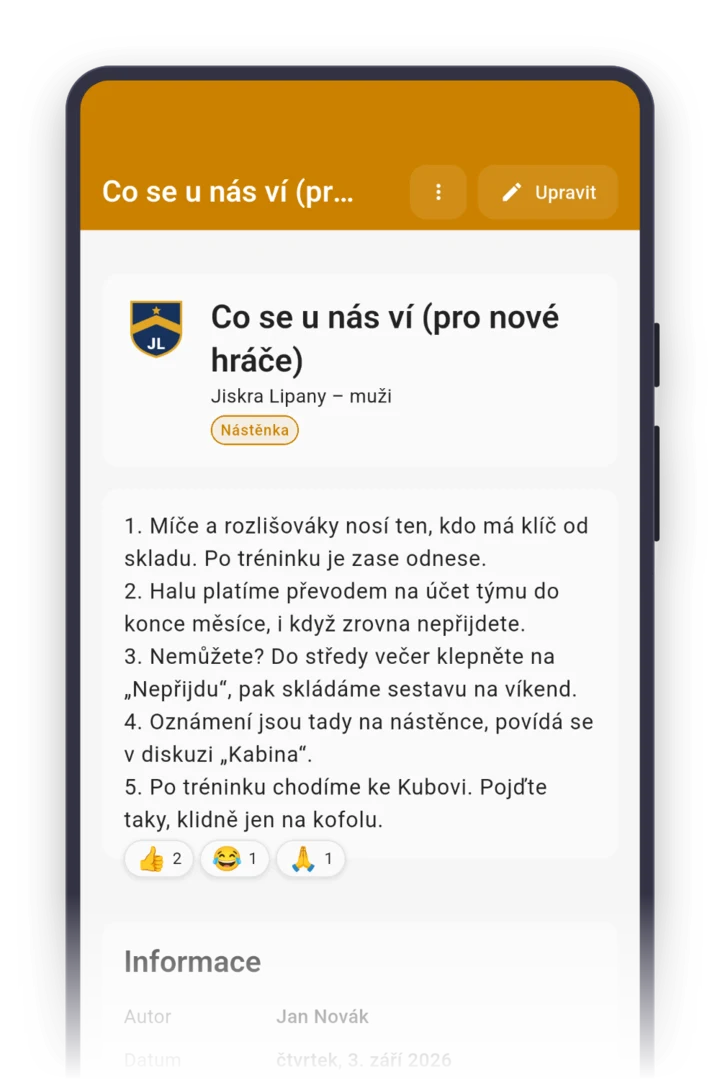
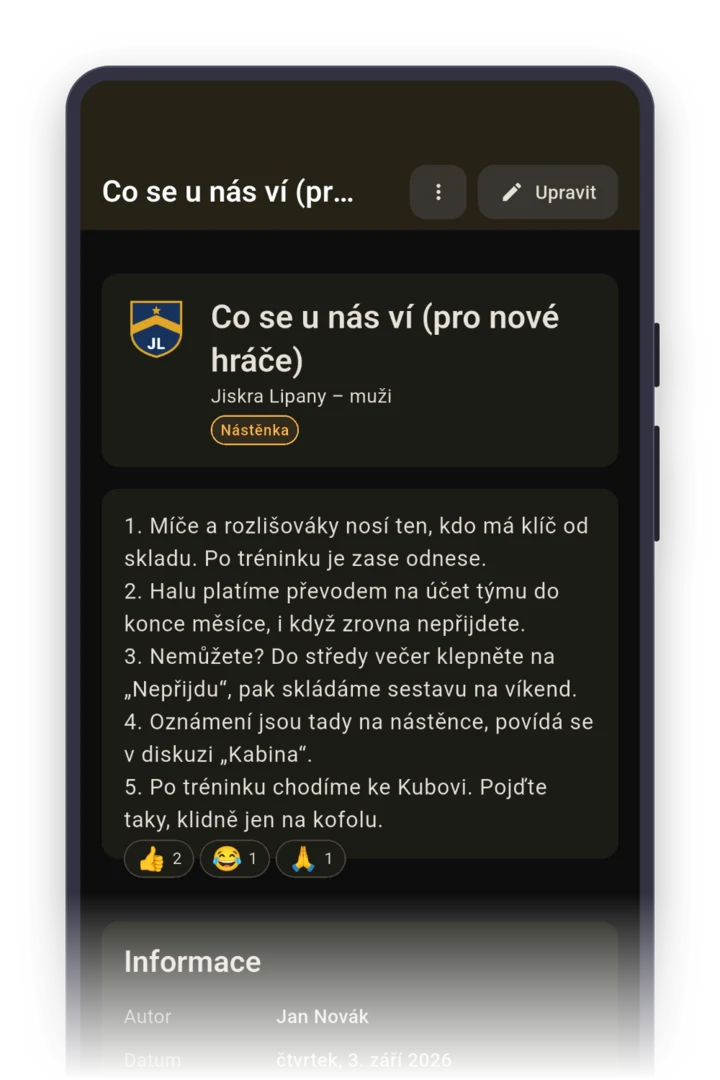
Substitutes then fill the free spots in waitlist order. Post the rule on the board, so a new player finds it even in November.
Collect for the gym once a semester
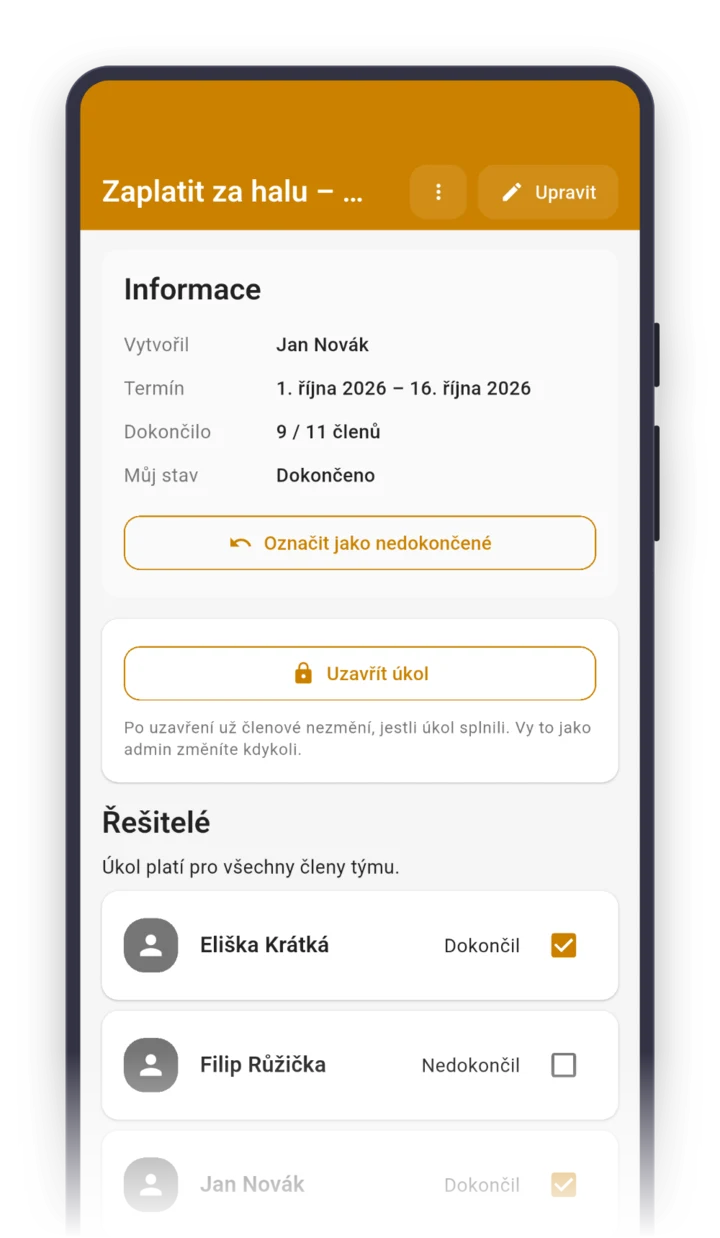
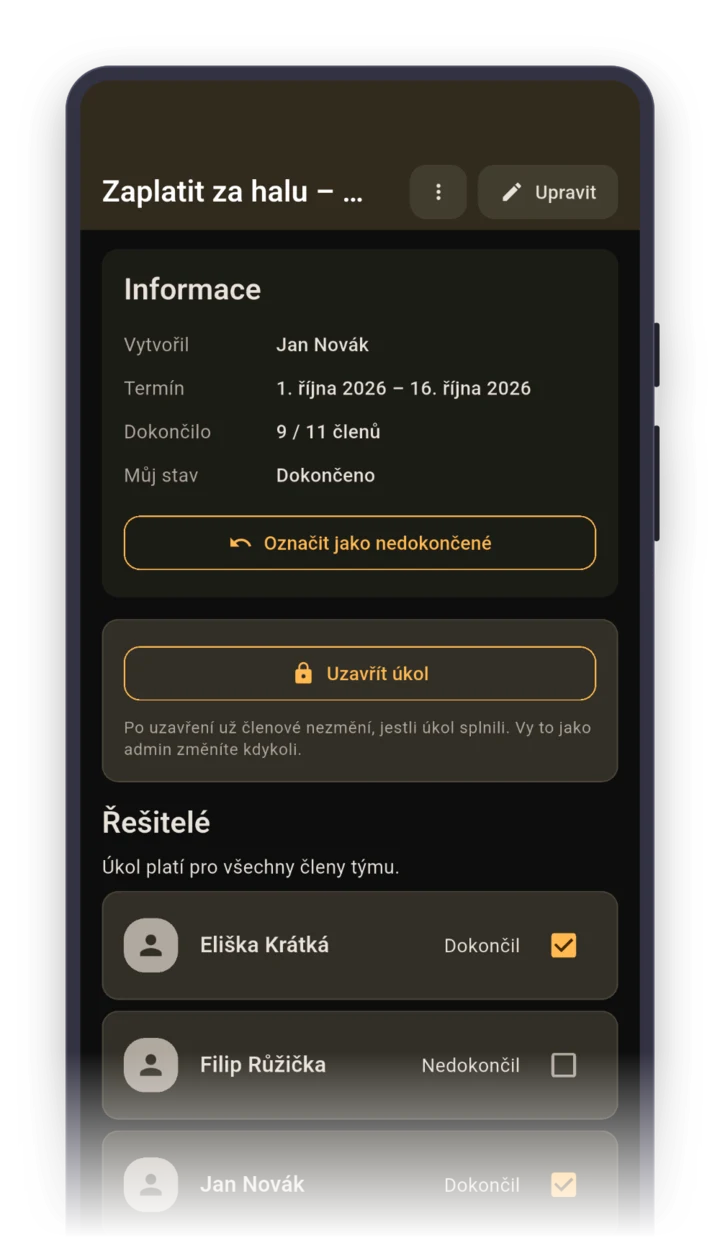
The rental is paid up front, whoever shows up. Create a task “Pay for the gym – spring” and check “Only an admin can mark completion”.
You check it off yourself when the money arrives, and in the task details you see how many people have paid. No reminders in the group chat where the whole team sees them.
Roles your team gets right after it's created
When you pick the sport “Volleyball” while creating a team, the app sets up these roles for you. You can rename them, delete them or add more. Roles show who's who, they don't grant permissions.
Staff
- Team manager
- Coach
- Assistant coach
- Treasurer
Player role
- Captain
- Setter
- Outside hitter
- Middle blocker
- Opposite hitter
- Libero
FAQ
Can a coach tell from the app if a setter or libero is coming to practice?
Yes. A volleyball team gets roles like Setter, Outside hitter, Middle blocker or Libero when it’s created, and in the event details, you see the role of everyone who answered. You find out no setter is coming before you warm up.
One court, twenty people in the group. Who gets to play?
Set the maximum number of participants on the training, say fourteen. Whoever signs up on top waits on the waitlist. When a spot opens up, a regular player gets it first, then a substitute.
We have a women’s team and a Friday coed group. Do we need two apps?
No. Create two teams and switch between them with one tap. Whoever plays on both sees all training sessions in one event list.
A match moved to a different time. Will everyone find out?
Yes. When the start time changes, everyone invited gets a notification about the change, even those who already said no. Set the meeting time 60 minutes early so there’s time to warm up at the net, and the reminder comes three hours before the meeting time.
How much does Sportuj.app cost for a group that pays for its own gym?
Nothing. Sportuj.app is free for teams with no time limit, and a club with several teams is free too. A club can add Premium with a club website and event templates. The details are on the Pricing page.