An app for your tennis club and coaches
Tuesday, 4:00 PM, clay courts after a night of rain, four kids’ groups, three coaches. With Sportuj.app, everyone who signed up hears it’s canceled.













 Sportuj.app · now
Sound familiar?
Create. Invite. Play.
Sign up
With email, Google or Apple. On your phone or in the browser.
Team
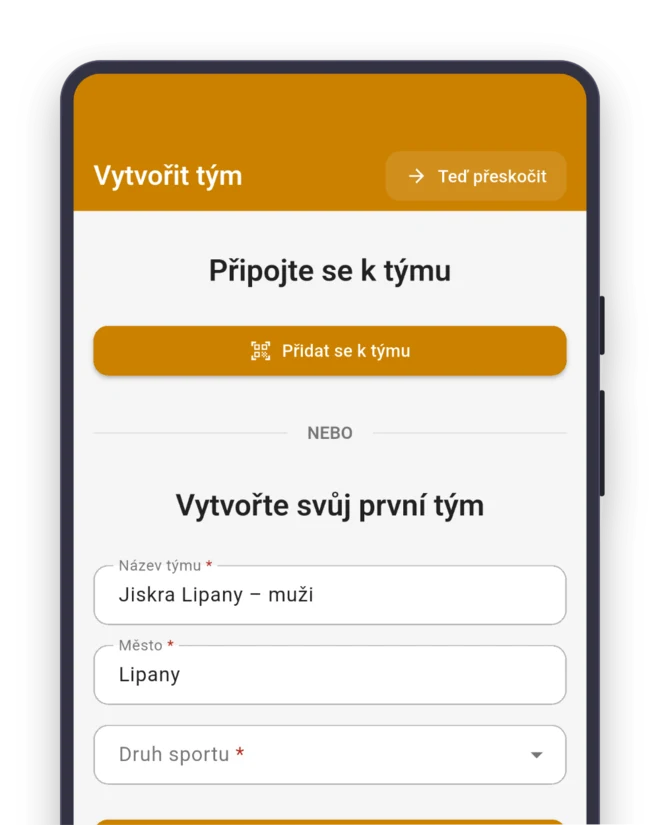
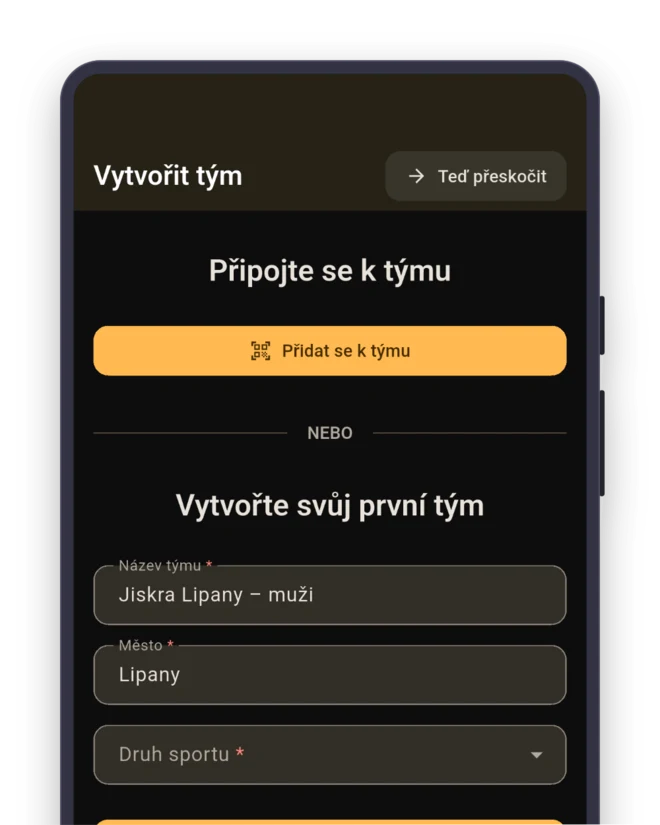
Sport: Tennis. The team gets the roles Singles player, Doubles player, Server and Returner right away.
- Singles player
- Doubles player
- Server
- Returner
Invite
Send the link to the group chat, or show a QR code at training.
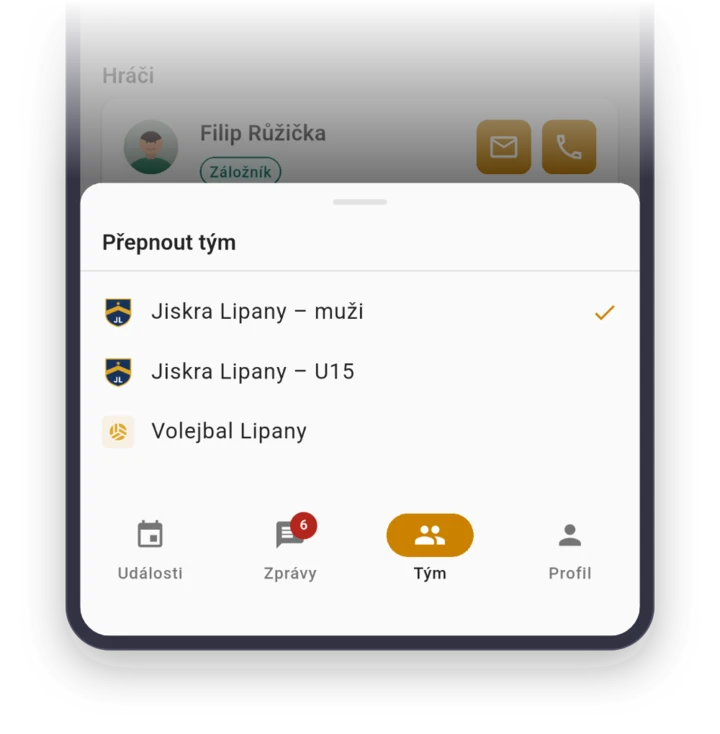
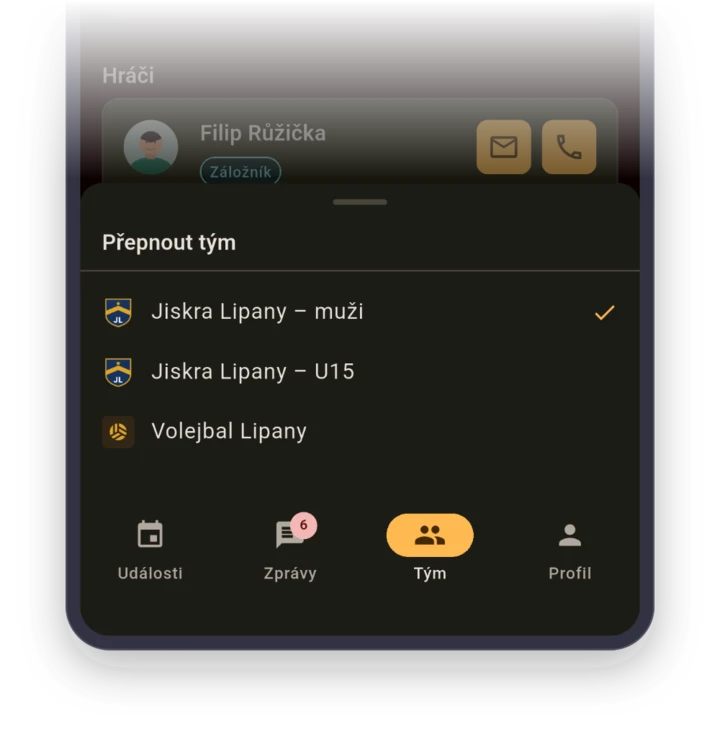
Every group a coach runs is its own team
Lucy coaches mini tennis kids, older juniors and, on Fridays, adult recreational players. In one WhatsApp group, the mini tennis parents would be replying under announcements for the adults.
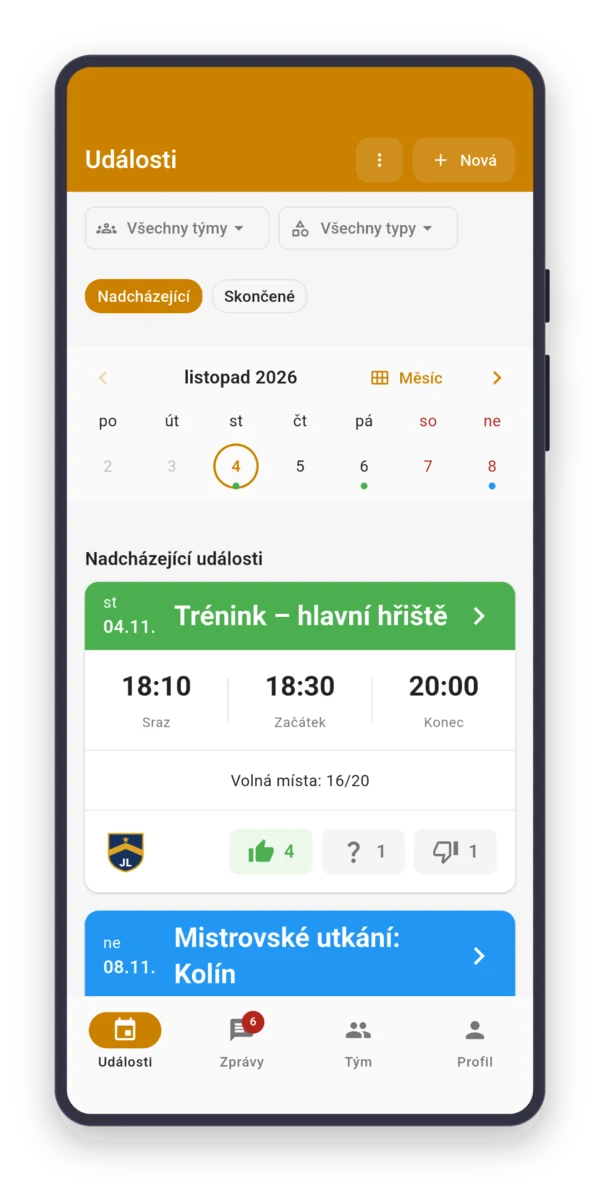
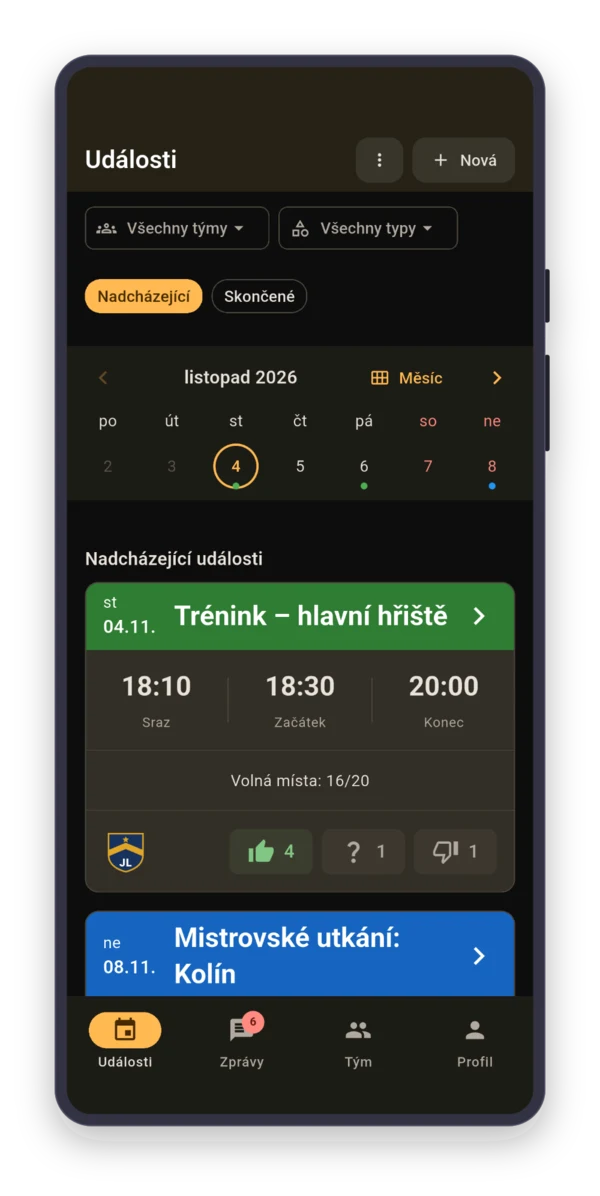
Each group is its own team, so a parent gets only their child’s schedule. Lucy is in all of them with one account and sees all her training sessions together in “Events”.
The coach decides about wet clay
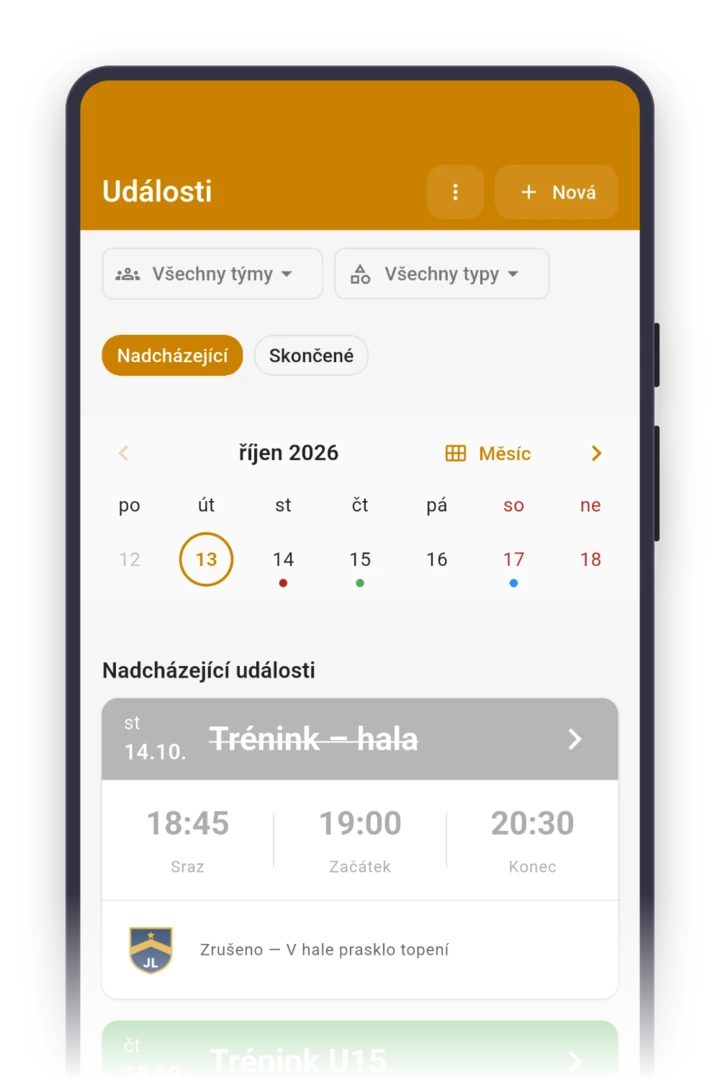
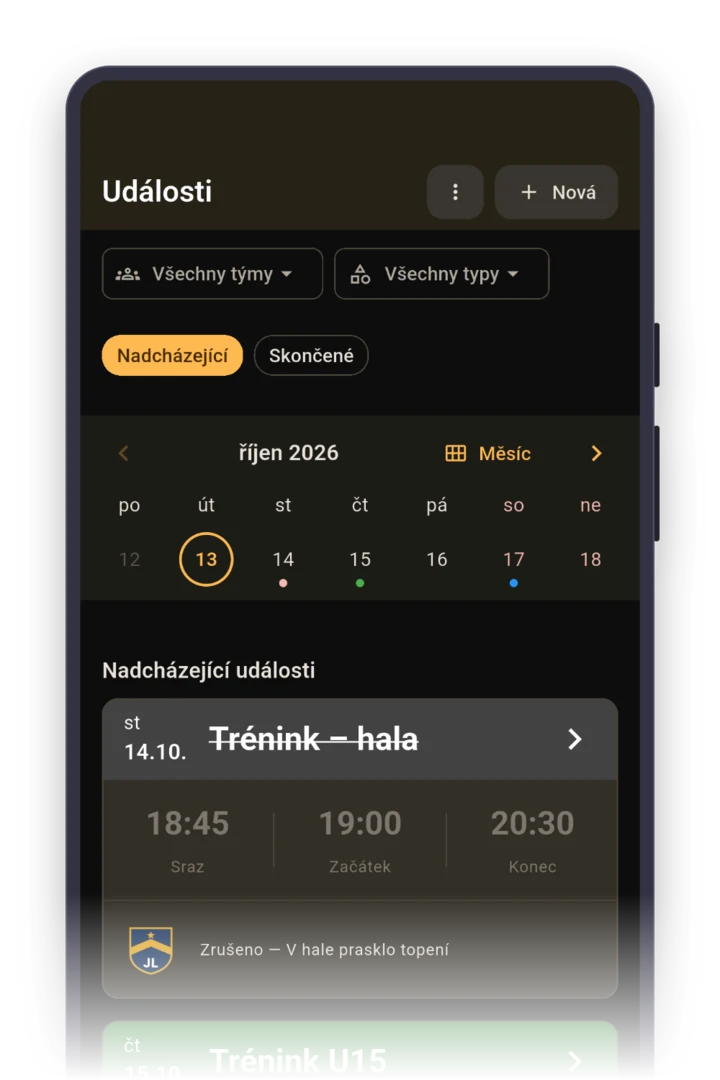
A parent who picks up their kid at 2:30 PM needs to know by 2:00 PM whether to drive to the courts. By then, the coach decides and cancels training with the reason “Wet courts”.
Everyone who answered gets a notification. When you move indoors instead of the clay, change the place and post it in the event’s discussion. Changing the place doesn’t send a notification by itself.

Kids’ tennis runs on parents
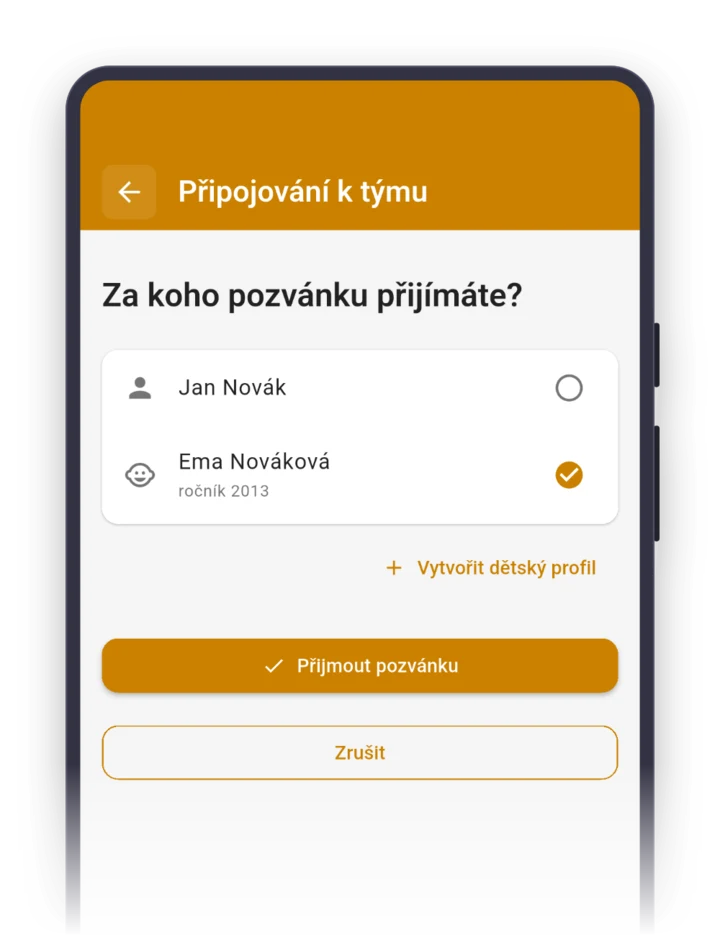
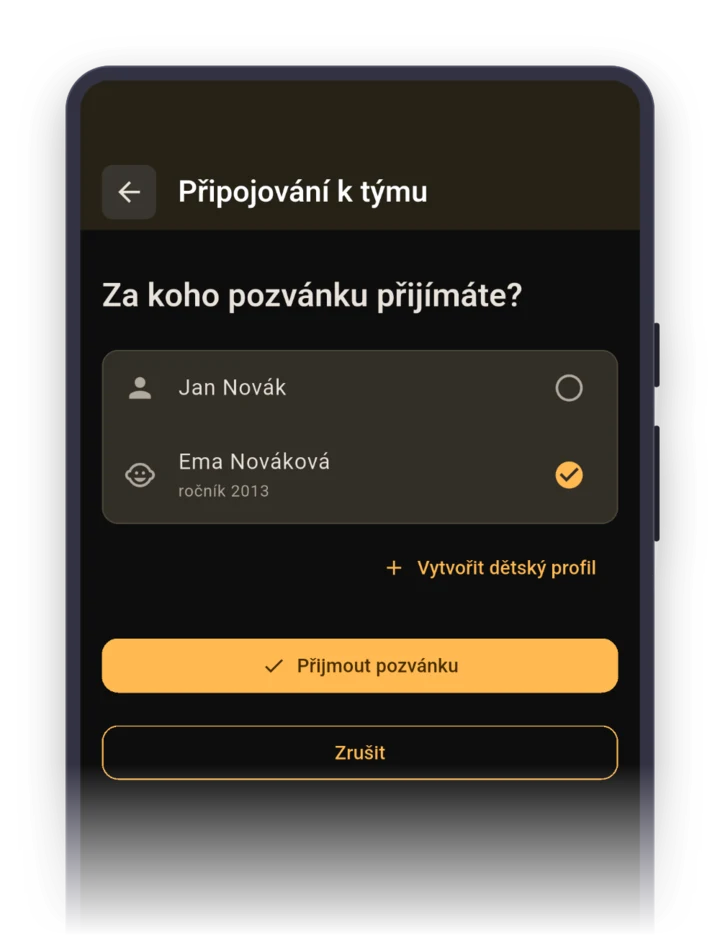
A parent accepts the invite on behalf of their child and creates a child profile right there. They invite the second parent with “Invite a contact person”, and either of them can answer, from a notification or Parents turn on email notifications in the app..
Parents’ phone numbers and emails are visible only to the coach as the team admin. Invite only the kids who are going to a weekend tournament, and parents sort out rides in the event’s discussion.
Who plays singles and who plays doubles
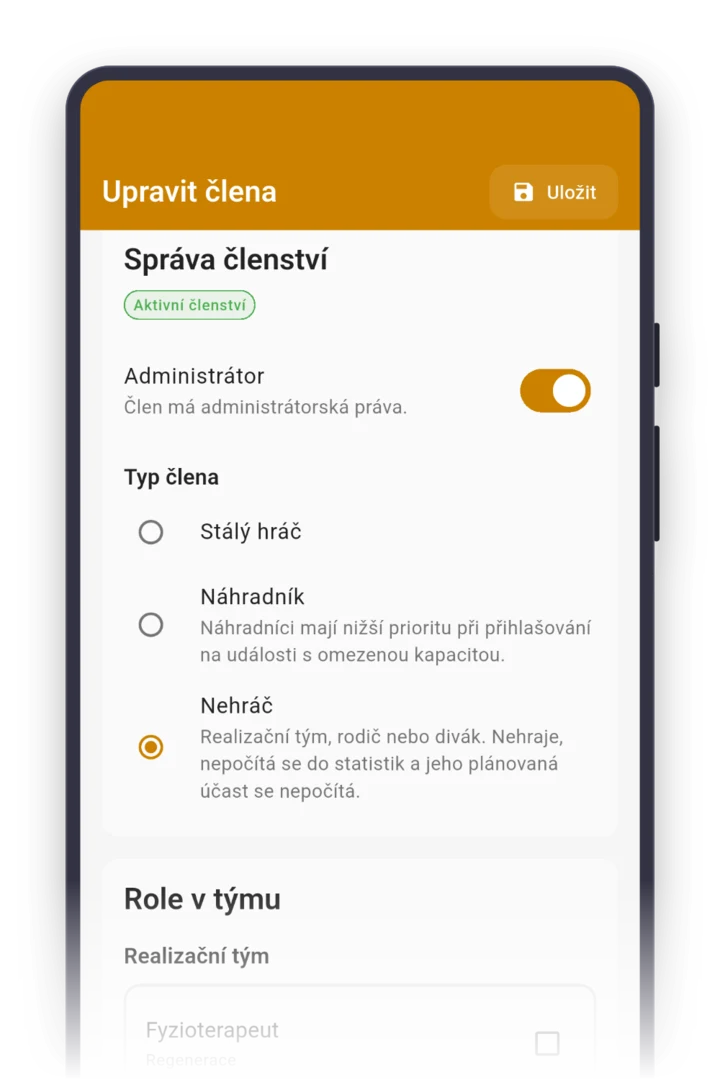
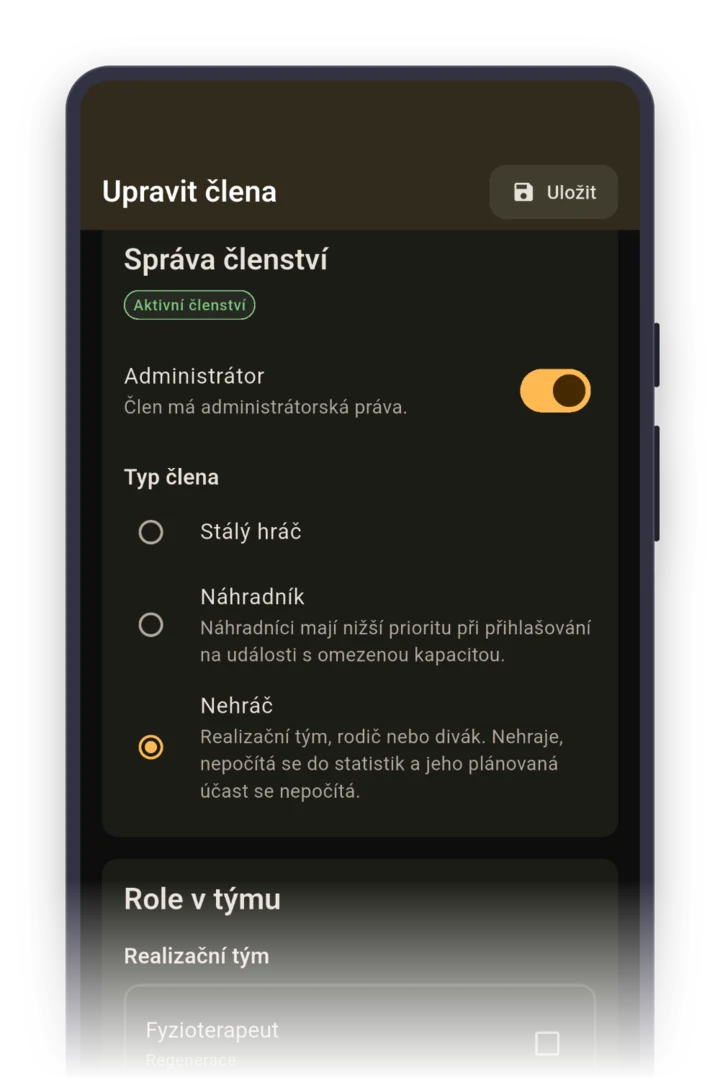
A team match is made up of singles and doubles. Create it as a “Match” with the opponent and meeting time. A tennis team gets the roles Singles player, Doubles player, Server and Returner, and you assign them to players when you edit the member.
Next to everyone who tapped “Going”, you see their role. The captain posts the lineup in the event’s discussion, where everyone finds it. After the match, they enter the result.
Roles your team gets right after it's created
When you pick the sport “Tennis” while creating a team, the app sets up these roles for you. You can rename them, delete them or add more. Roles show who's who, they don't grant permissions.
Staff
- Section leader
- Coach
- Assistant coach
- Treasurer
Player role
- Captain
- Singles player
- Doubles player
- Server
- Returner
FAQ
Do parents need the app because of their child?
A parent needs an account, because they manage the child profile. Then they can answer for training in the app, from a phone notification, or with one click in an email without signing in, if they turn on email notifications.
Will other parents from the club see our contact details?
No. Parents’ phone numbers and emails are visible in the app only to the team admin, meaning the coach, and to each parent for themselves. Other parents see only names on the roster.
We move indoors for the winter. Do I have to rewrite all the training sessions?
No. Delete the outdoor dates from November with “This and following events” and create winter training as a new recurring event with a different time and place. If the indoor courts have fewer spots, set a limit, and whoever doesn’t fit waits on the waitlist.
A child is injured for a month. Do they have to be excused for every training?
No. The coach, as an admin, enters an excused absence for the whole period from–to. Training in that period doesn’t count in the child’s attendance, and the parents stop getting reminders.
How much does the app cost for a tennis club?
Nothing. Sportuj.app is free for teams with no time limit, and a club with several teams is free too. A club can add Premium with a club website and event templates. The details are on the Pricing page.