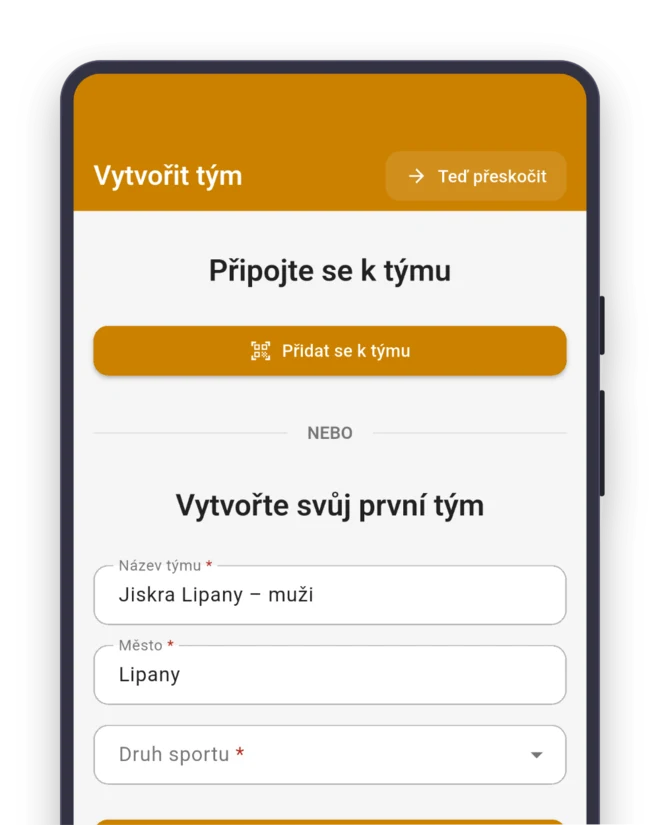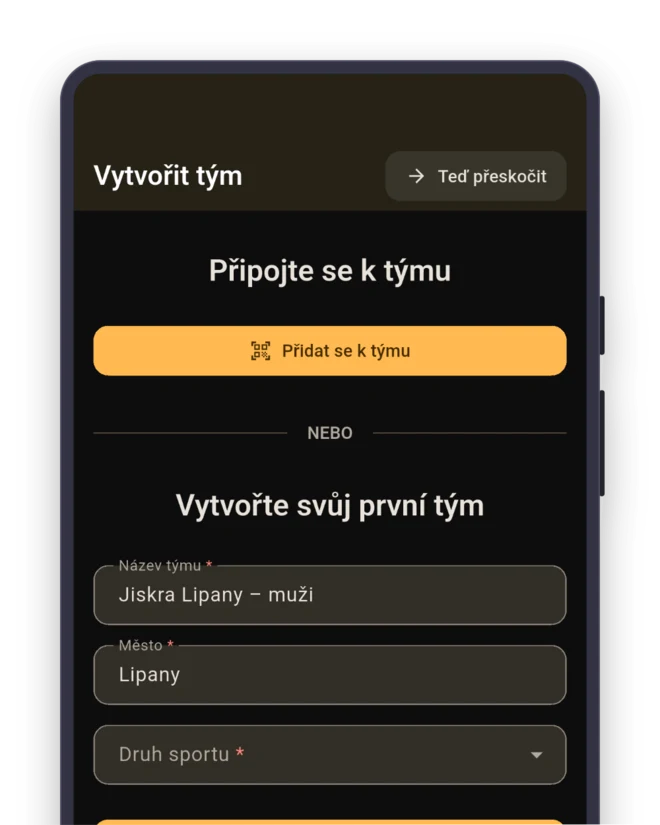
An app for your table tennis club
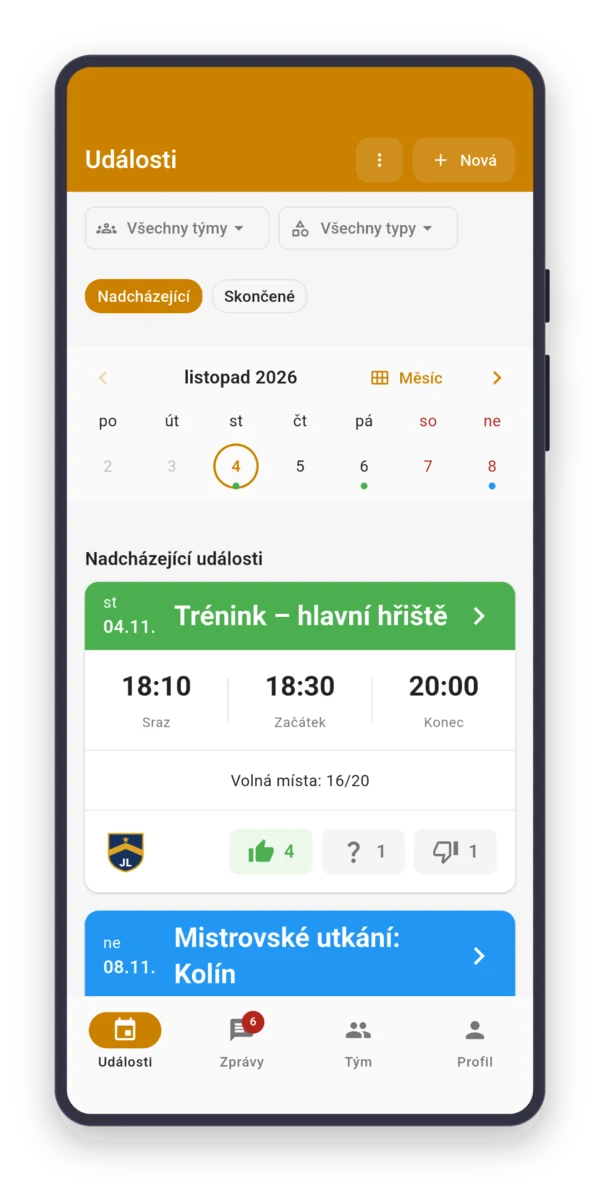
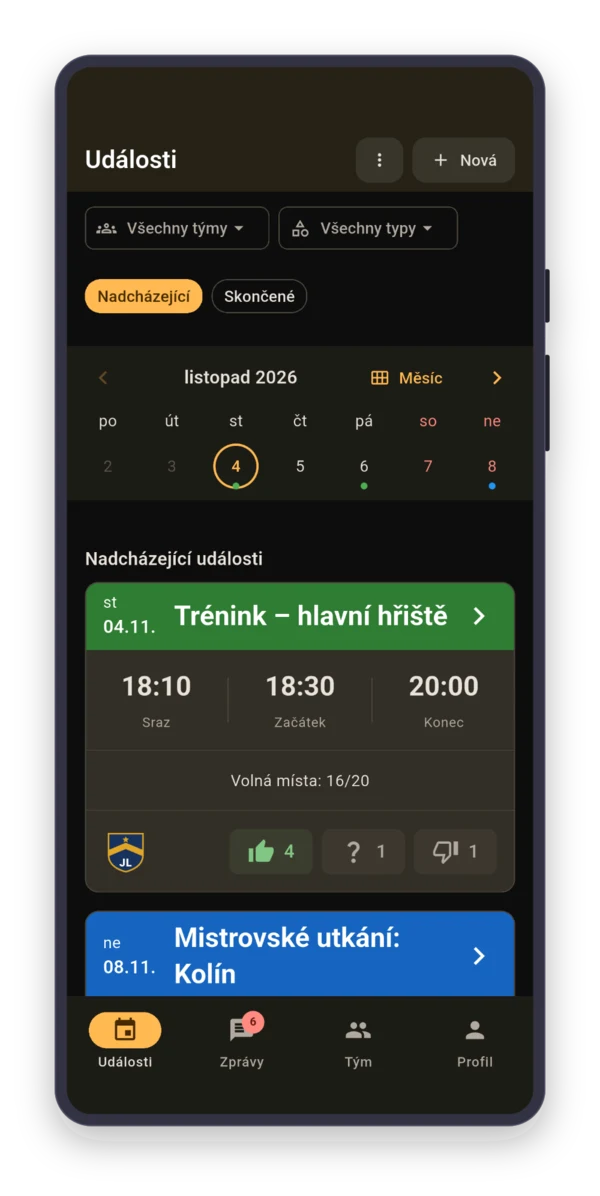
Four league teams, three play this weekend, and the captain is chasing players by phone. With Sportuj.app, the whole club’s answers are in one place.













 Sportuj.app · now
Sound familiar?
Create. Invite. Play.
Sign up
With email, Google or Apple. On your phone or in the browser.
Team
Sport: Table tennis. The team gets the roles for its sport right away.
- Table tennis
Invite
Send the link to the group chat, or show a QR code at training.
Four league teams on one weekend
Ivy runs a club. The A team plays in the regional league, the B, C and D teams in local divisions. When the A team is missing a player, someone from the B team fills in, and the gap moves one division down.
She keeps the adults on one team and creates each league match as a “Match” with “Selected participants”: the team’s roster and whoever can fill in. On Wednesday, she sees who tapped “Going” where.

The hall has six tables, training has twelve spots
Two players per table, so six tables mean twelve spots. Whoever signs up on top waits on the waitlist and moves up when someone drops out.
Set recreational players as “Substitute” and turn on “Substitutes can sign up” a day ahead. Until then, the spots are guaranteed for those who play for the club on Saturday. Coached training and open play are two series.
A home match starts with setting up the hall
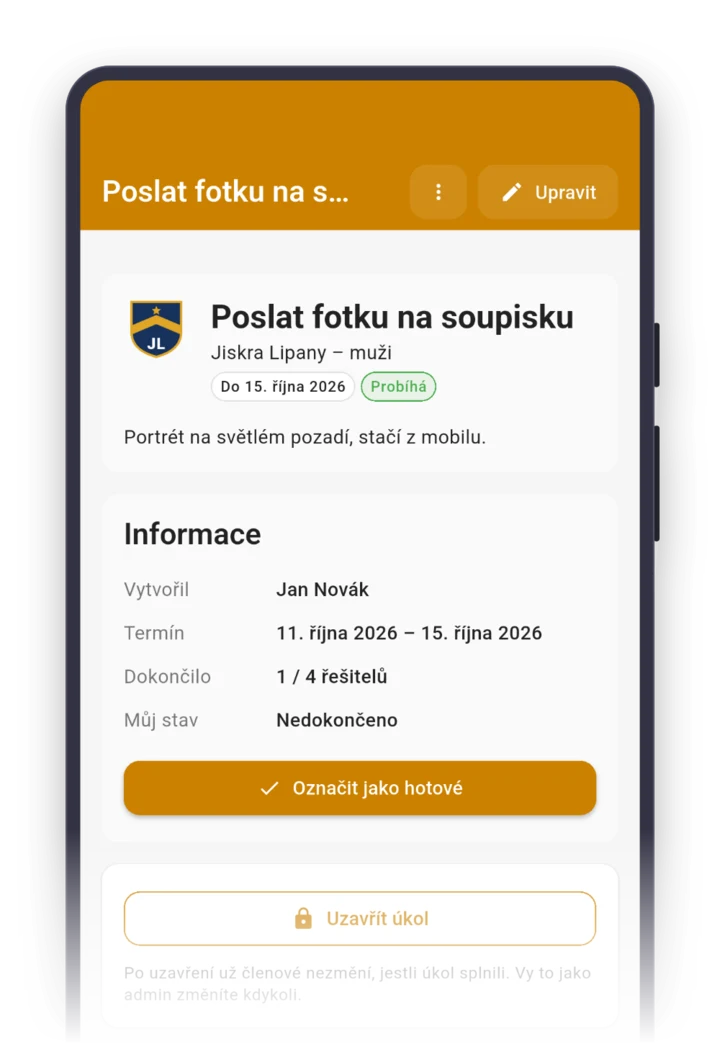
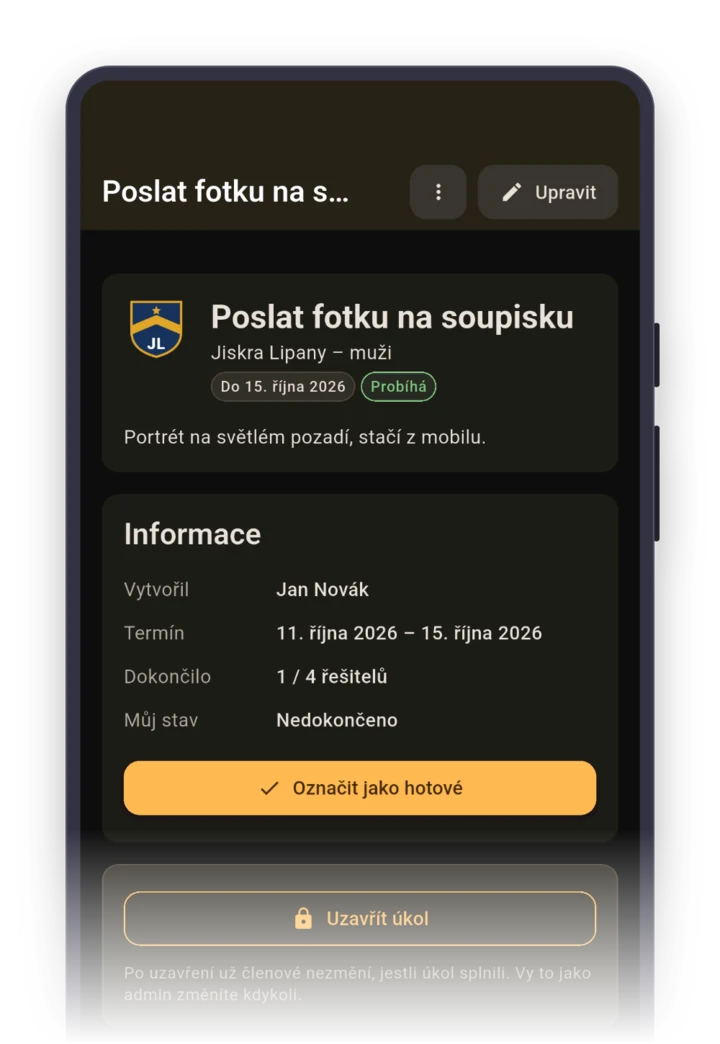
Someone has to unlock, set up the tables and barriers and get the score sheet ready. Create a task “Set up the hall for Saturday” and pick two people from the home team as assignees.
They get a reminder as soon as the task starts, and in the details you see if they’ve checked it off. Rides to away matches get sorted out in the match’s discussion, which only the selected players see.
Parents answer for the juniors in the hall
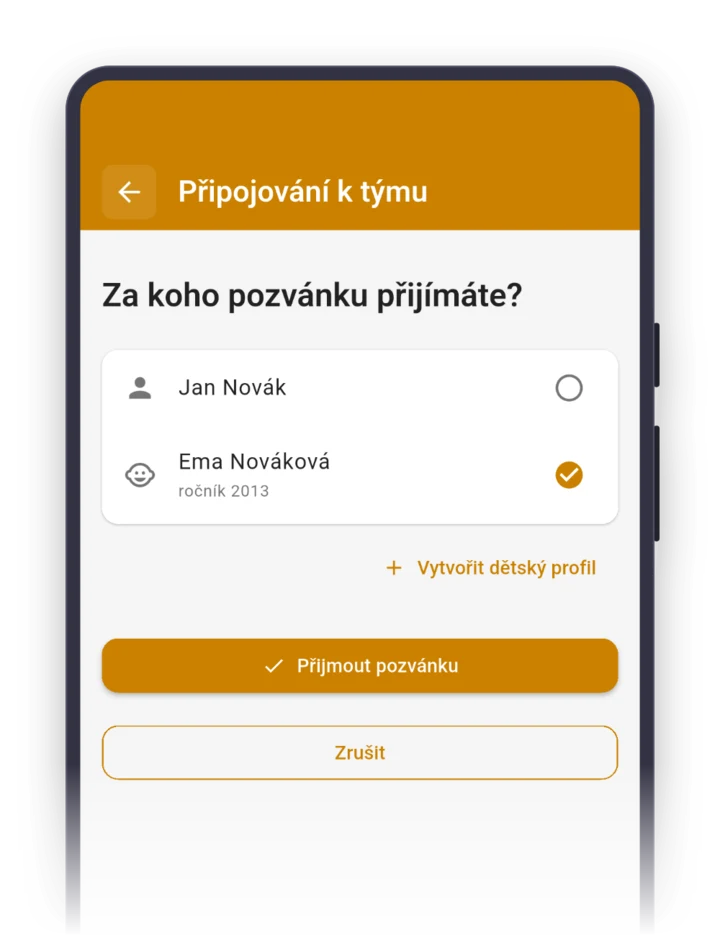
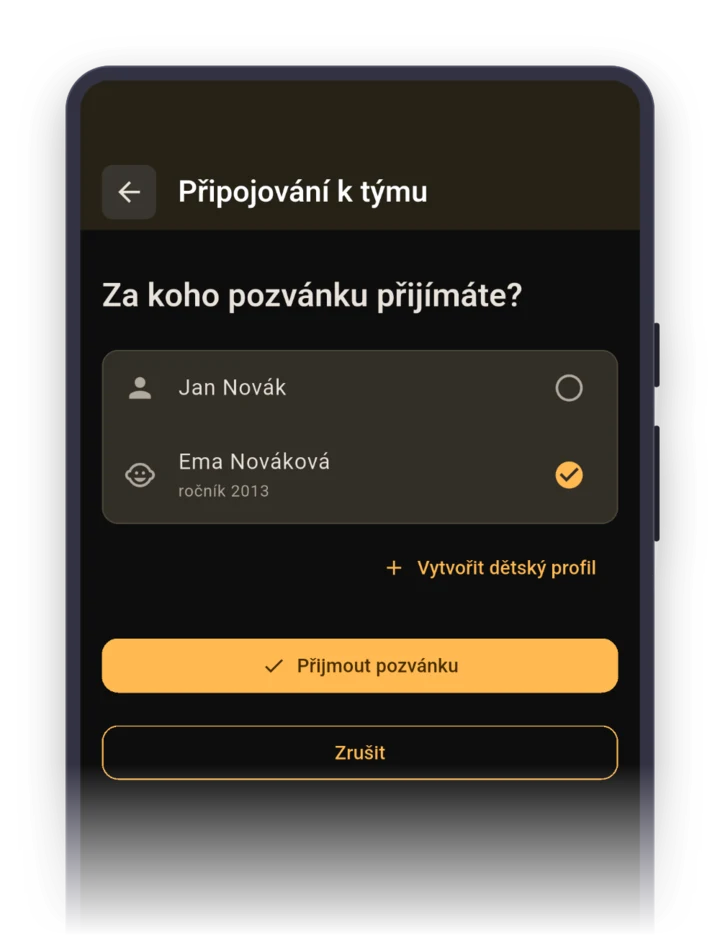
Juniors have their own team, so parents don’t get notifications about adult matches. A parent accepts the invite and creates a child profile for the kid along the way.
Then they answer for the child in the app or with one click Parents turn on email notifications in the app.. On Thursday at 2:00 PM, the coach knows how many kids are coming at 4:00 PM, and after training records attendance with “Everyone present”.
Roles your team gets right after it's created
When you pick the sport “Table tennis” while creating a team, the app sets up these roles for you. You can rename them, delete them or add more. Roles show who's who, they don't grant permissions.
Staff
- Section leader
- Coach
- Assistant coach
- Treasurer
FAQ
Players play for several league teams. Do I create a team in the app for each?
You don’t have to. When players move between league teams often, put the adults on one team and create each match only for the players who are in the running. The captain sees the whole club’s answers in one place, and each player gets only their own matches.
How do I put together a lineup for a match with the app?
The team captain puts the lineup together from the answers. From “Going” and “Not going”, they see who’s available that weekend, and who ends up playing, they post in the match’s discussion. After the match, they enter the result.
How do I enter the match schedule for the whole fall?
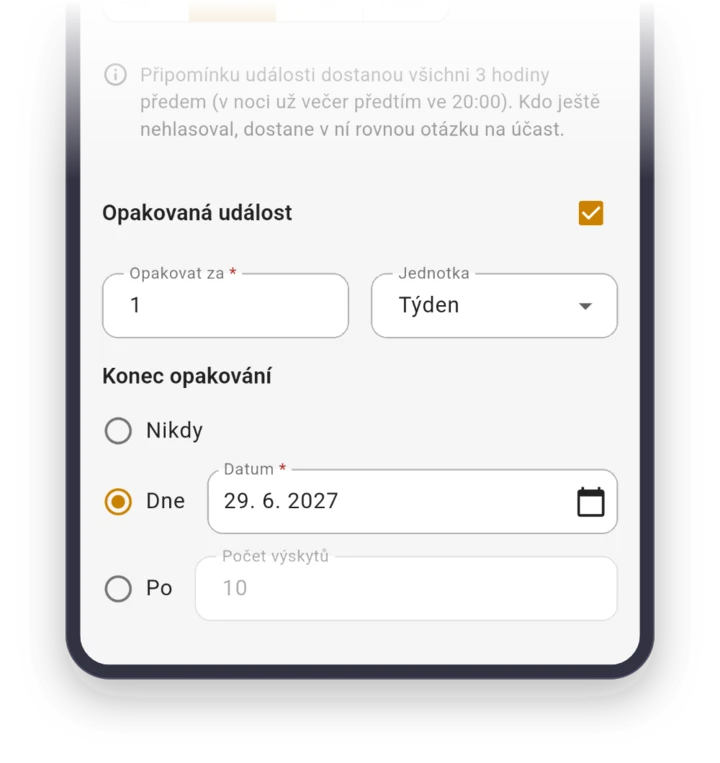
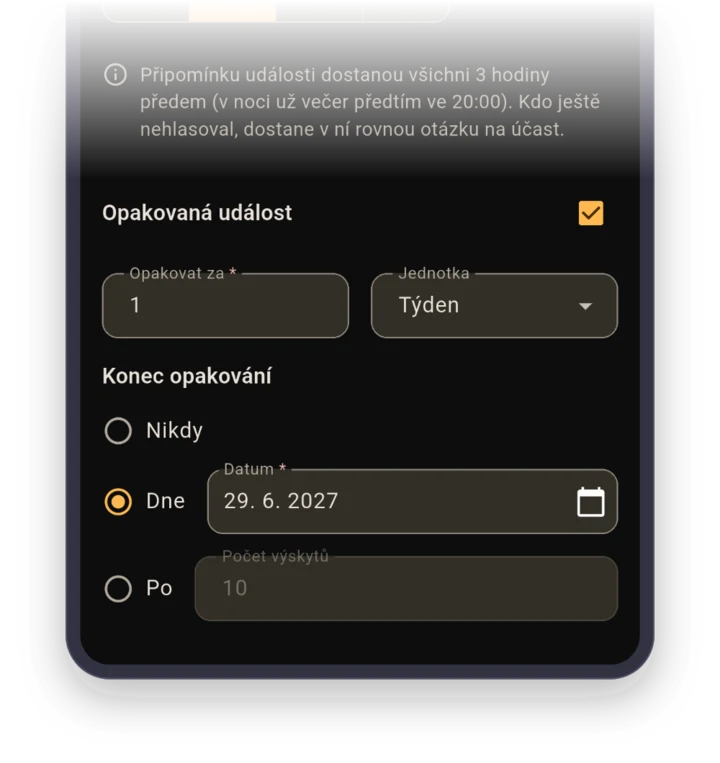
Create the first match as a “Match” with the opponent, place and meeting time, the rest with “Duplicate event”, changing the date and the opponent. You know the dates from the league schedule, so the fall takes one evening.
Our club has juniors and adults. Can we manage them together?
Yes. Juniors and adults are separate teams, and in the web app you bring them together under a club. The club admin manages all its teams, even without playing on them.
How much does the app cost for a club with several league teams?
Nothing. Sportuj.app is free for teams with no time limit, and a club with several teams is free too. A club can add Premium with a club website and event templates. The details are on the Pricing page.