An app for your floorball team
Saturday, 7:30 AM, the parking lot by the gym. The goalie is still a question mark. With Sportuj.app, you knew on Thursday night.













 Sportuj.app · now
Create. Invite. Play.
Sign up
With email, Google or Apple. On your phone or in the browser.
Team
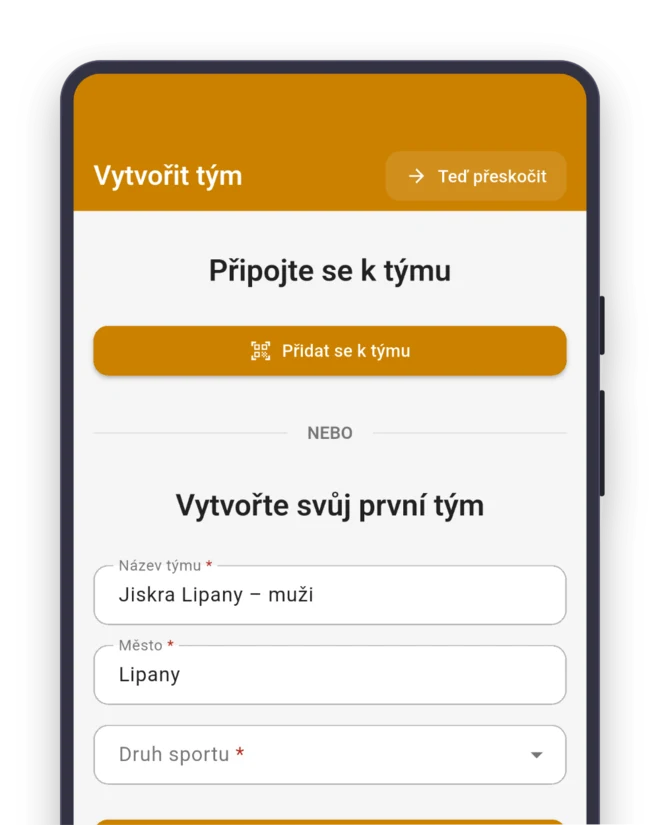
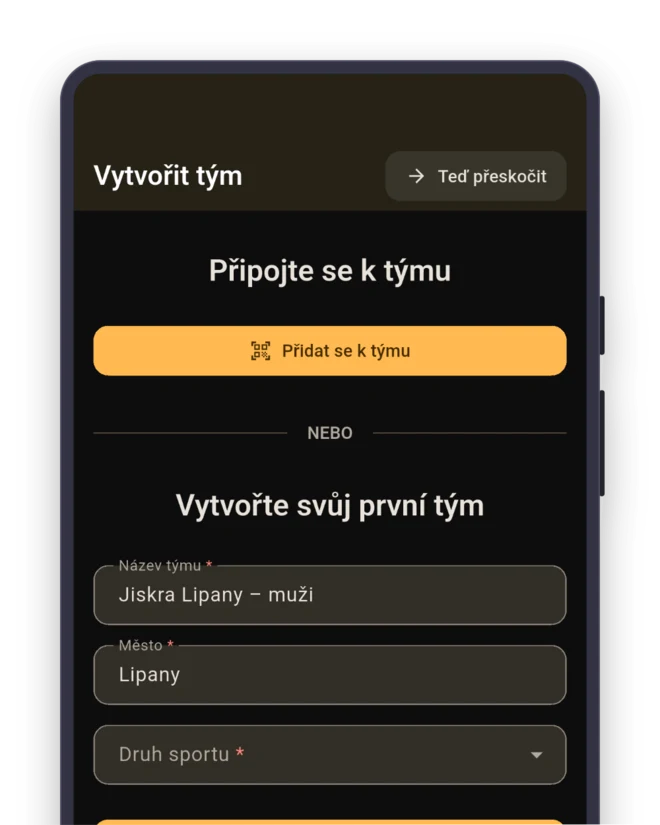
Sport: Floorball. The team gets the roles Goalkeeper, Defender, Center and Wing right away.
- Goalkeeper
- Defender
- Center
- Wing
Invite
Send the link to the group chat, or show a QR code at training.
Sort out the kids’ tournament by Thursday
Who’s going to Saturday’s tournament? You need to know by Thursday. With seven kids they can rotate. With five, they play the whole morning with barely a break.
Kate creates a “Tournament” event and sets “Sign-up closes” to Thursday, 8:00 PM. On Wednesday evening, parents who haven’t answered get an “RSVP reminder”. Who drives whom gets sorted out in the event’s discussion.
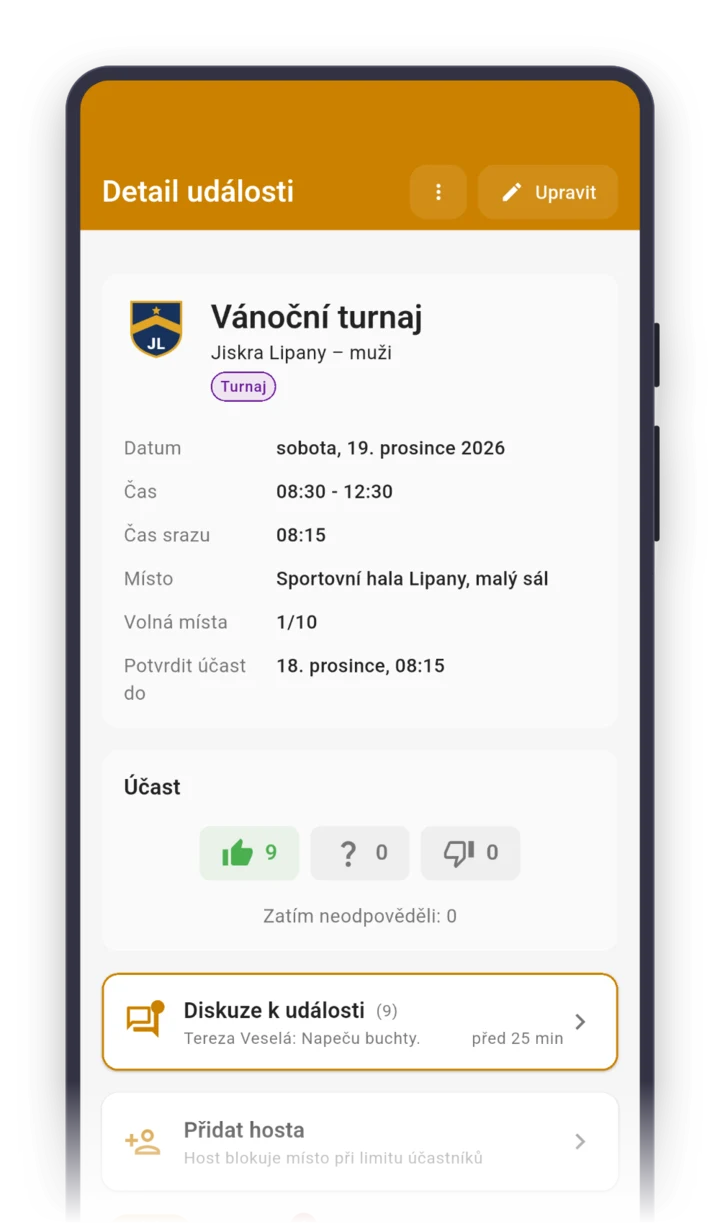
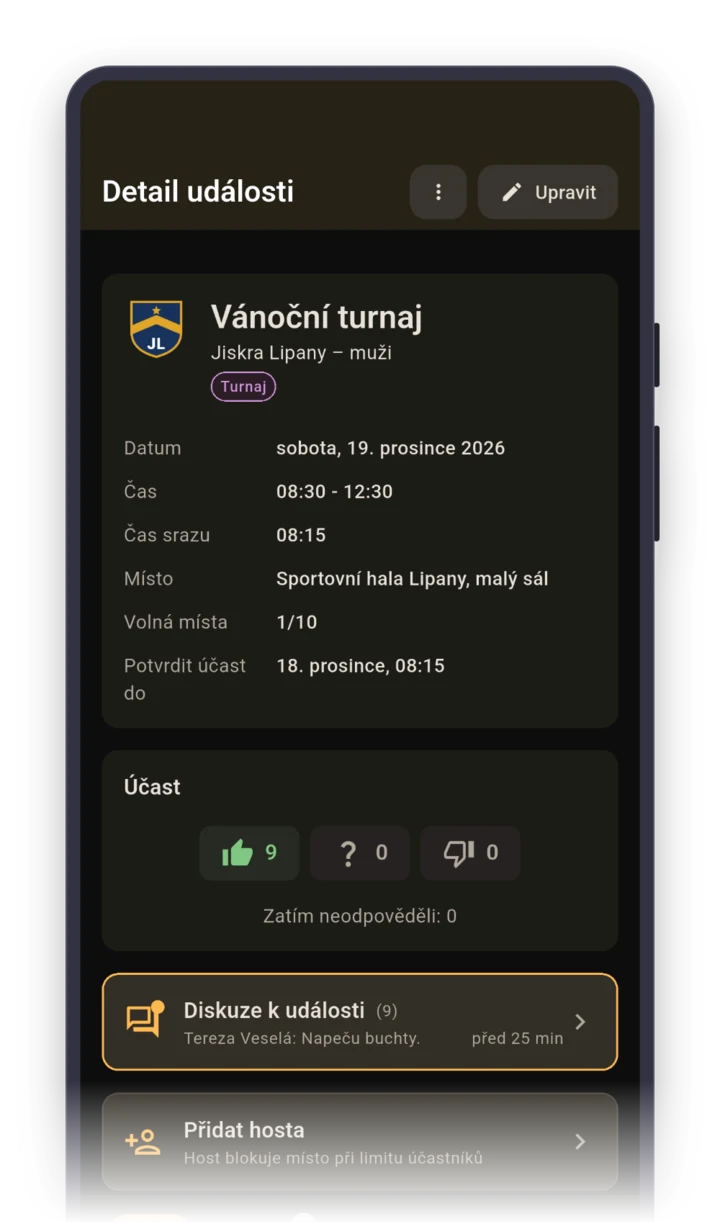
Whoever shows up first sets up the boards
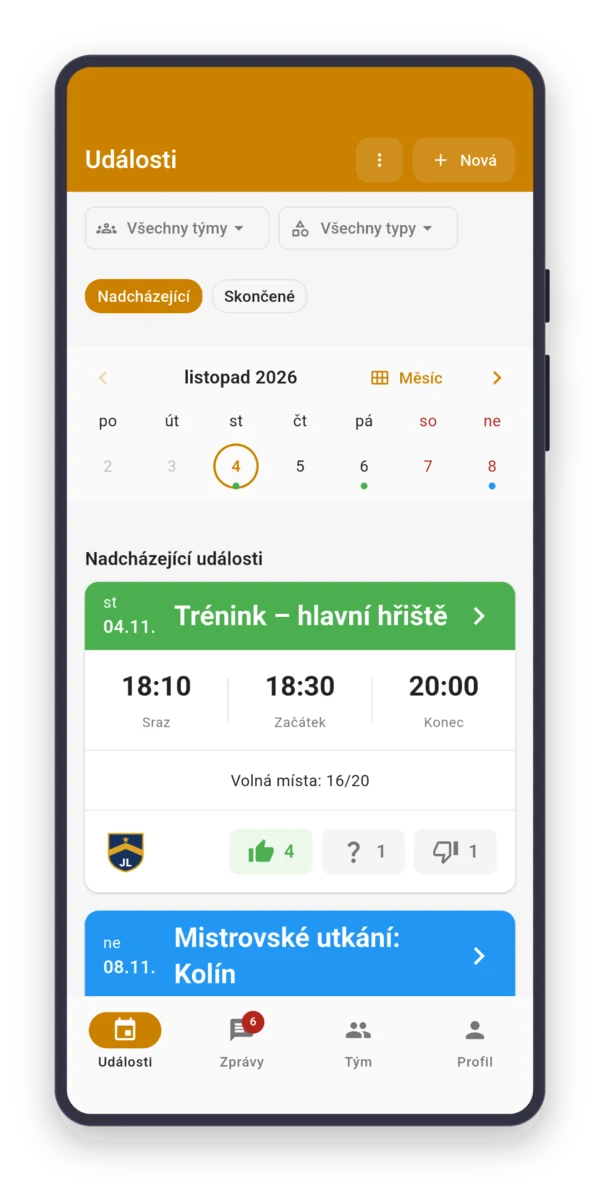
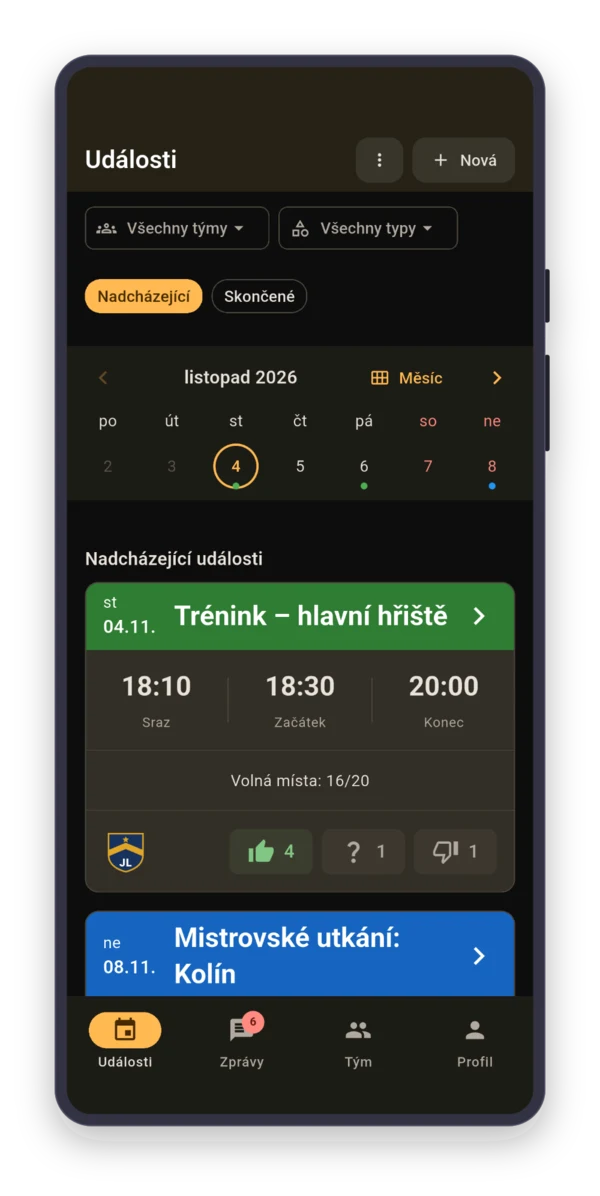
Tom runs a Monday night crew, the gym is booked from 8:00 PM. Training is a recurring event with meeting time 15 minutes early, so at 4:45 PM everyone gets a reminder for the 7:45 PM meetup.
Five on five with goalies takes twelve people. A friend who’s in for one week gets added with “Add guest”. Who paid for the gym this half-year, Tom ticks off in a task that only he can mark done.

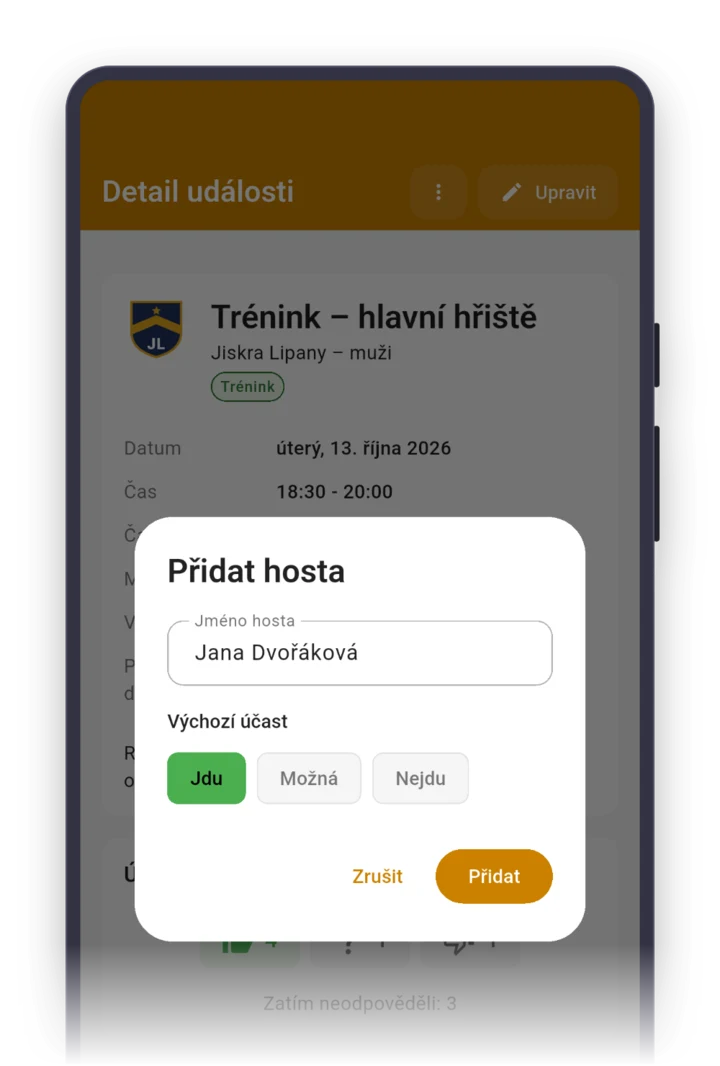
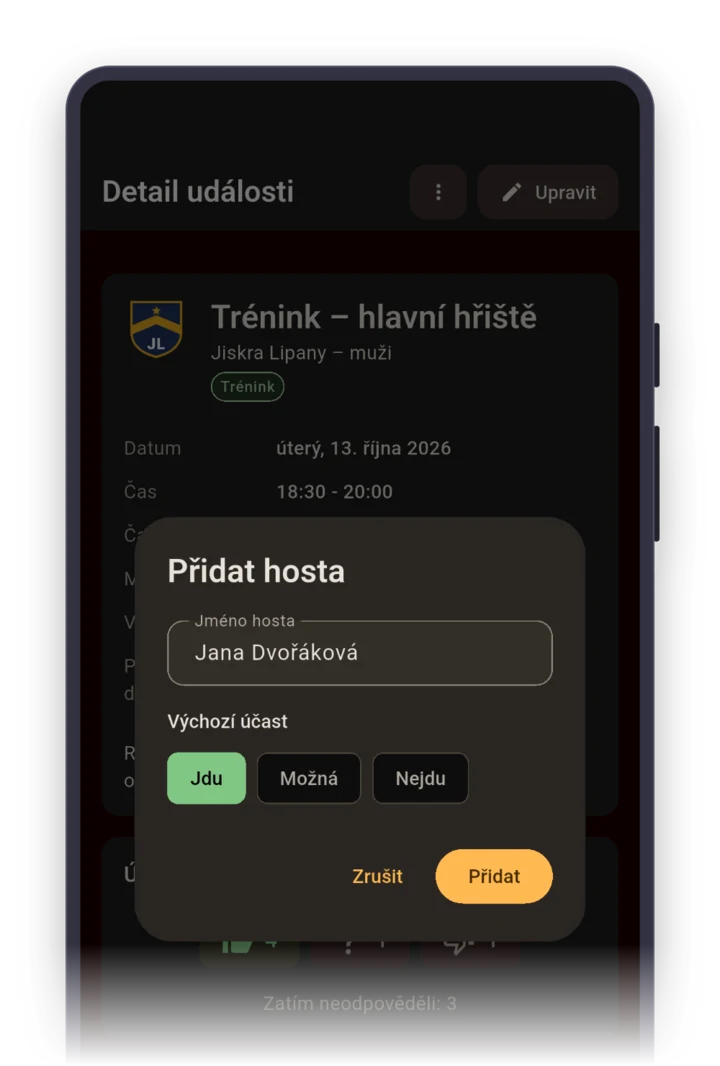
In an adult league, you get the schedule. You don’t invent it.
League matches are set for the whole half of the season, so create them as soon as the schedule comes out. A “Match” has an “Opponent” field. For away games, set an earlier meeting time and add where you leave from.
For a match where not the whole team goes, pick “Selected participants”. Every answer shows the player’s role, so you spot the missing goalie on Wednesday.

Parents answer for their kid with one tap
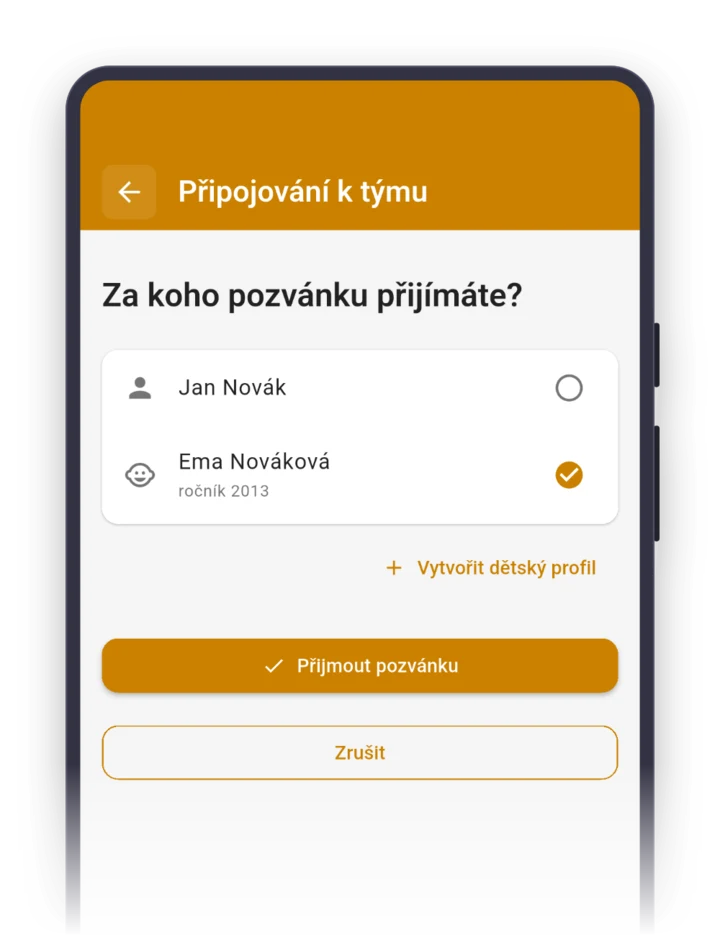
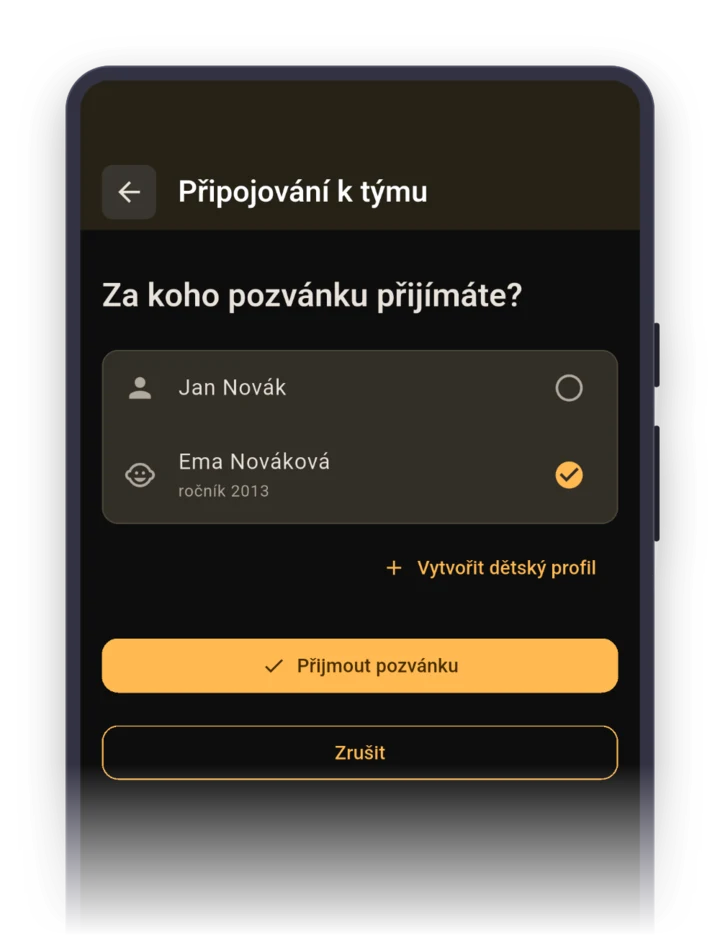
A parent accepts the invite on behalf of their child and creates a child profile right there. Then they answer from a phone notification or with one click Parents turn on email notifications in the app.. The second parent gets invited with “Invite a contact person”.
Parents’ phone numbers and emails are visible in the app only to the team admin, not to other parents. Rides get sorted out in the tournament’s discussion.
Roles your team gets right after it's created
When you pick the sport “Floorball” while creating a team, the app sets up these roles for you. You can rename them, delete them or add more. Roles show who's who, they don't grant permissions.
Staff
- Team manager
- Coach
- Assistant coach
Player role
- Captain
- Goalkeeper
- Defender
- Center
- Wing
FAQ
How do I get answers for a kids’ tournament in time?
Set “Sign-up closes” on the tournament, say Thursday at 8:00 PM, and an “RSVP reminder” for Wednesday evening. It goes only to parents who haven’t answered yet. They can answer from the phone notification or with one click in an email (parents turn on email in the app).
I coach U11 and U13. Do I need a separate team for each age group?
Yes, each age group is its own team with its own roster and attendance. You switch between teams with one tap, and the event list shows training for both groups together, or you filter them.
How do I keep track of who in the crew has paid for the gym?
Create a task, for example “Pay for the gym – fall”, and check “Only an admin can mark completion”. When someone sends the money, you mark it done for them. You see how many people have paid and who hasn’t, everyone else sees only their own status.
Do the little kids need the app too?
No. A child has a child profile that a parent manages in their own app. The child is on the roster, the parent answers for them and can invite the second parent as a contact person.
How much does Sportuj.app cost for a floorball crew?
Nothing. Sportuj.app is free for teams with no time limit, and a club with several teams is free too. A club can add Premium with a club website and event templates. The details are on the Pricing page.