An app for your firefighting sport team
Saturday, a competition two villages over. Thursday night, you still don’t know if the pump operator is coming. With Sportuj.app, you know by Friday.













 Sportuj.app · now
Create. Invite. Play.
Sign up
With email, Google or Apple. On your phone or in the browser.
Team
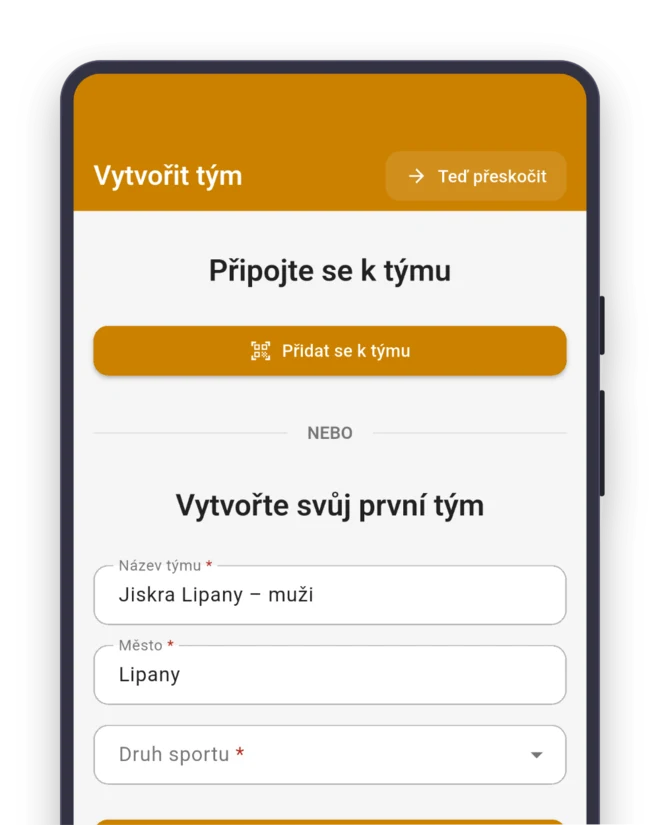
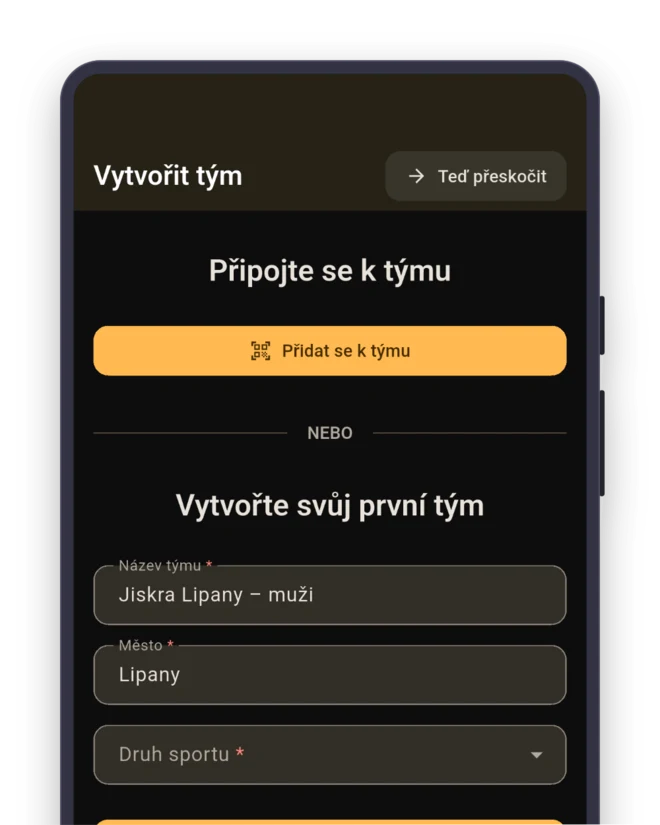
Sport: Firefighting sport. The team gets roles from starter to pump operator right away.
- Starter/first runner
- Hose runner
- Nozzle operator
- Pump operator
Invite
Send the link to the group chat, or show a QR code at training.
Seven for the attack, each in their spot
In a fire attack, a team of seven races the clock: pump, hoses, water on the targets. You can’t replace the pump operator with someone who’s never run the pump. Paul leads the men’s team, and the group chat has “who’s going?”, three thumbs-up and one “probably”. The pump won’t start itself.
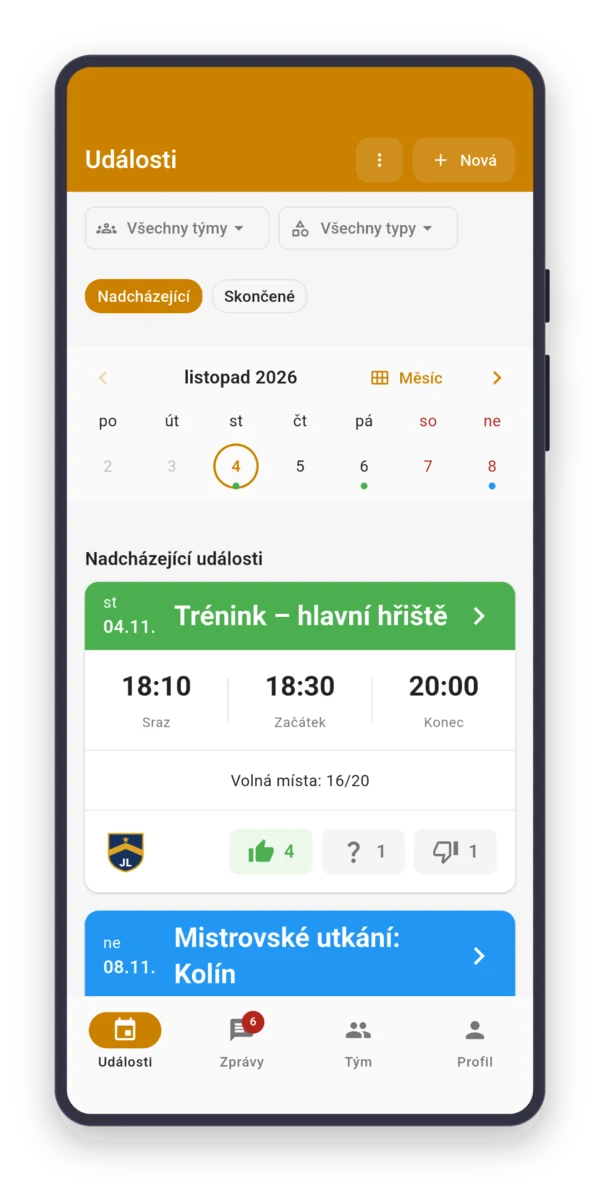
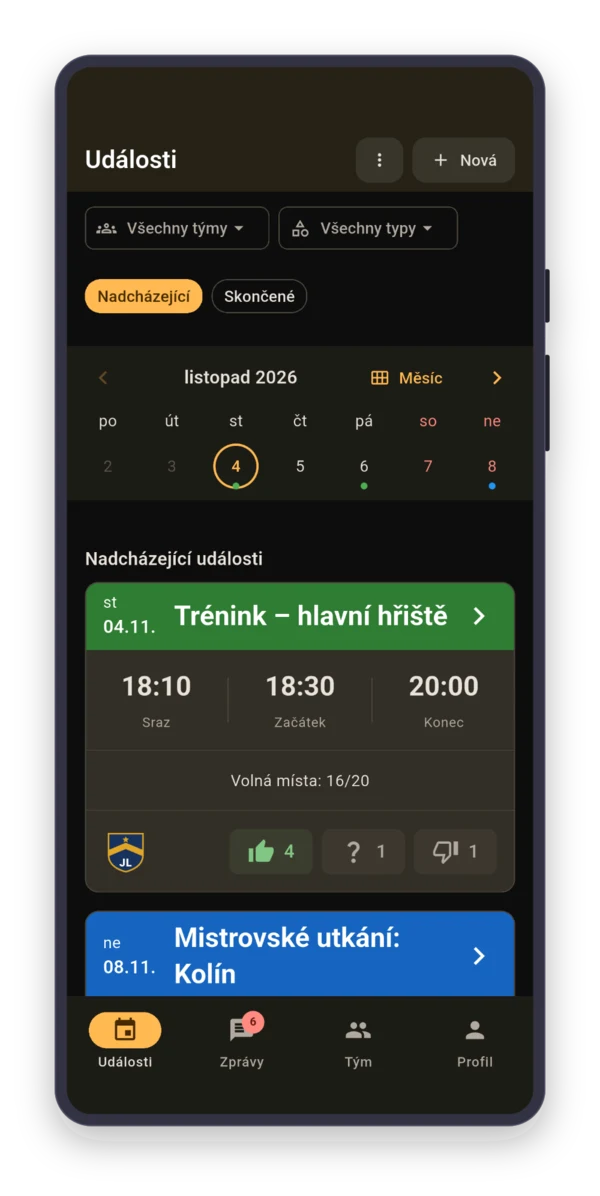
In the app, he creates a “Competition” with “Sign-up closes” on Friday at 6:00 PM. The role shows next to every answer, so he sees if the Pump operator gave a thumbs-up too.

Spring to September, a different place every weekend
District competitions, cup and league rounds, night attacks. Each has its own place and start time, so create each one separately. Get the next similar one with “Duplicate event”, then change just the date and place.
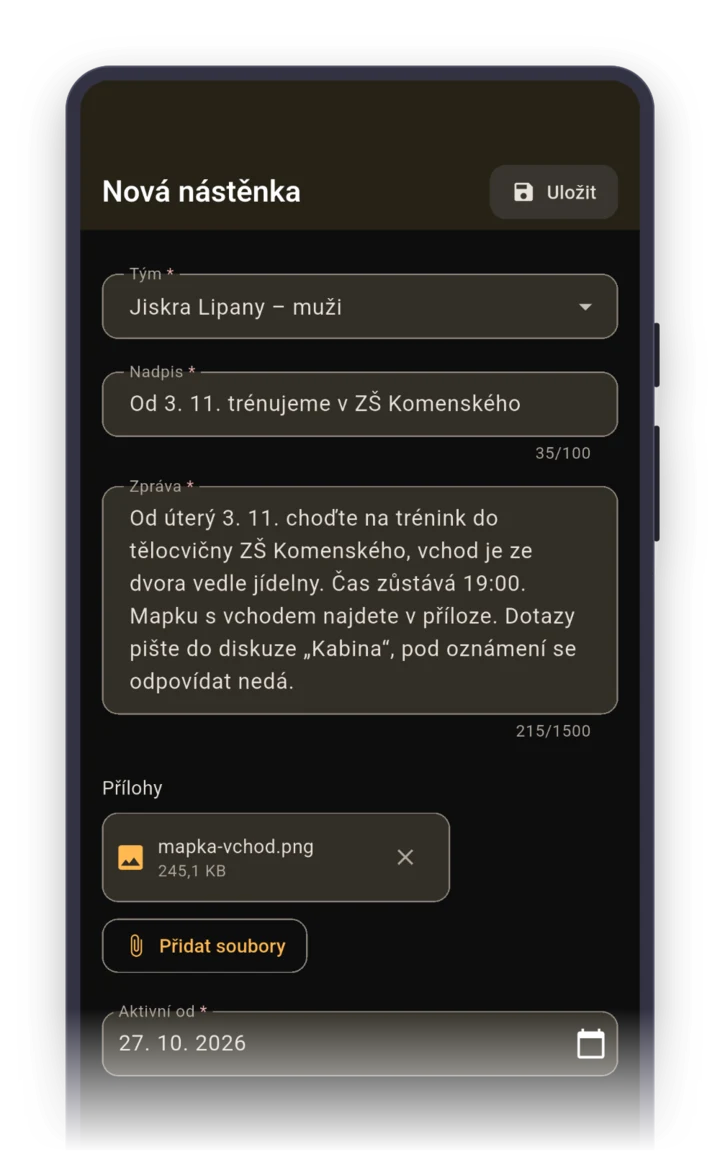
Set leaving from the fire station as the “Meeting time” and put the rules PDF on the board as an attachment, so nobody has to dig for it in an old email.
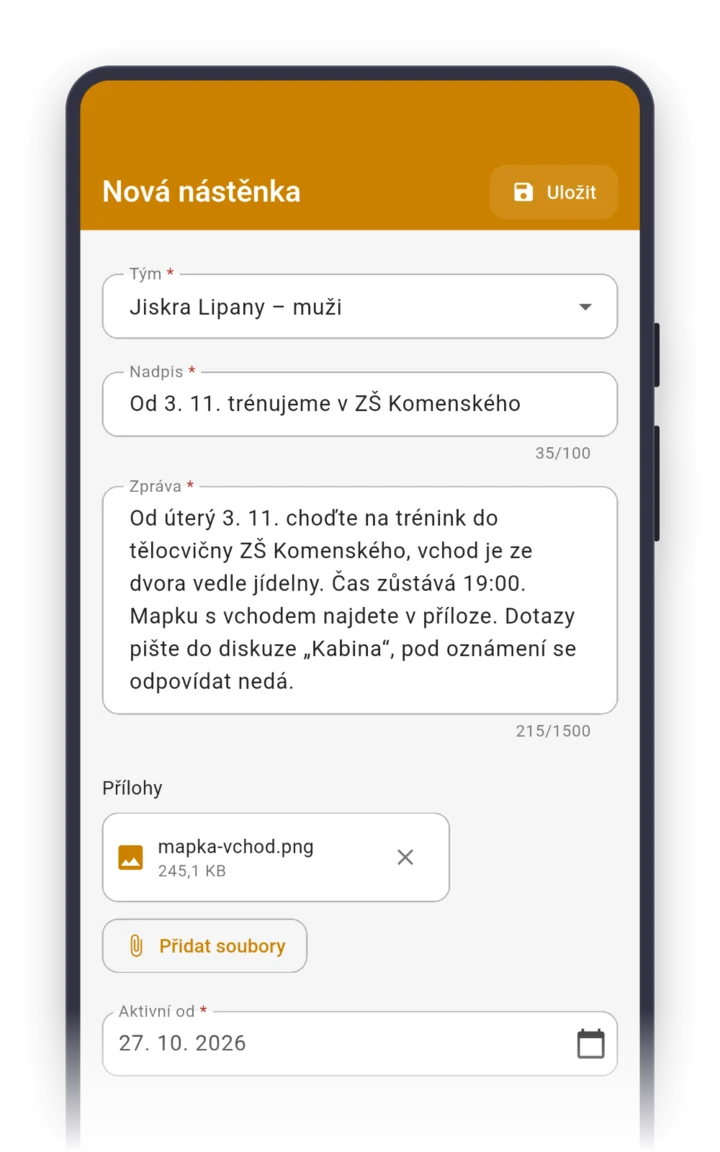
Nobody practices with the pump in fours
Attack practice needs the pump, water in the tank and the whole team. Create it as a recurring event through September. Who gets the pump ready is settled by a task “Prep the pump and fill it up” for the pump operator.
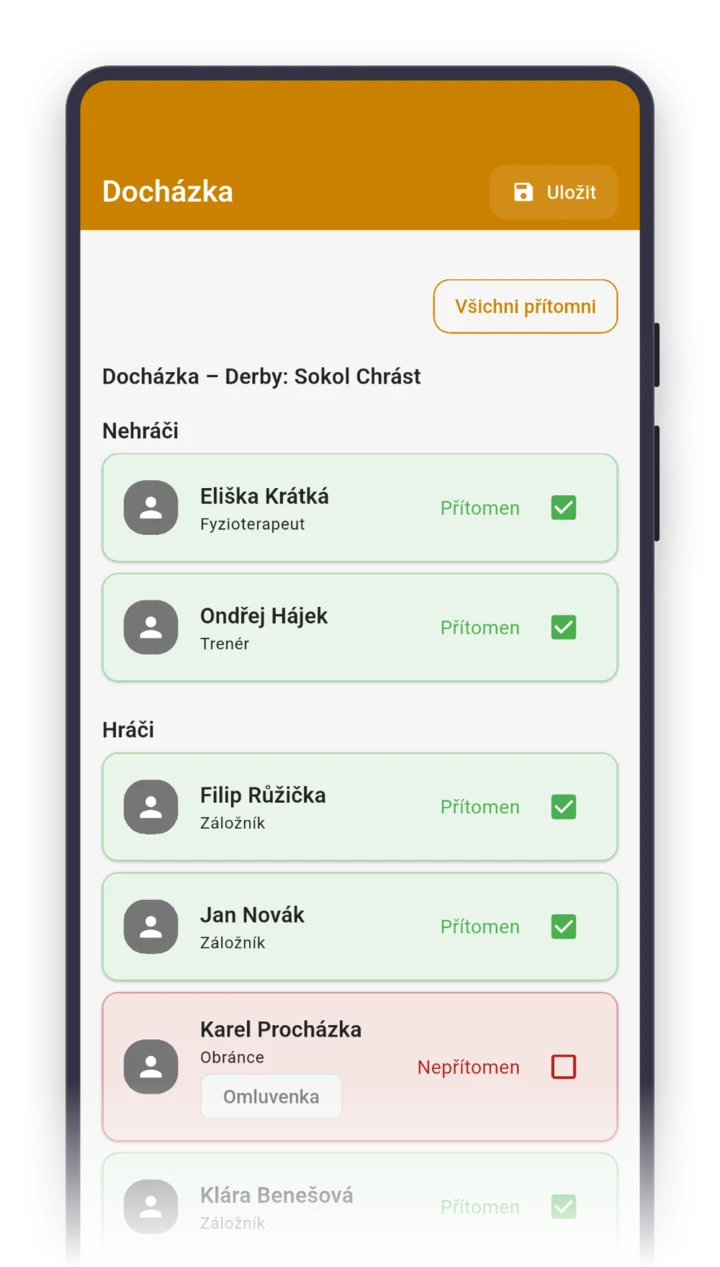
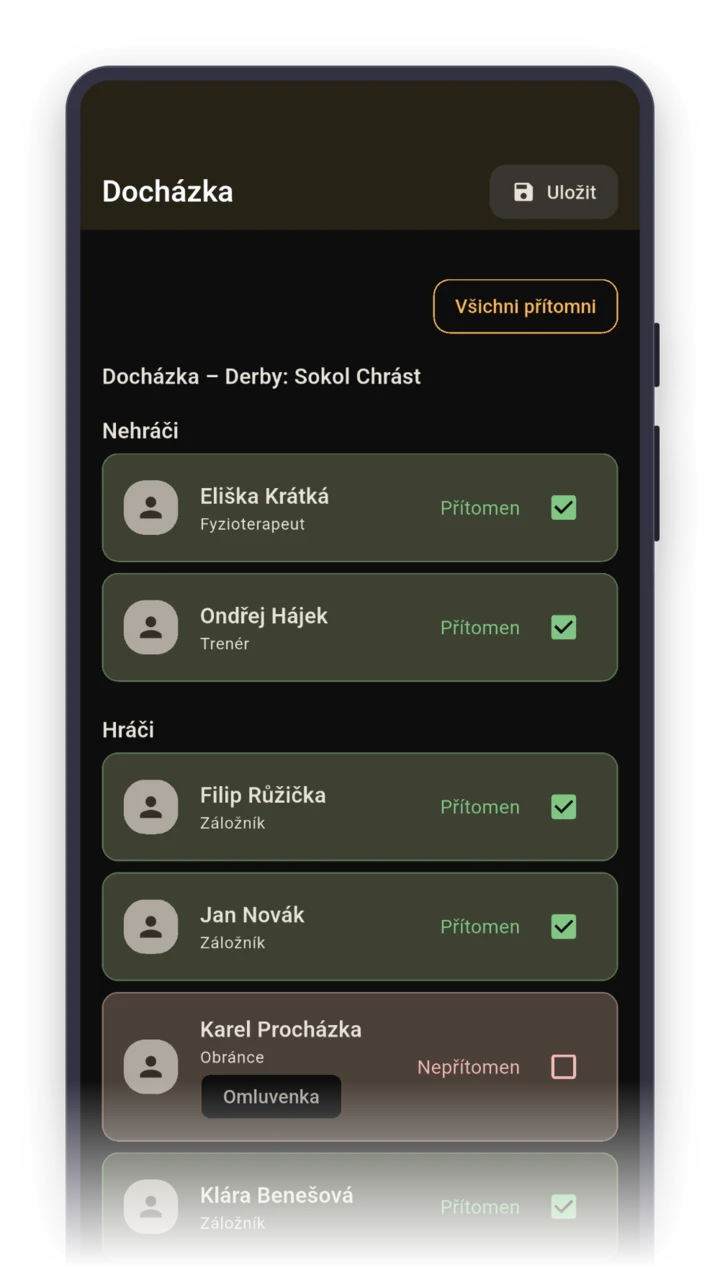
After practice, tap “Everyone present” and fix who was missing. At the end of summer, you know who practiced the attack and who only showed up for competitions.
Parents answer for young firefighters
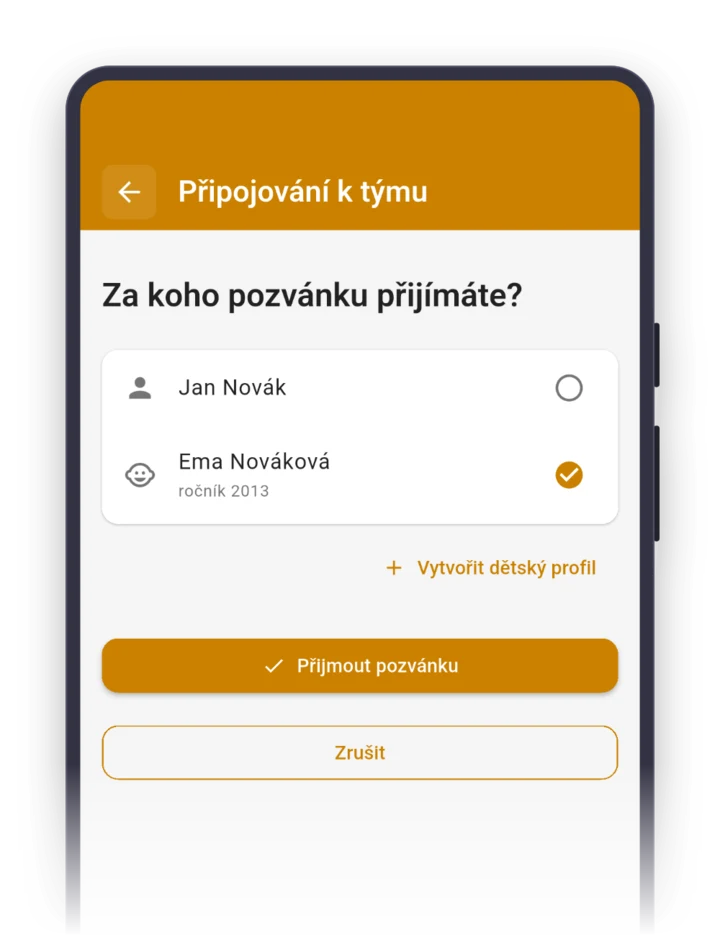
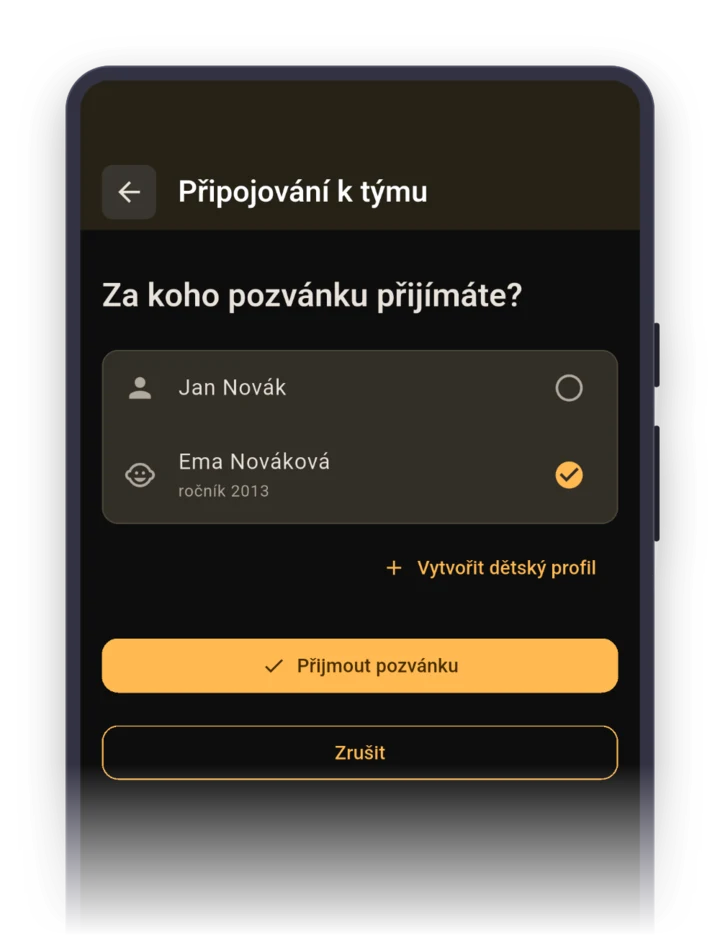
A kid doesn’t need a phone or an email. A parent accepts the invite on behalf of their child and creates a child profile right there. Then they answer from a phone notification or with one click Parents turn on email notifications in the app., and invite the second parent as a contact person.
Parents’ phone numbers and emails are visible in the app only to the team admin, the group leader, not to other parents.
Roles your team gets right after it's created
When you pick the sport “Firefighting sport” while creating a team, the app sets up these roles for you. You can rename them, delete them or add more. Roles show who's who, they don't grant permissions.
Staff
- Group leader
- Squad leader
- Instructor
- Coach
Player role
- Captain
- Starter/first runner
- Hose runner
- Nozzle operator
- Pump operator
FAQ
How do I know if the pump operator is coming to Saturday’s competition?
By the role on the event’s roster. When everyone on the team has their position, like Pump operator or Nozzle operator, you see who’s who next to every answer. With sign-up closing on Friday, you know a day ahead whether you have the full team.
Does the app work for a young firefighters’ group?
Yes. Kids don’t need a phone or an email, a parent creates a child profile for them and answers for them. The second parent gets invited as a contact person, so the leader has the kid on the roster once and both parents know about practice.
We have men, women, juniors and young firefighters. How do we split them?
Each team is its own team in the app, and anyone on more than one switches between them with one tap. In the web app, you can bring them all under one club.
The competition is canceled because of a storm. How do I tell everyone?
In the event details, pick “Cancel or delete”, then “Cancel”, and write the reason. Everyone who already answered for the competition gets a notification, and it stays crossed out in the list. If it’s on after all, you restore the event.
How much does it cost a volunteer fire brigade?
Nothing. Sportuj.app is free for teams with no time limit, and a club with several teams is free too. A club can add Premium with a club website and event templates. The details are on the Pricing page.