From the invite to recorded attendance
What a team deals with every week and where to find it in the app.
One tap instead of ten messages
Tap “Going” right in the notification, without opening the app.
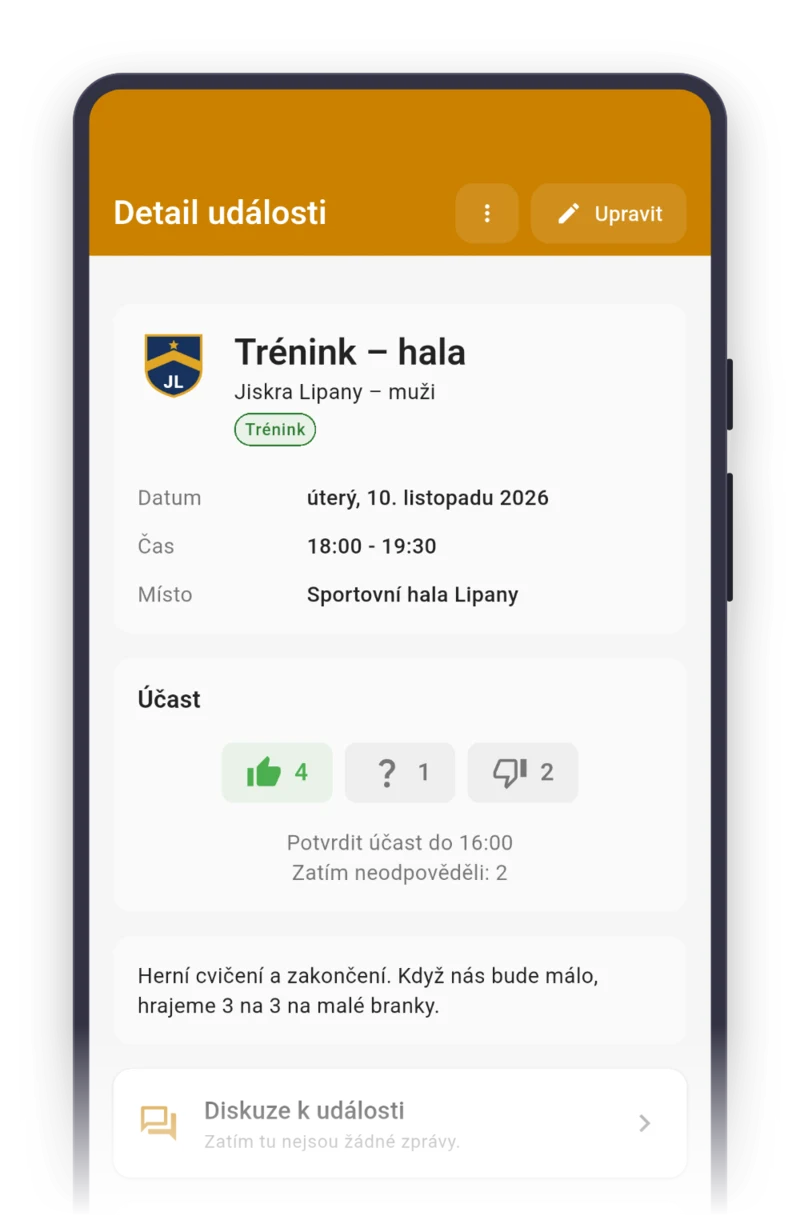
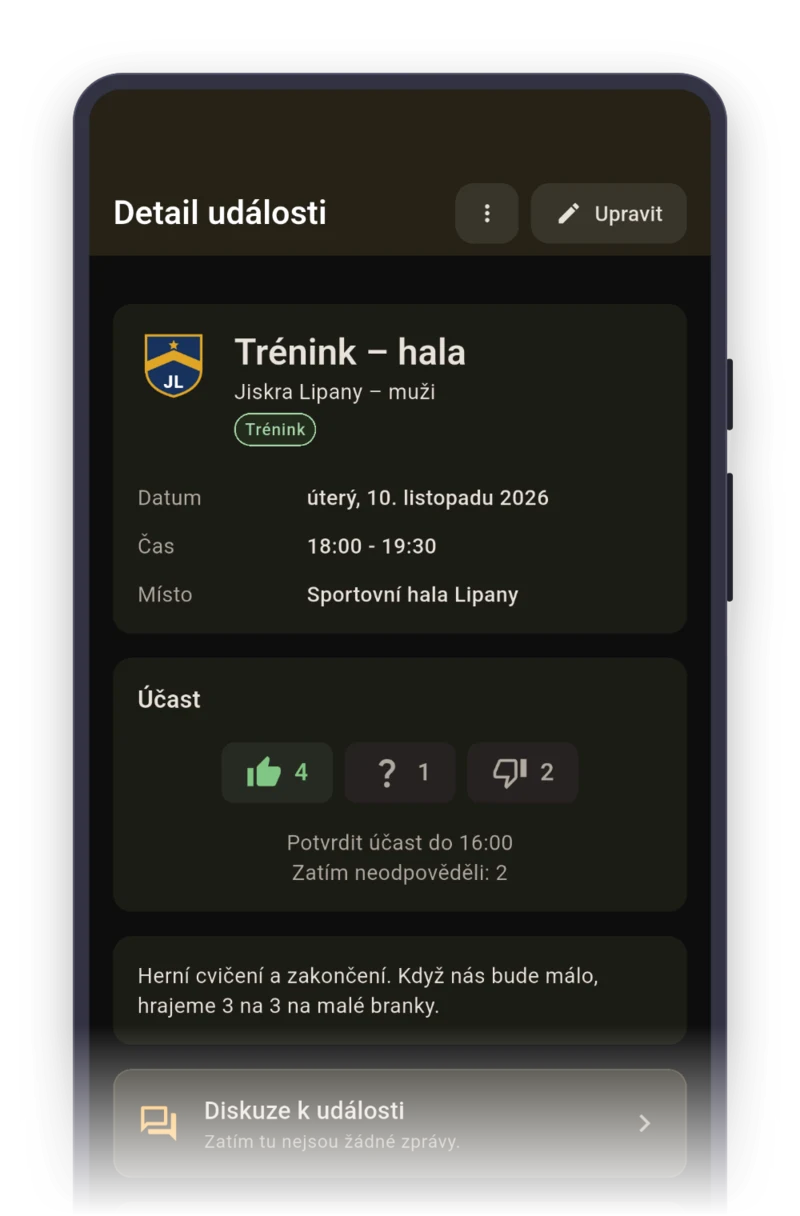
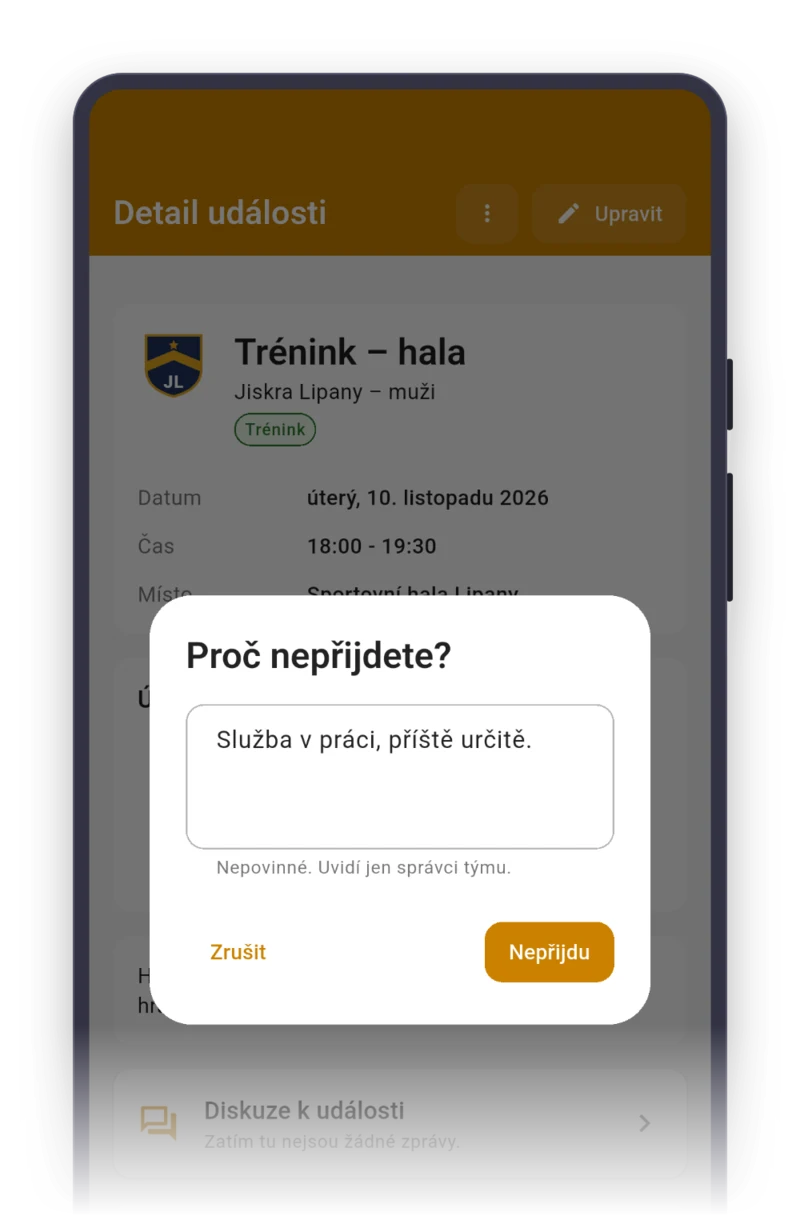
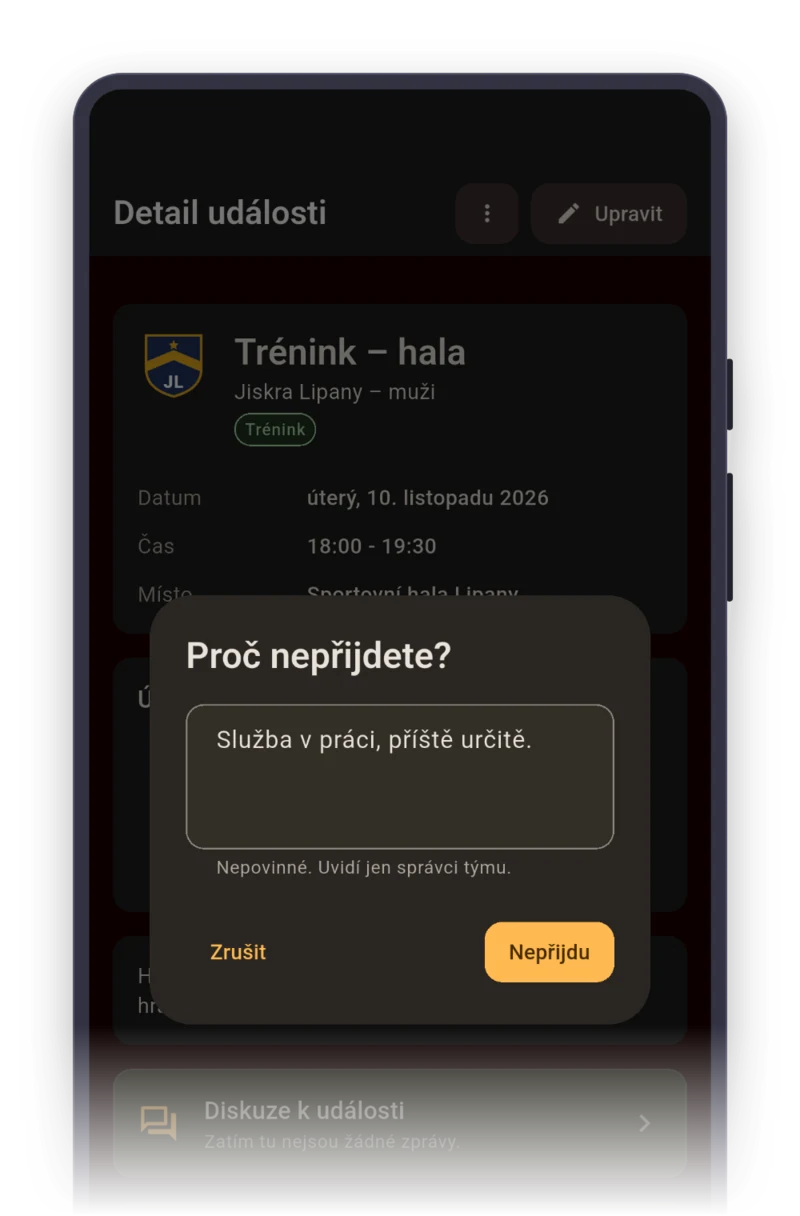
The training details show the counts, the free spots and who hasn’t answered yet. Only the admin sees the reason someone can’t come.
Chasing people: off
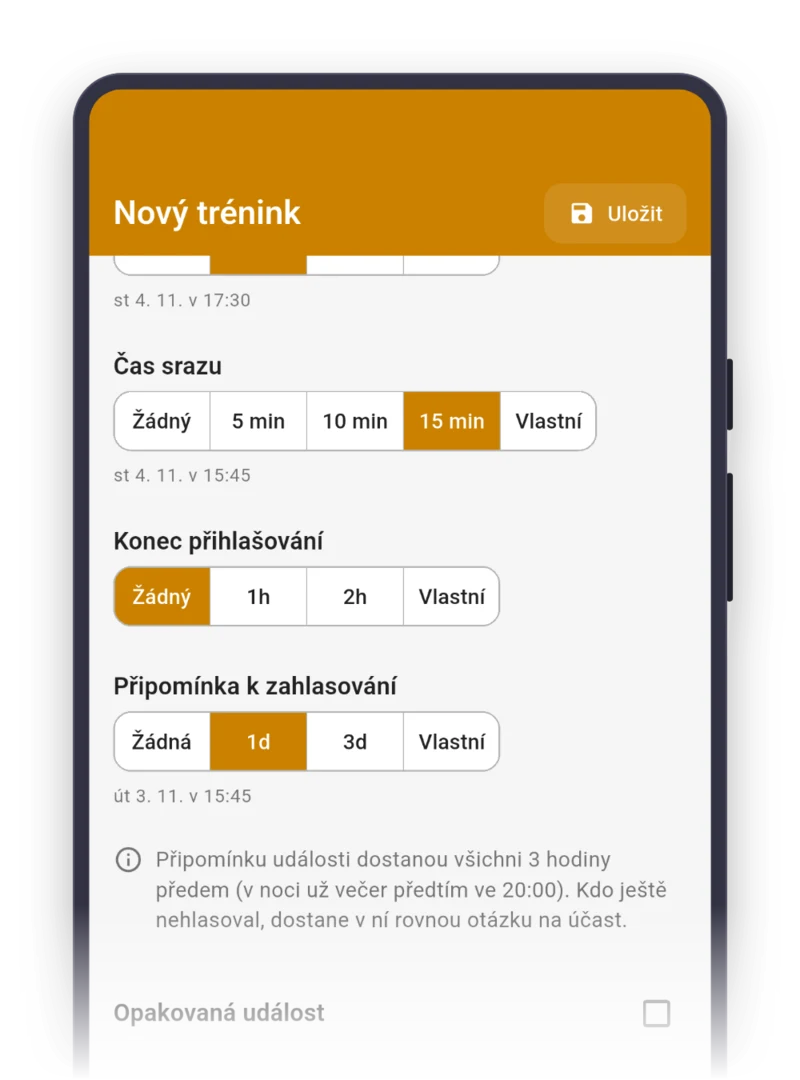
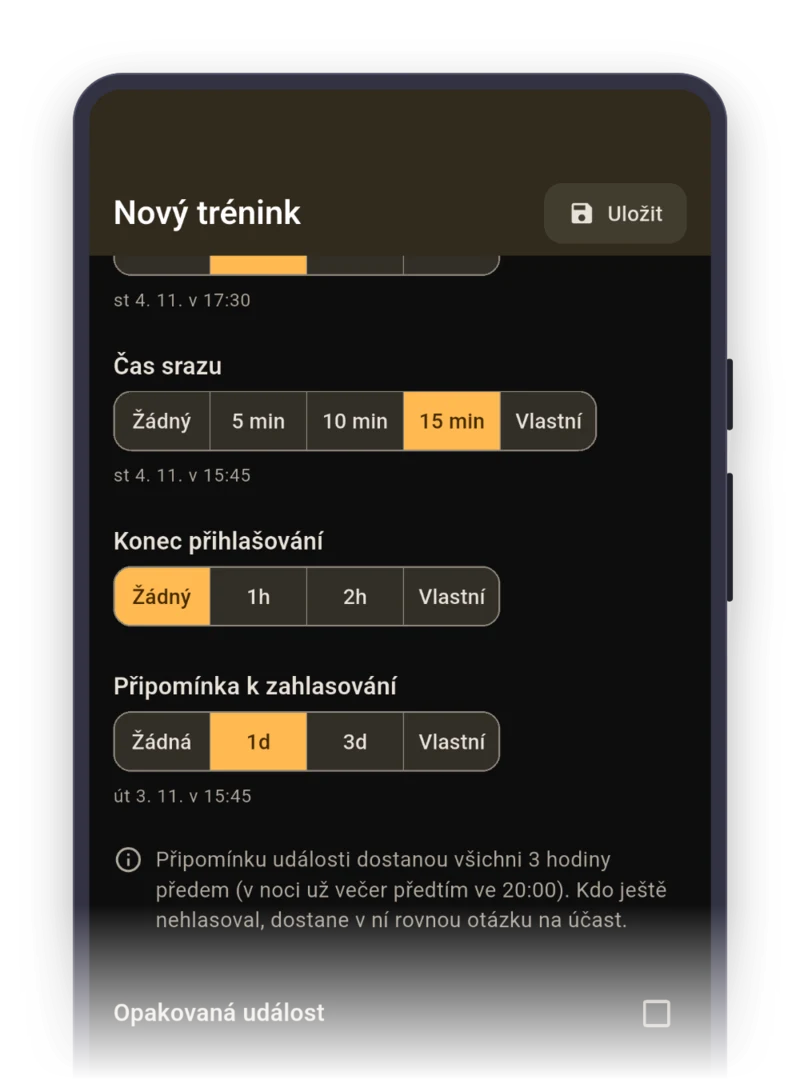
Three hours before meeting time for everyone, the day before only for those who are quiet.
You choose when the RSVP reminder goes out. And “Sign-up closes” says until when people can answer.
Bonus: you can In “Team settings”, with the “Offer the Maybe answer” option. Members then answer only “Going” or “Not going”. the “Maybe” button.
 Sportuj.app · now
The substitute moves up on their own
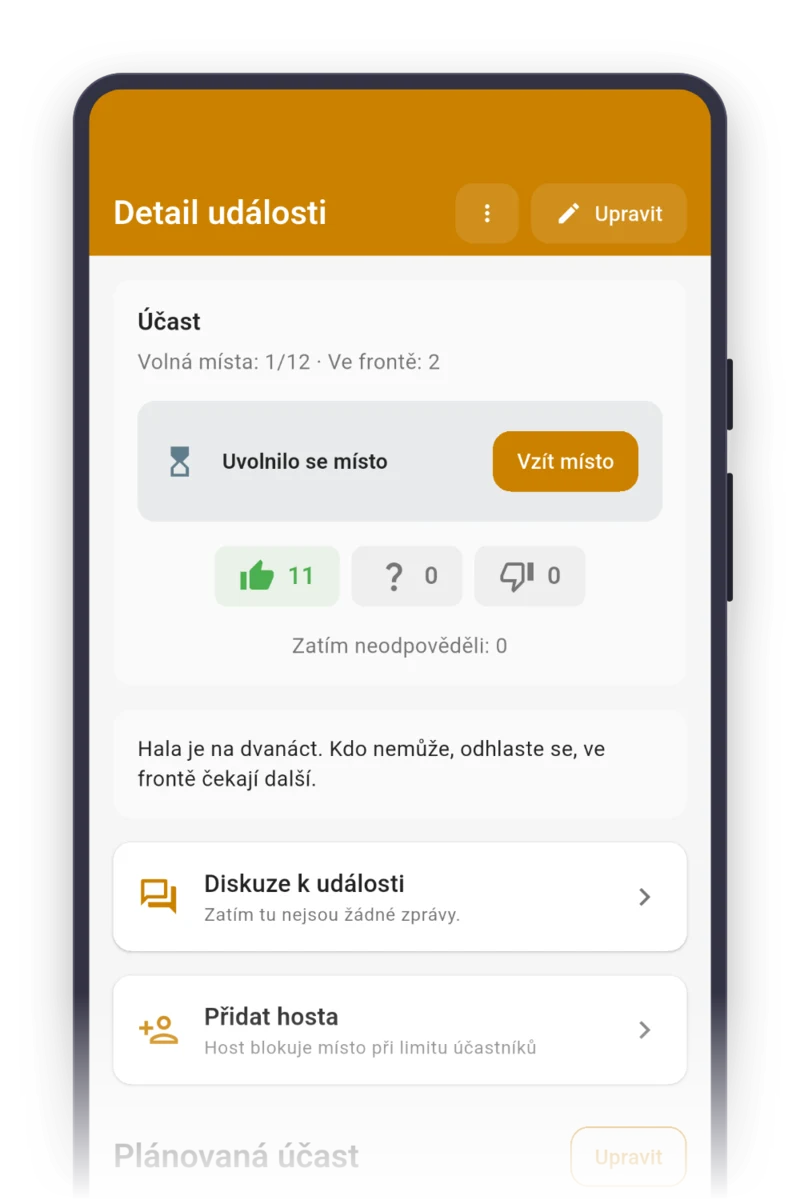
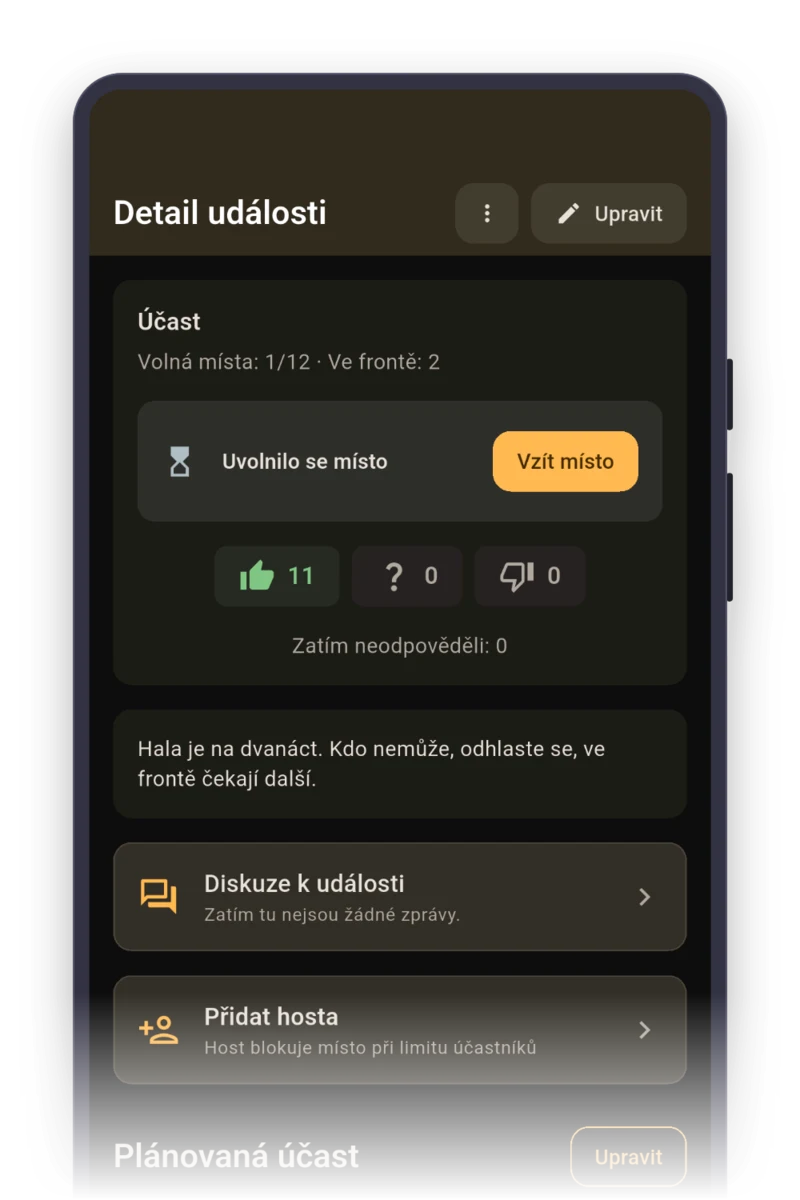
Room for twelve? The rest wait on the waitlist.
Nobody gets kicked out
Whoever has a spot keeps it, no matter who signs up later.
Regular players come first
Substitutes join The “Substitutes can sign up” option. Until then substitutes wait on the waitlist, then they fill the free spots in the order they signed up., say the day before.
“Take the spot”
A spot opens up In the last 3 hours before meeting time, or once sign-up has closed, nobody moves up from the waitlist automatically. The spot goes to the first to tap “Take the spot”. Earlier, a freed spot goes to the first on the waitlist automatically.? Whoever taps to say they’ll make it plays.
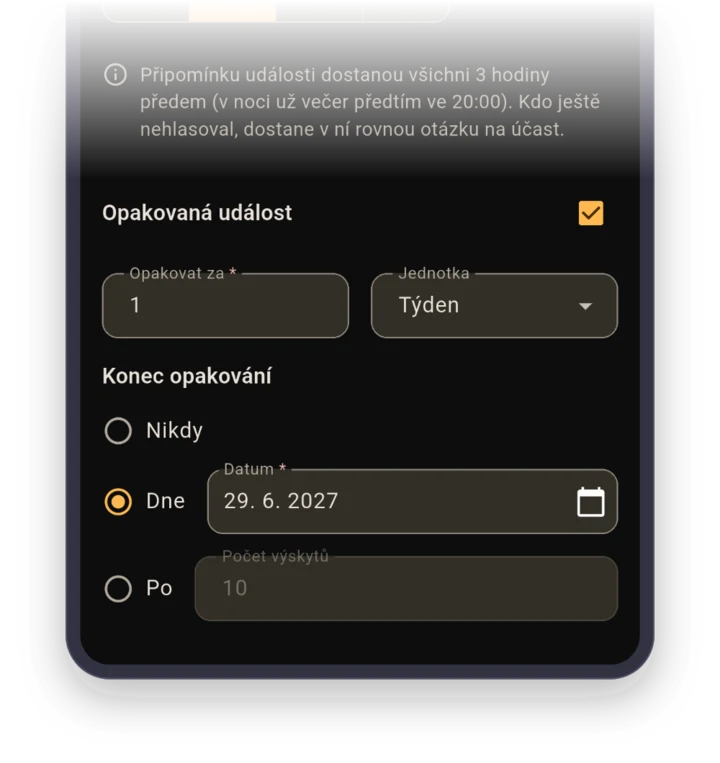
Training for the whole season
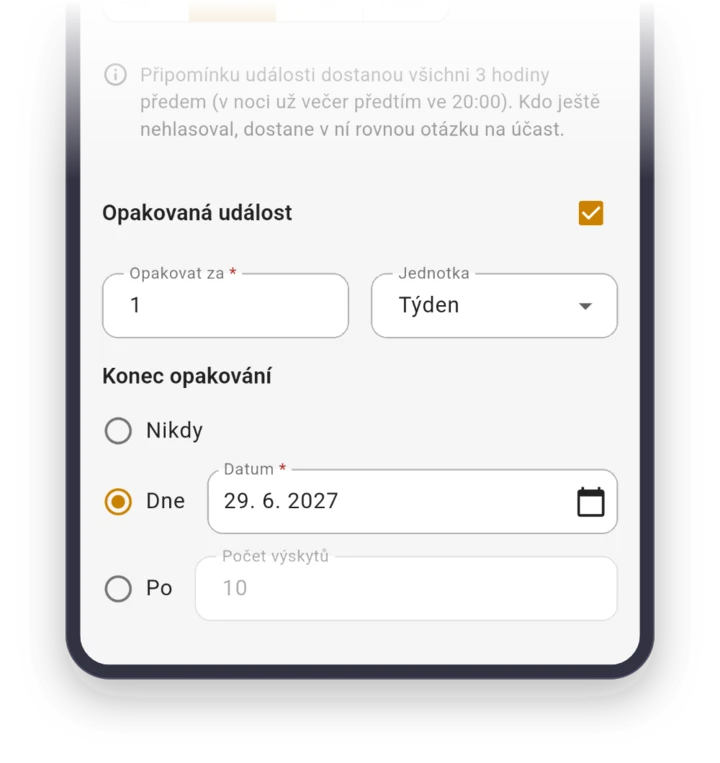
Create it once and it fills the calendar by itself.
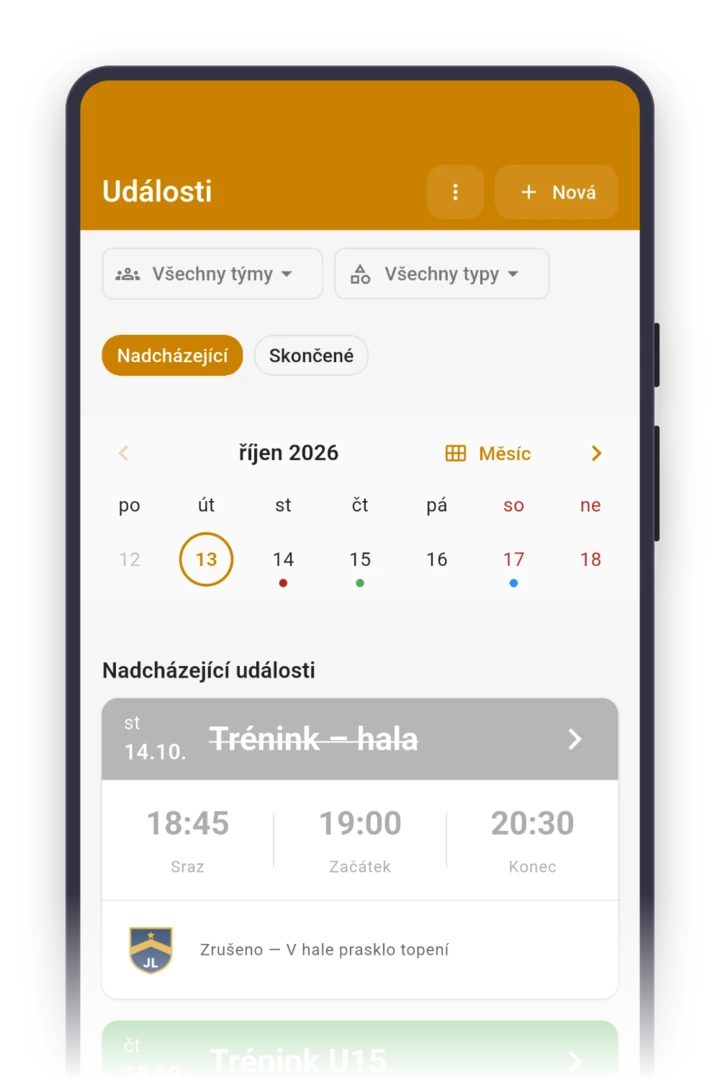
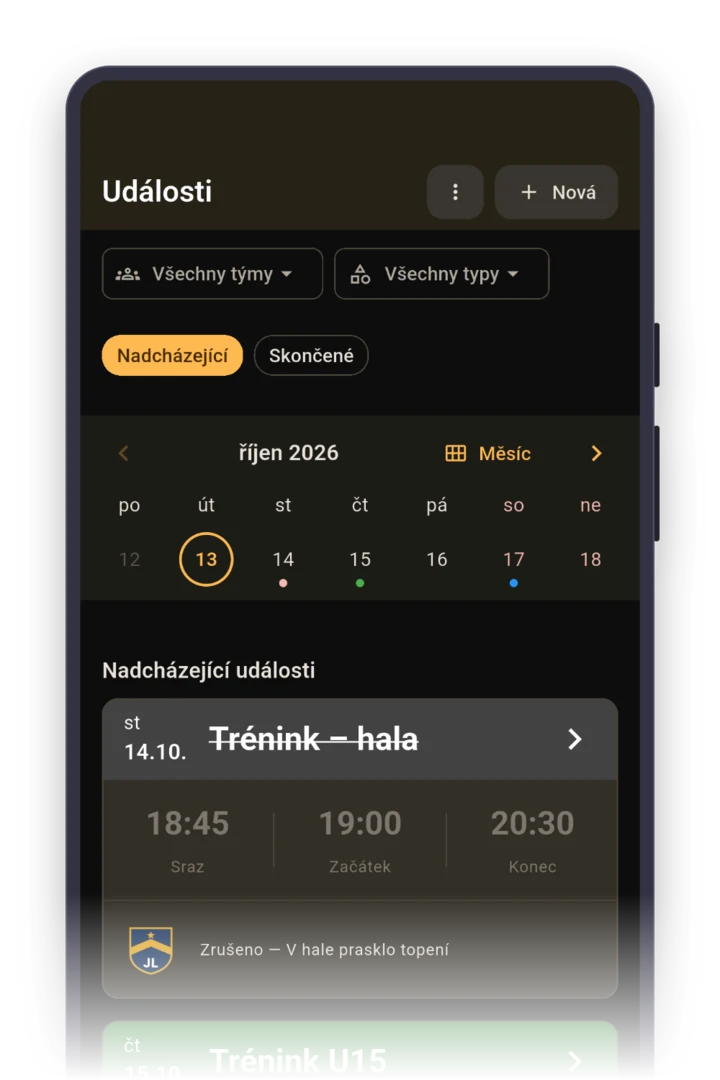
Move one date without touching the rest. A canceled training stays crossed out with the reason, and whoever has already answered gets a notification.
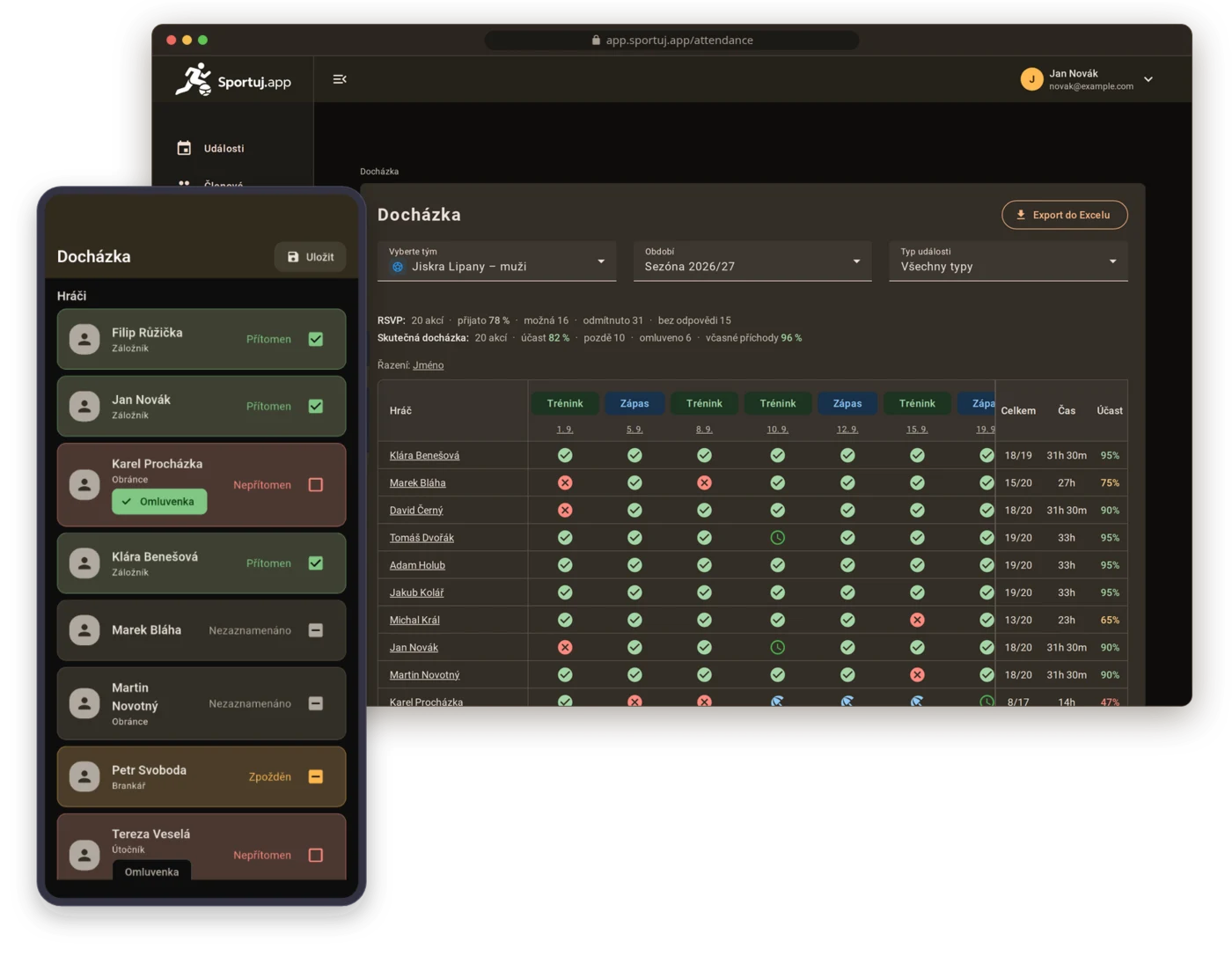
Attendance without pen and paper
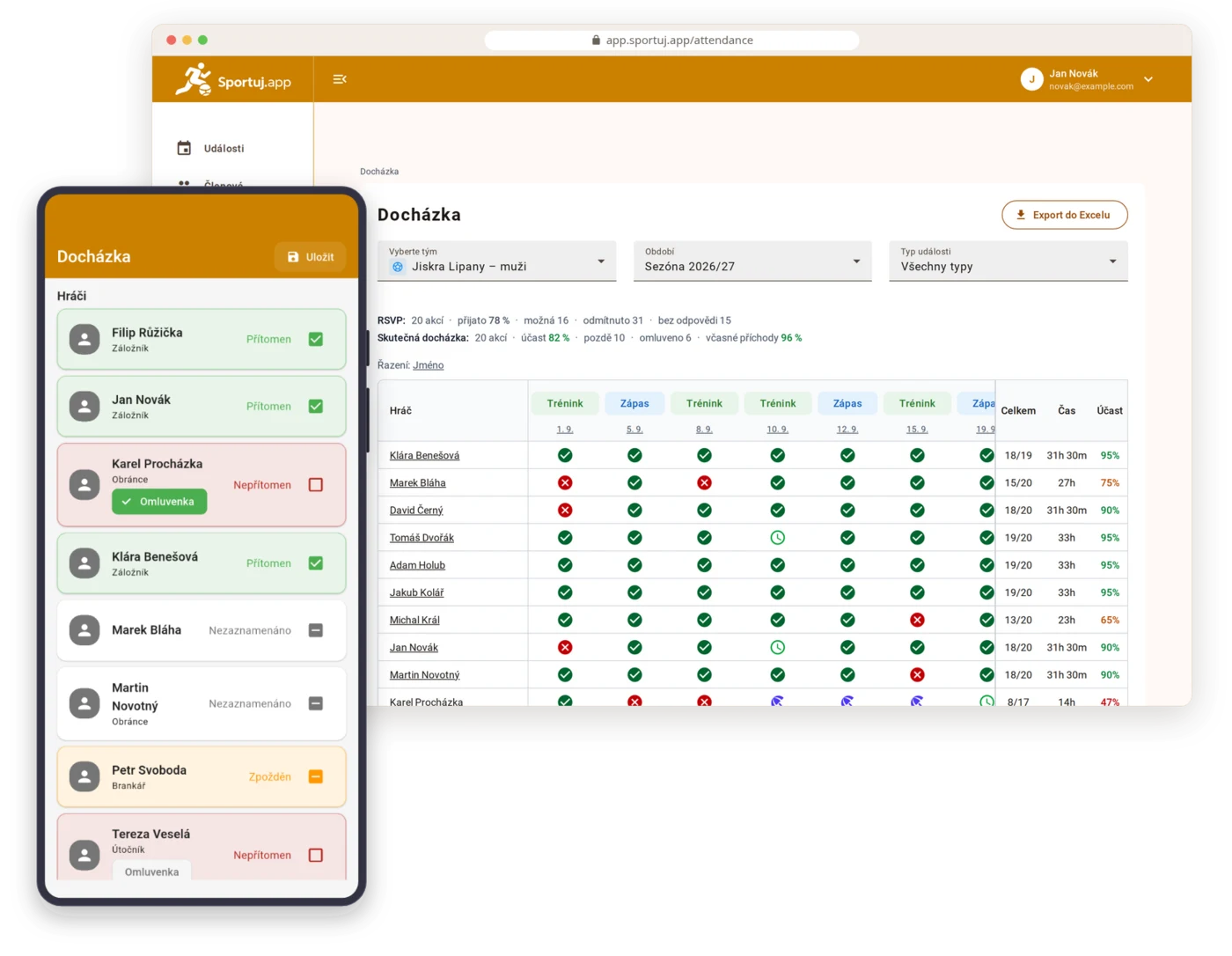
Saying “Going” and actually showing up are two different things.
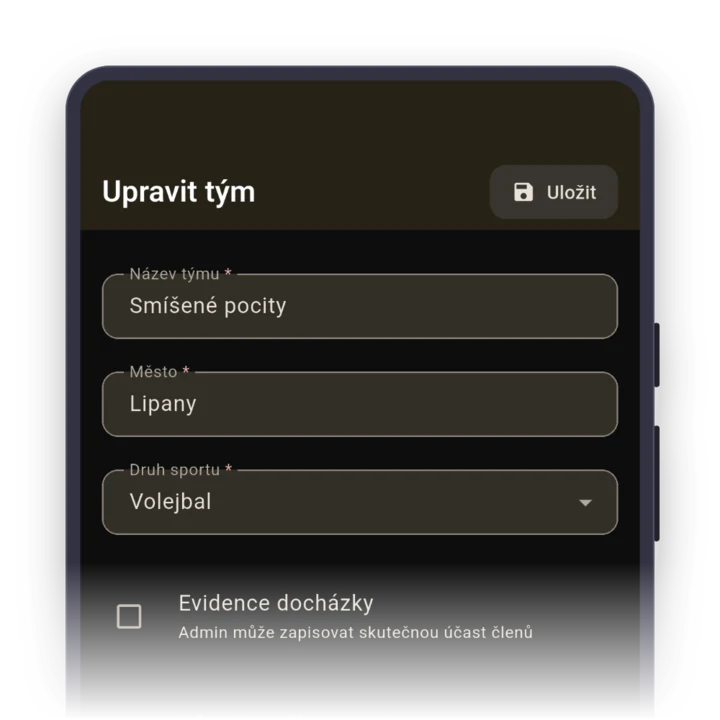
After training, tap “Everyone present” and fix the exceptions. The Attendance screen shows the season and the last 6 months, with an export to Excel.
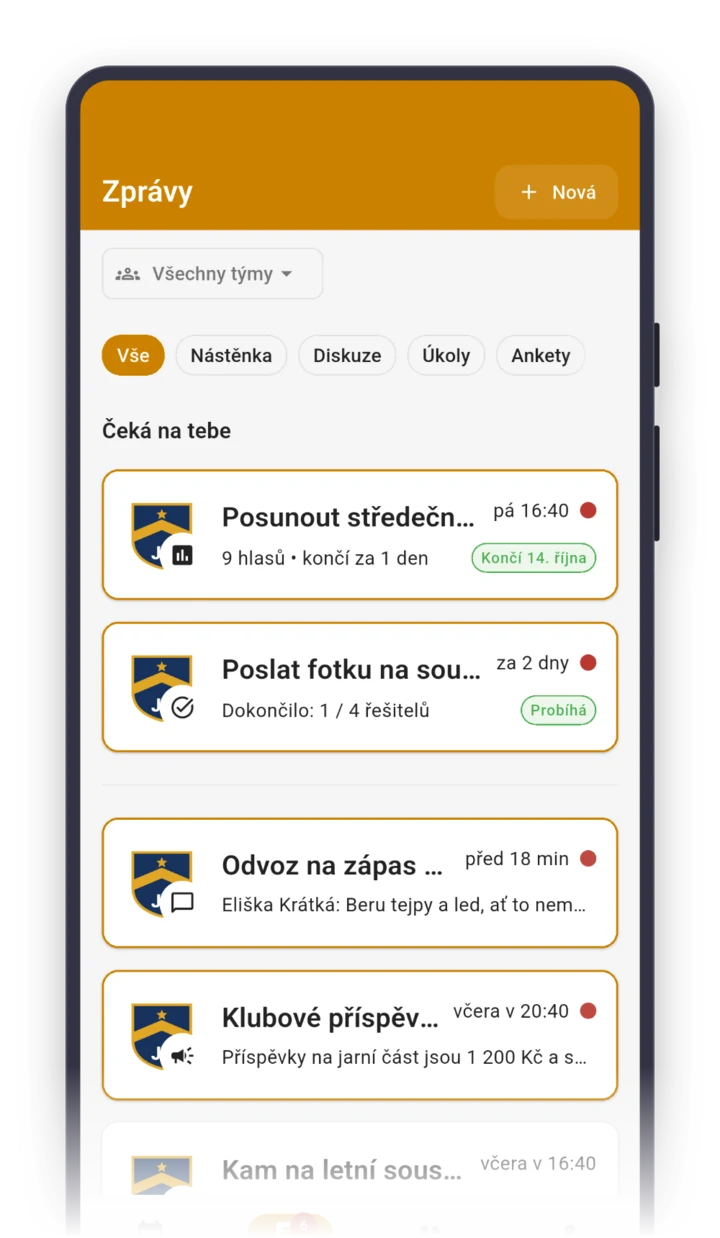
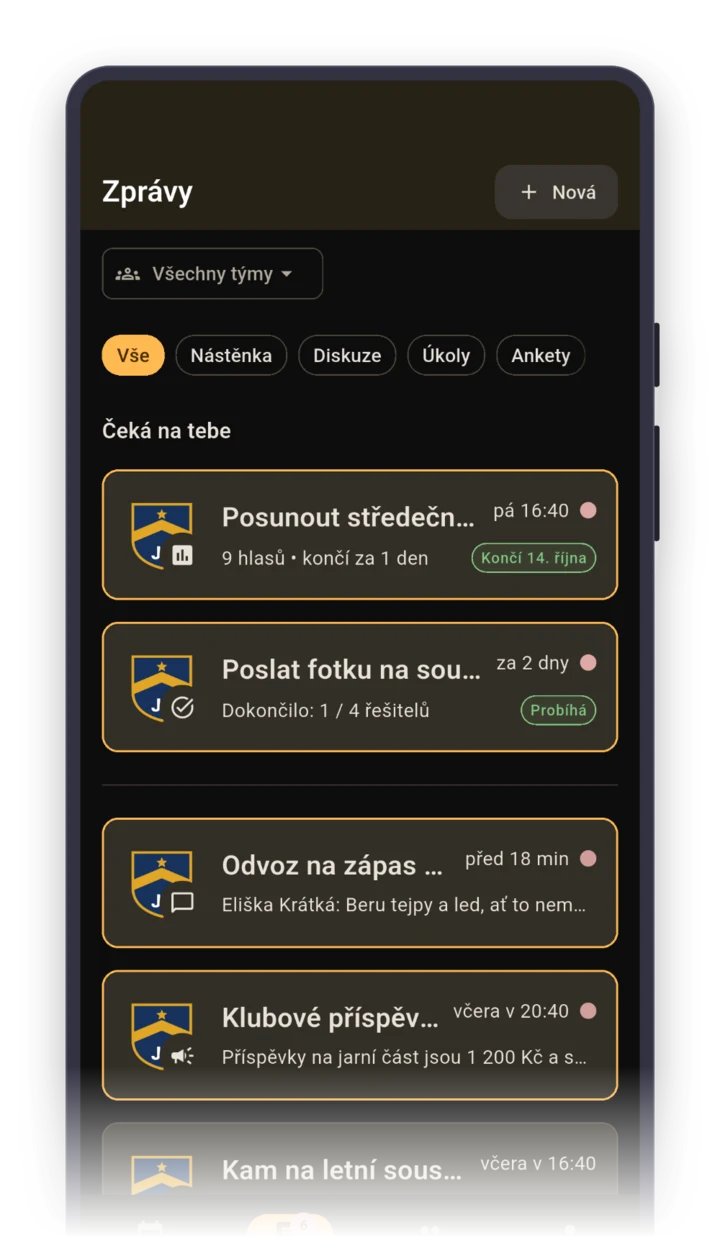
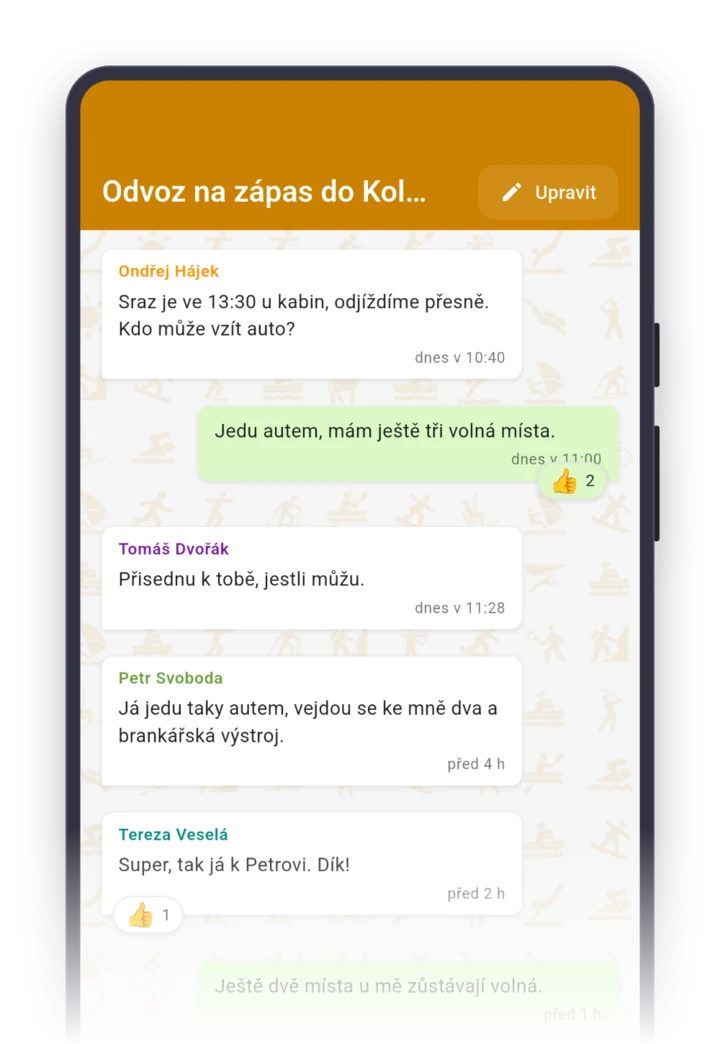
Announcements that don’t get buried under photos
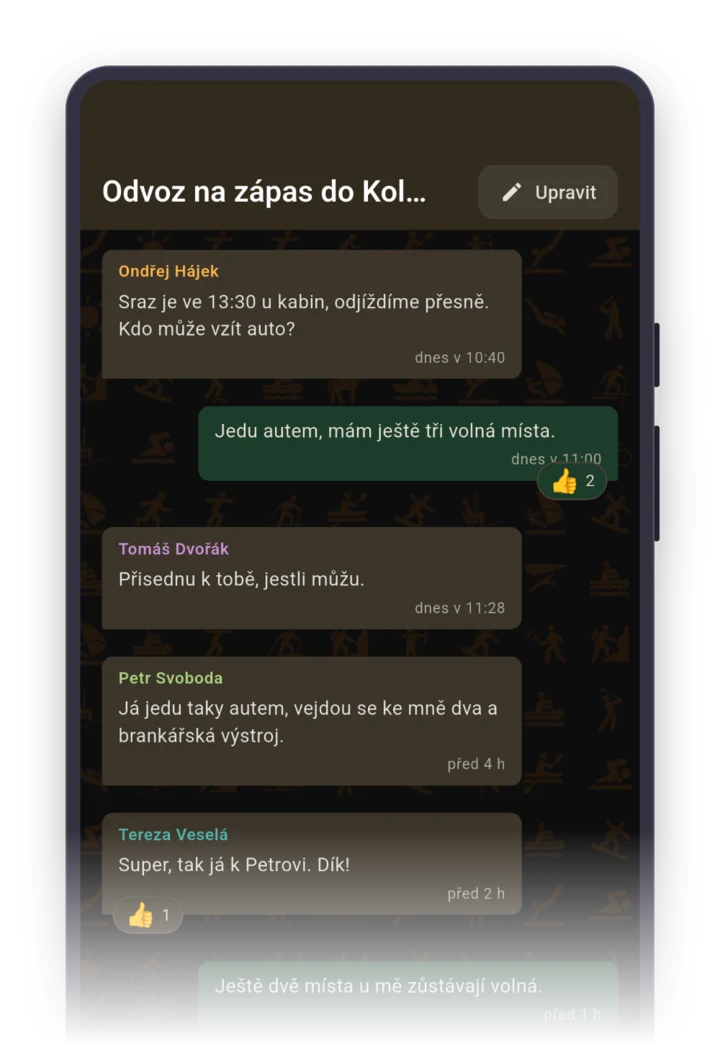
The match discussion stays with the match, including who’s bringing the jerseys.
A board for what matters, discussions for the team or selected members, polls and tasks. Whatever is waiting for your answer is at the top.
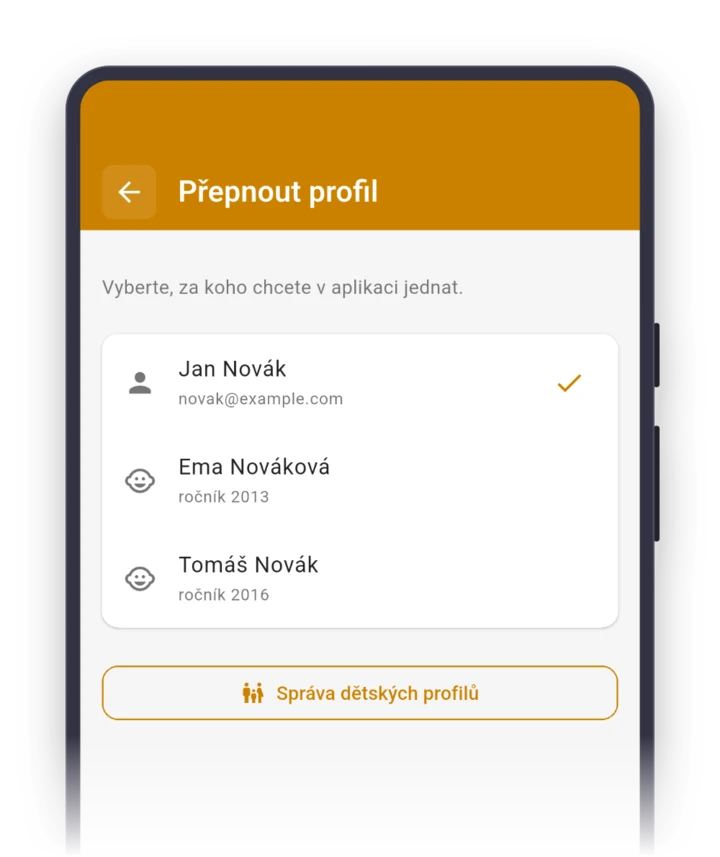
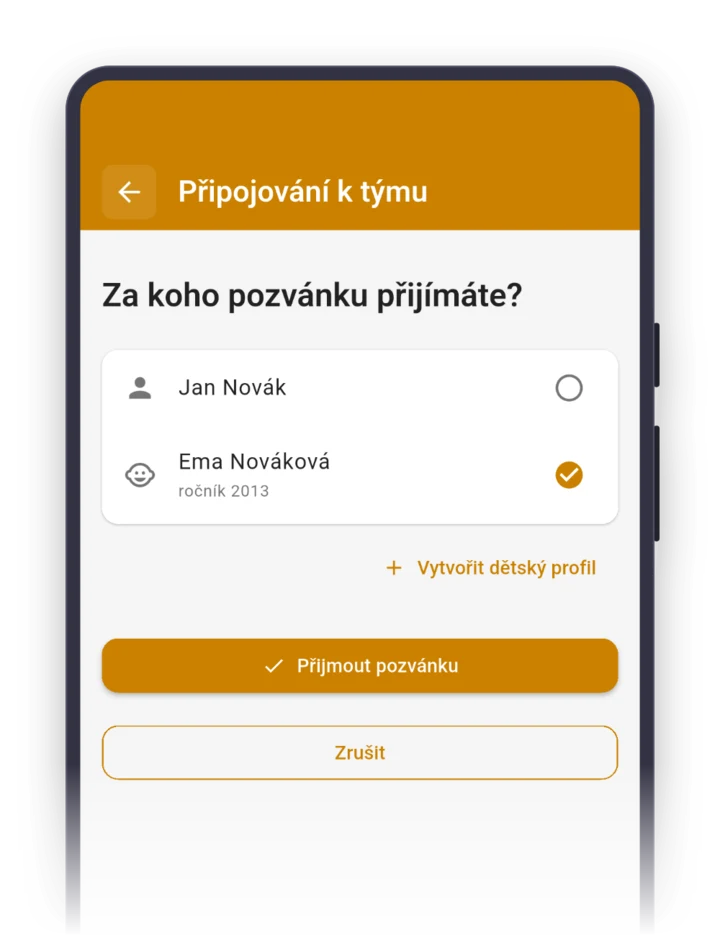
Parents answer for their kids
And the notification tells them which child it’s about.
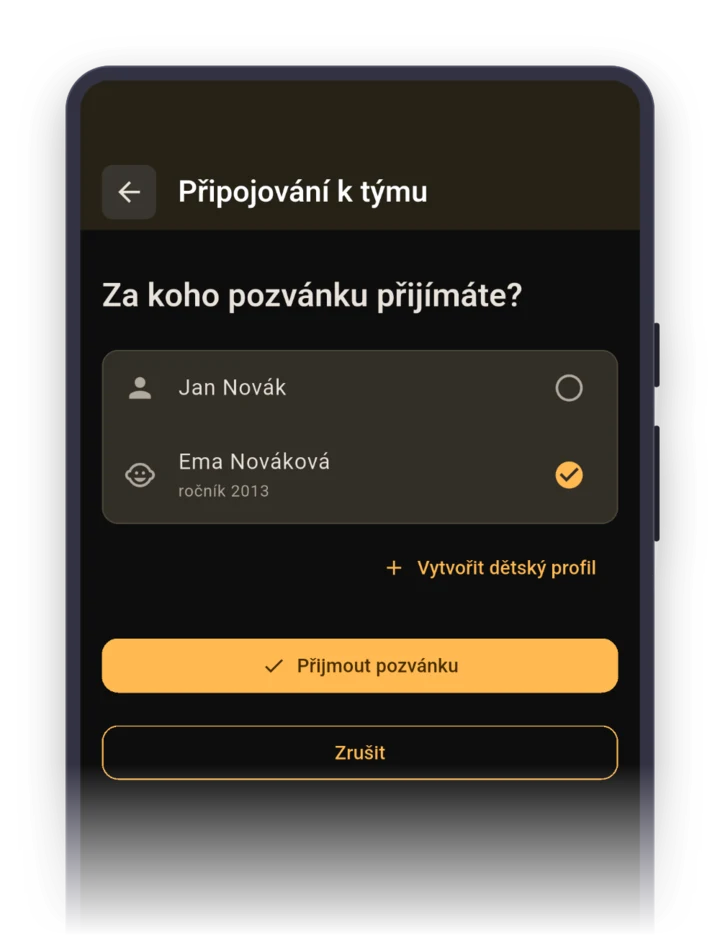
A child has a child profile without their own account. A parent can create it right when accepting the invite and invite the other parent as a contact person.
Invite the team with one link
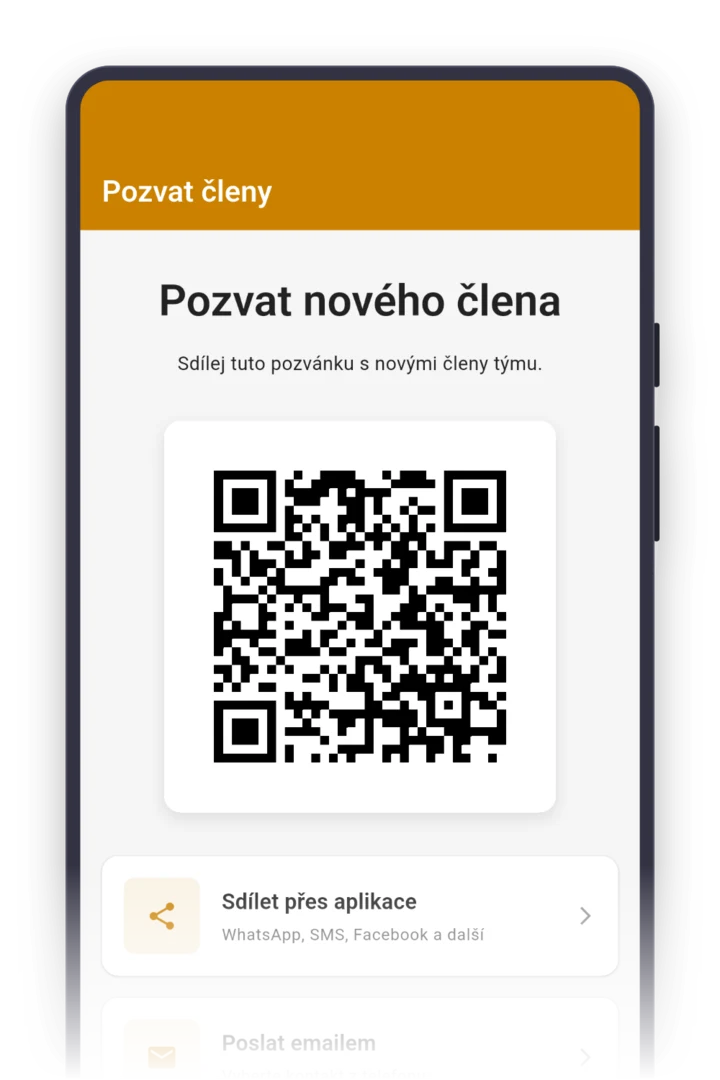
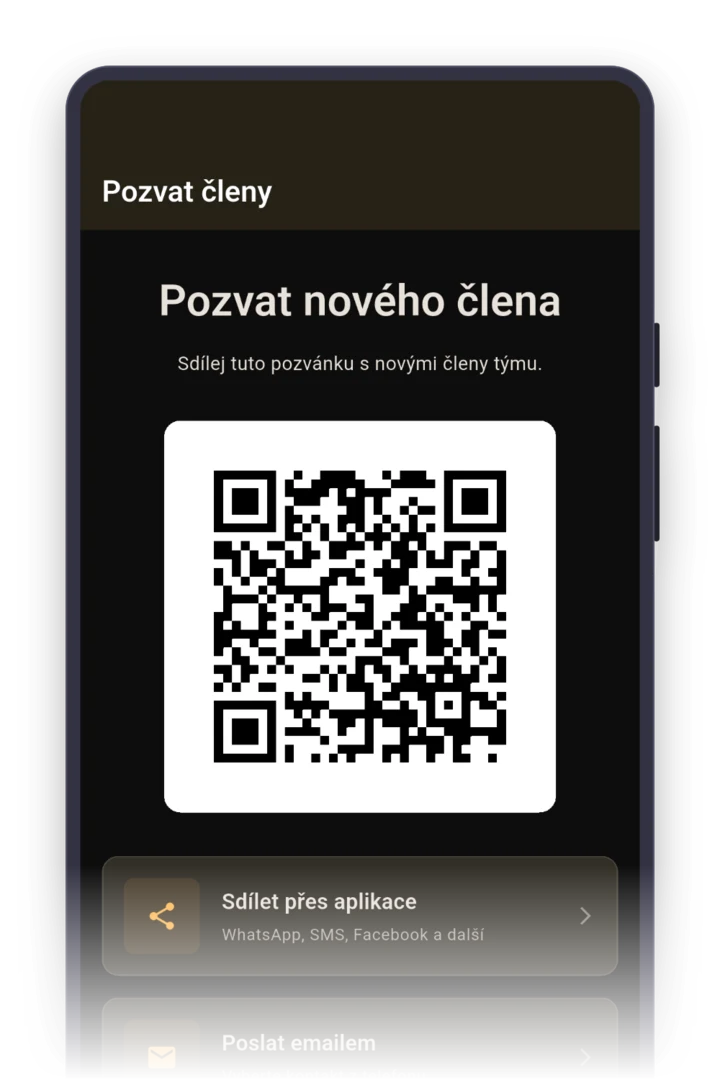
Whoever clicks is in the team. No approving anyone.
Share the link to the group chat, or show a QR code. The member type tells regular players, substitutes and non-players apart.
An app that knows what you play
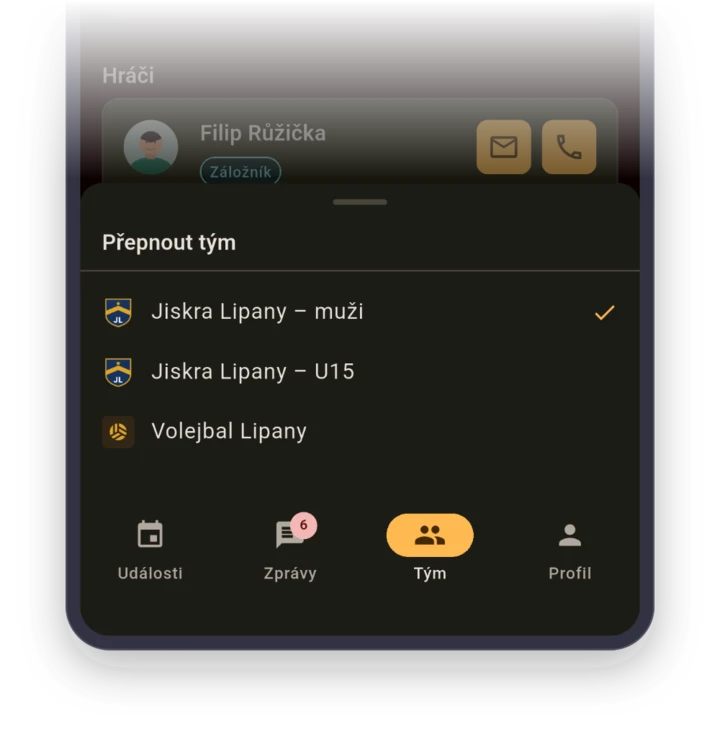
Floorball gets centers and wings, football gets midfielders and forwards.
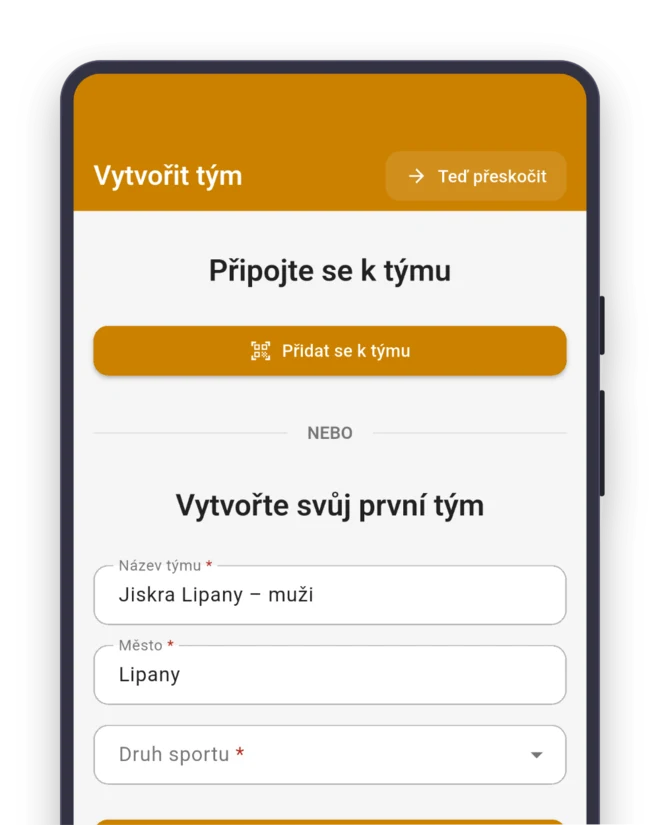
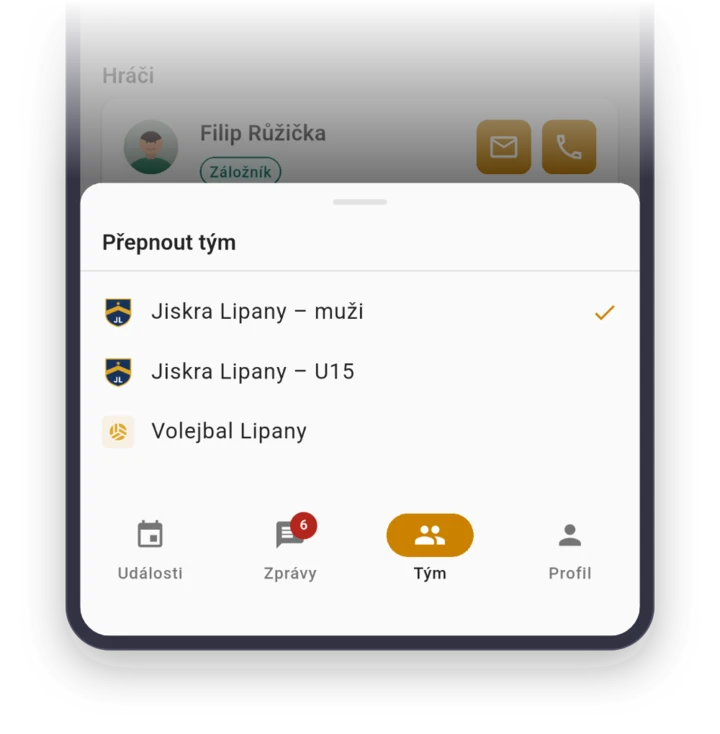
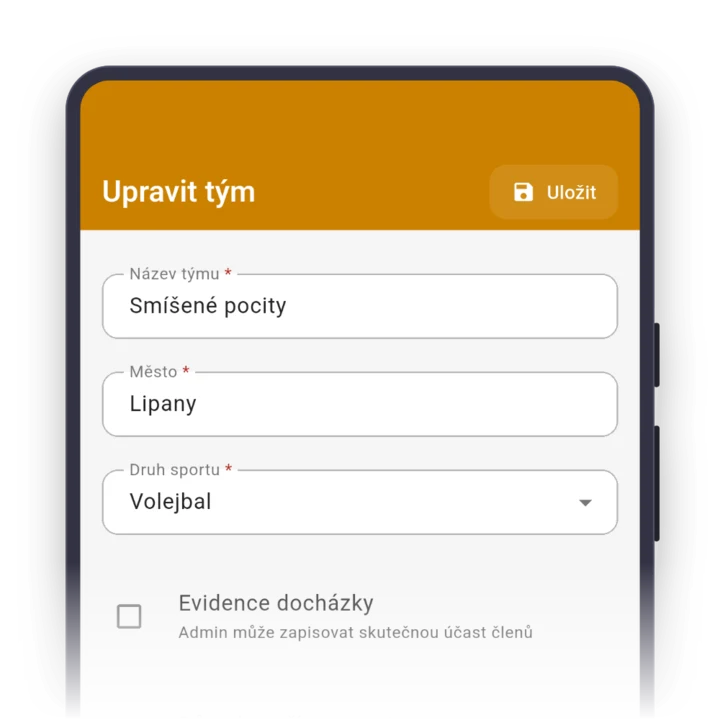
Pick the sport and the team gets its roles, icon, color and even the name for a tournament right away: “Race” in running, “Competition” in dance. The club website takes the terms and the pitch of your sport.
On your phone and on a computer
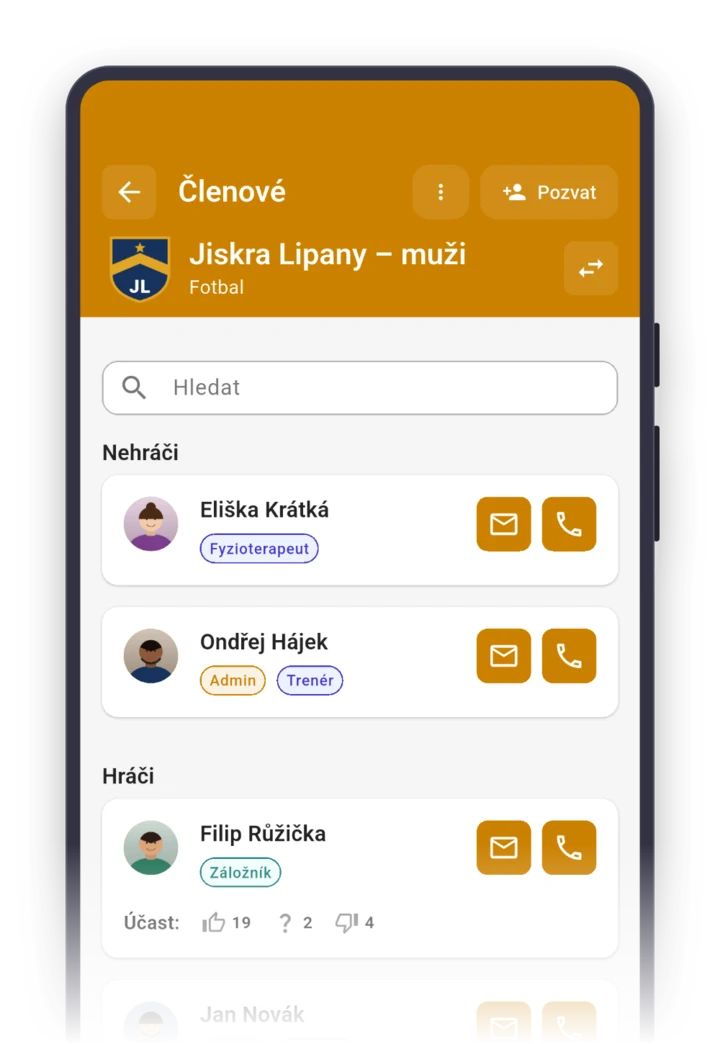
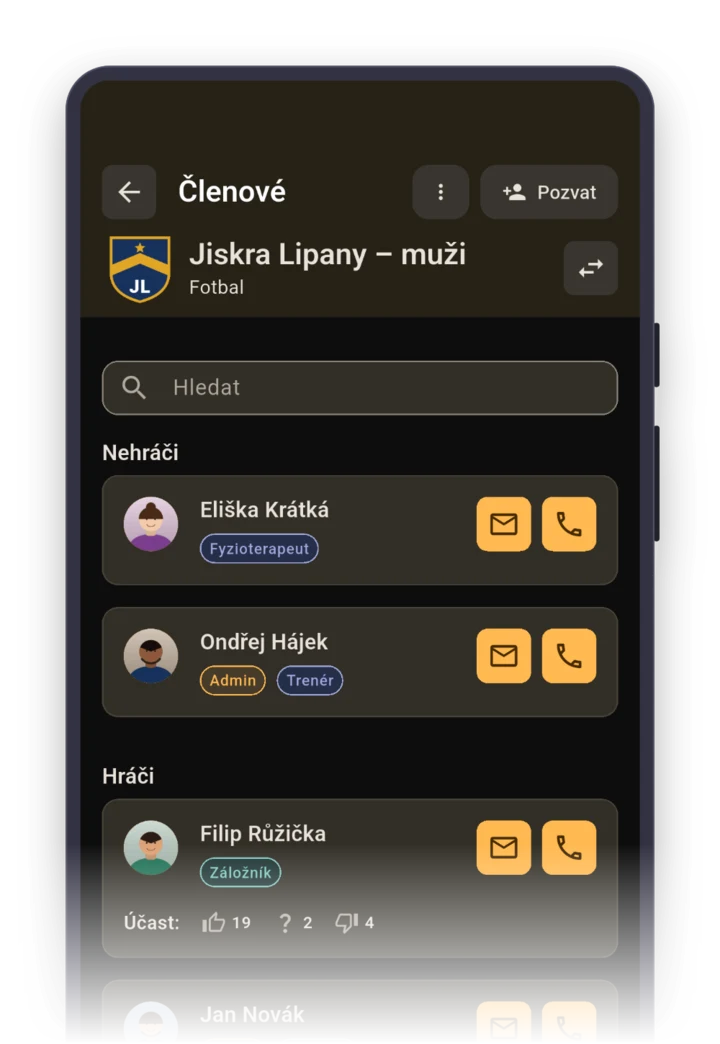
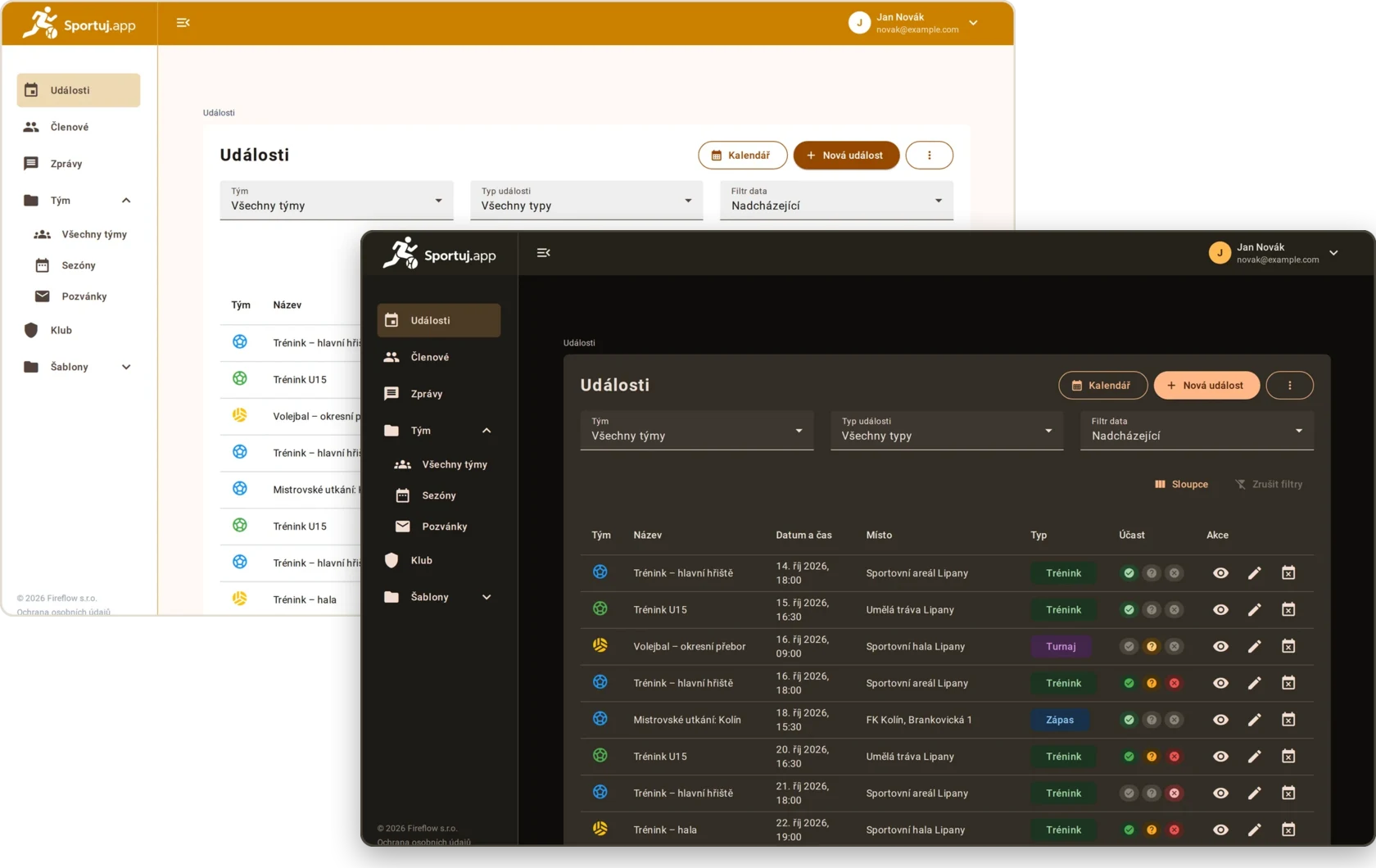
On a computer you also get tables, a full-screen calendar and filters.
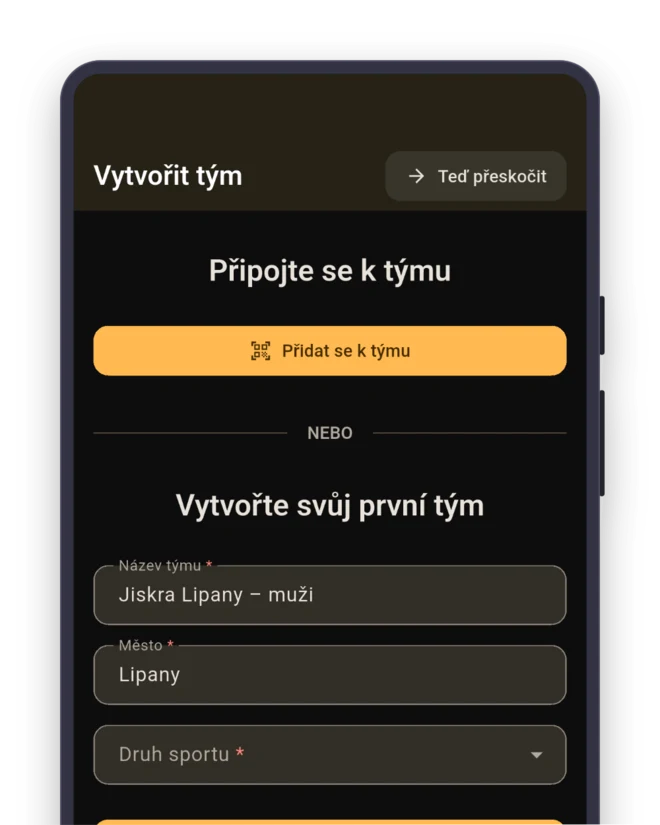
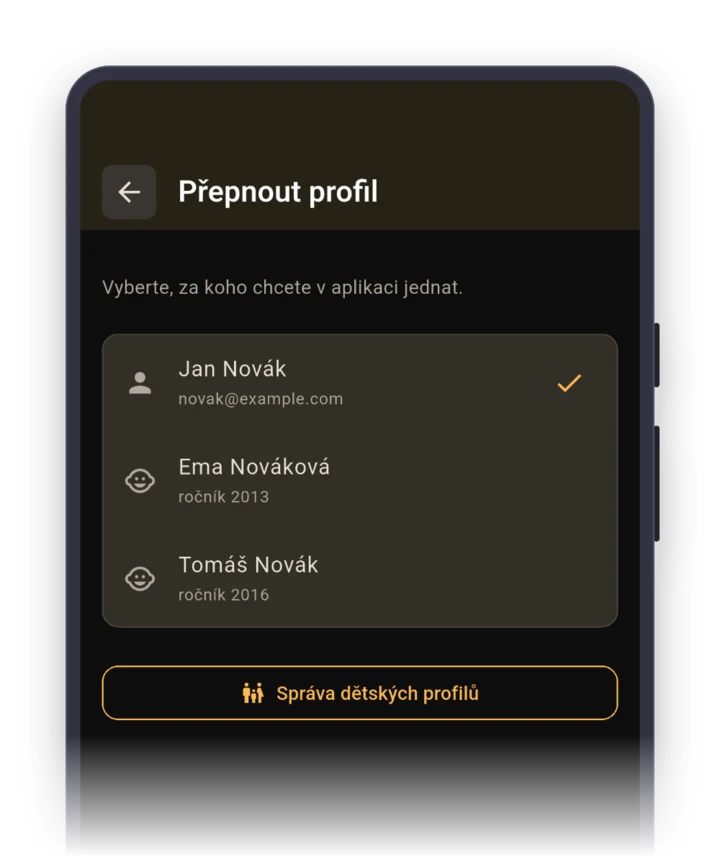
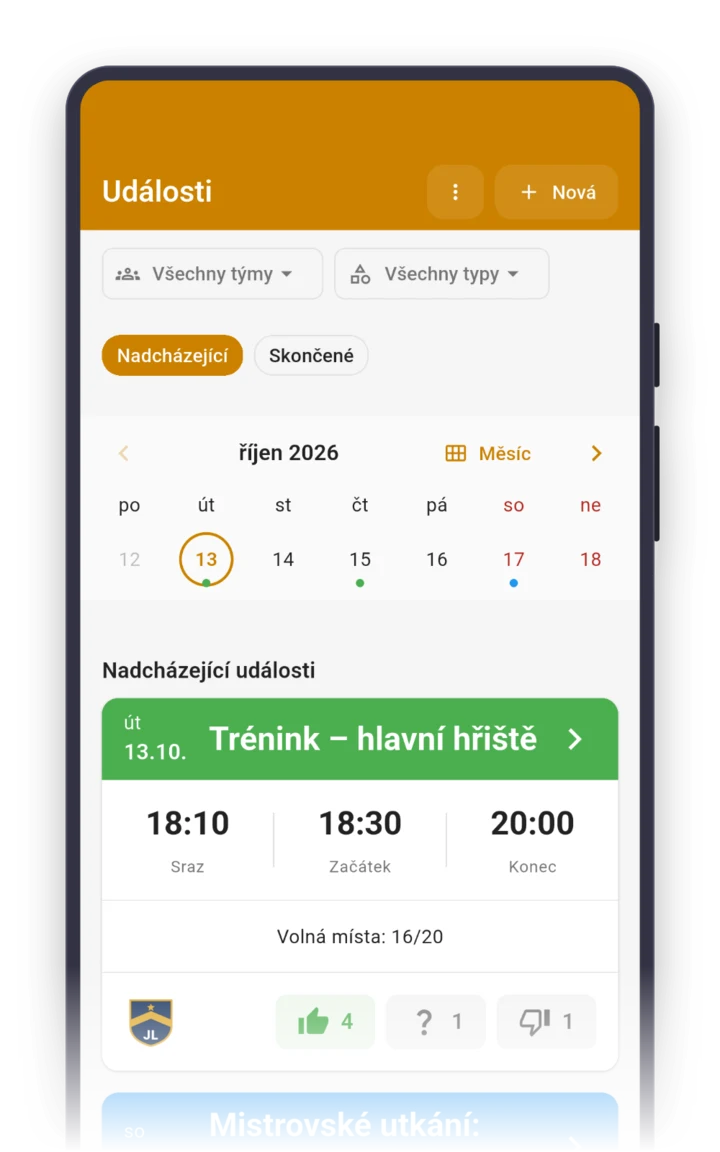
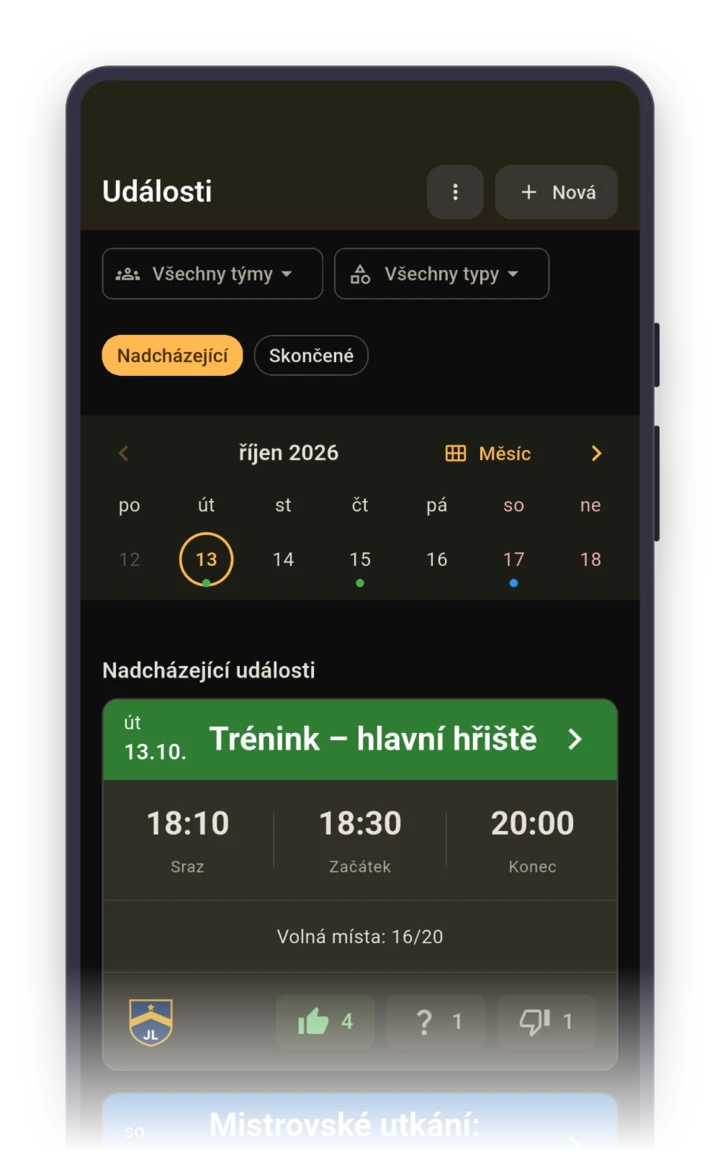
iPhone, Android and the web app with the same account. In English, Czech and Slovak, in light and dark mode.
Who sees what
Contacts stay with the admin
In the app, only the team admin and the person themselves see them.
A note the team doesn’t see
Say, a jersey number. Only the member, their parent and the admin see it.
The club doesn’t read team messages
Club admins don’t see the teams’ discussions, boards, polls or tasks.
Club, club website and Premium
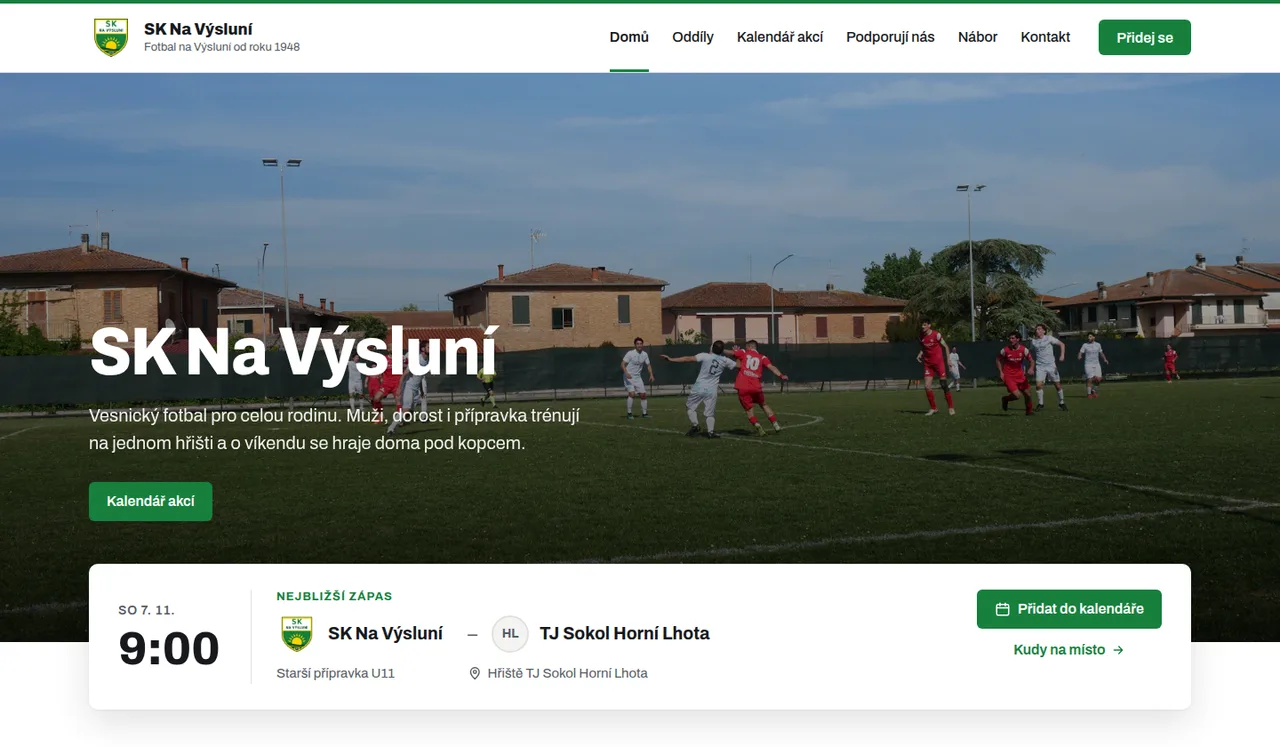
A club brings its teams together and builds a website that gets the schedule and results from the app by itself. Publishing the website is part of Premium. The club website is in Czech for now.