Sports team management
Who’s coming on Tuesday?
Know it before the locker room does.
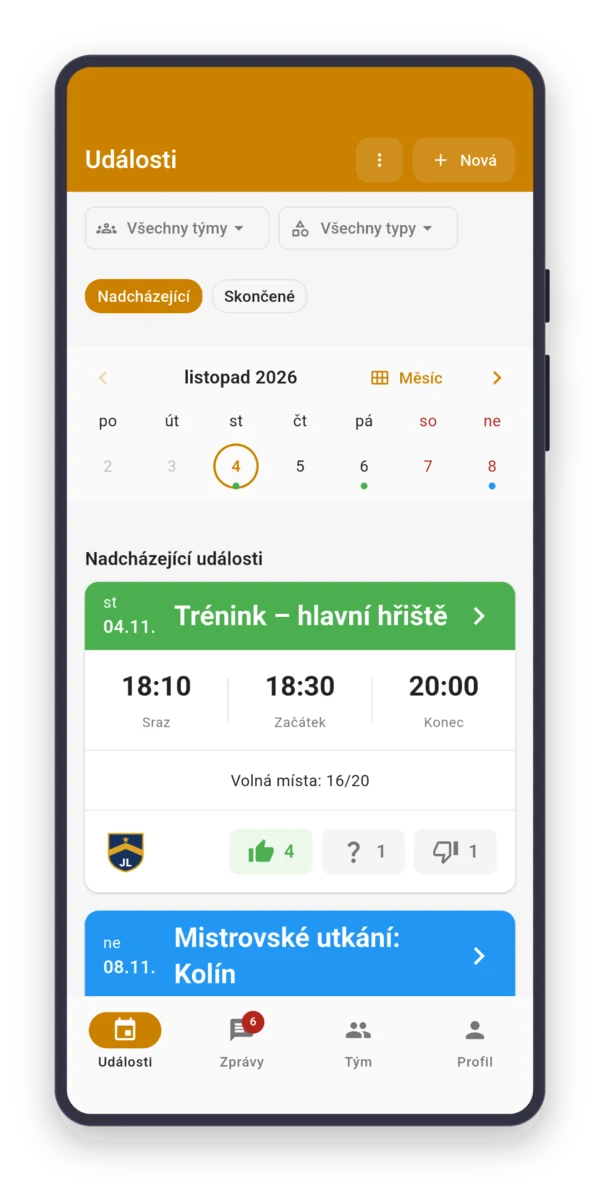
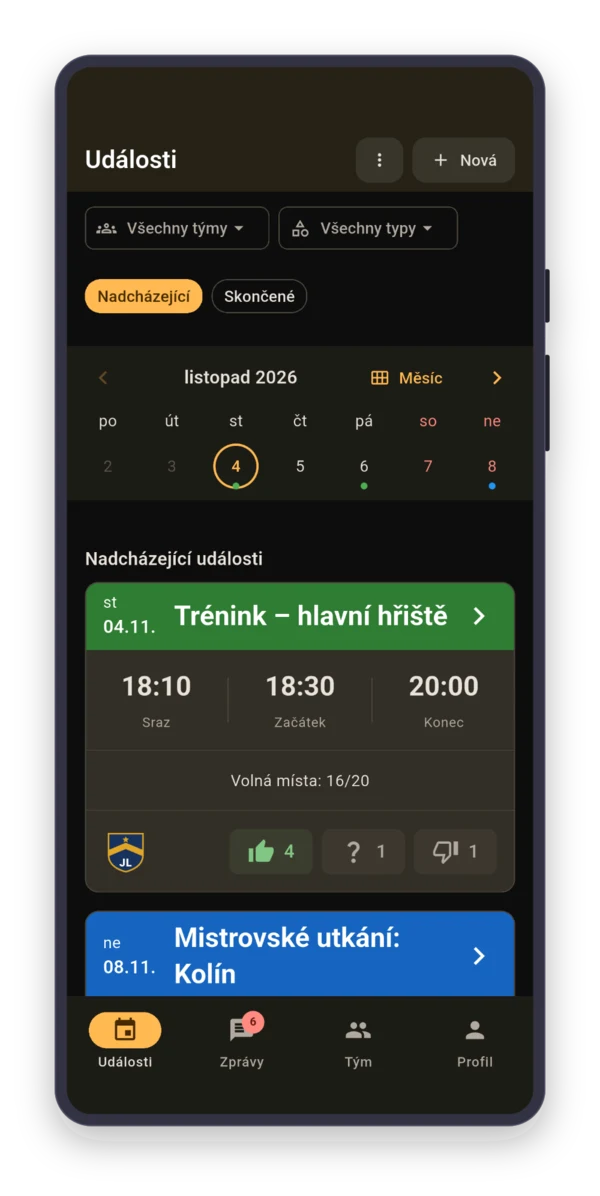
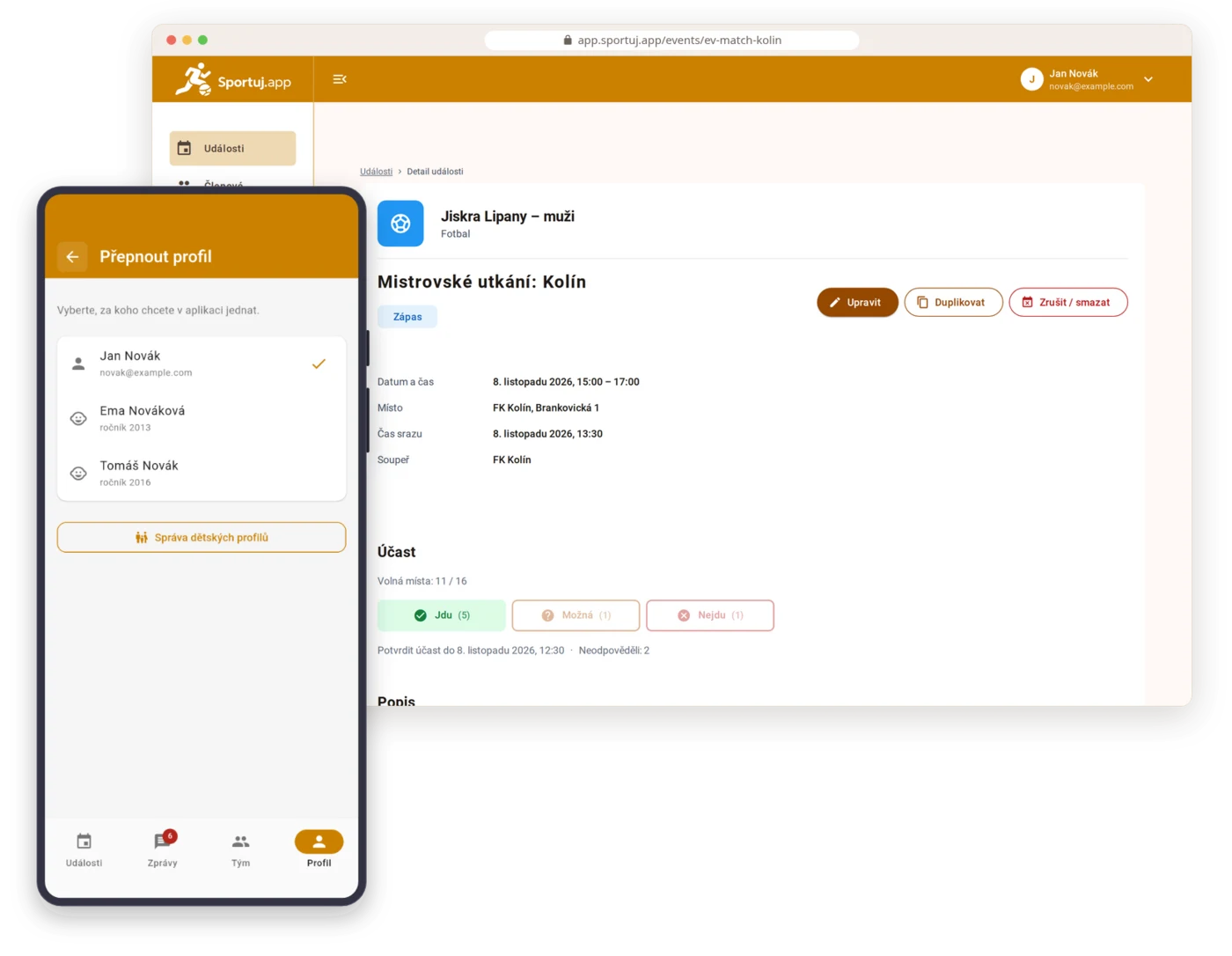
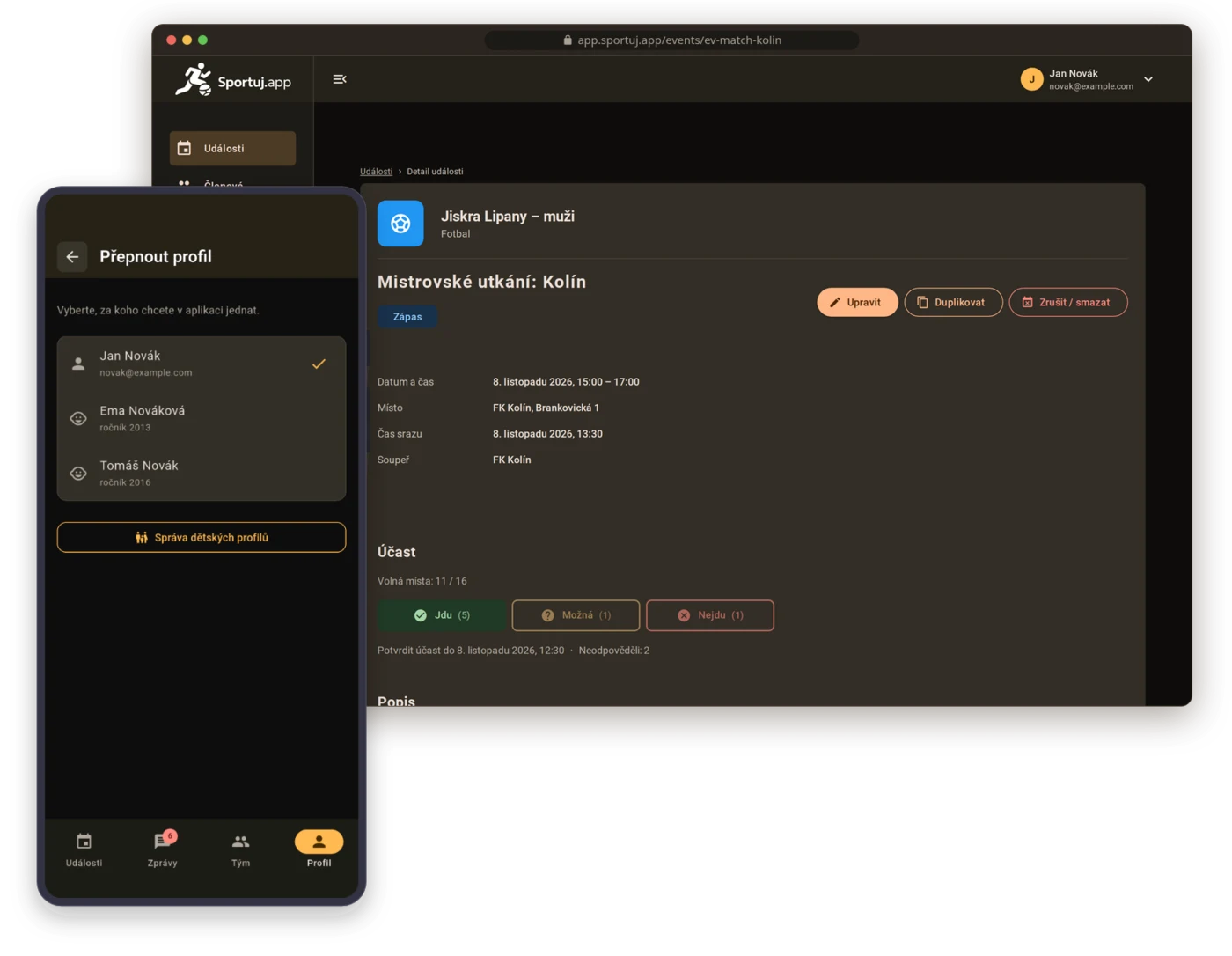
Create a training session, people tap “Going” and you know how many are coming. Free for a group of friends, a team or a whole club.













 Sportuj.app · now
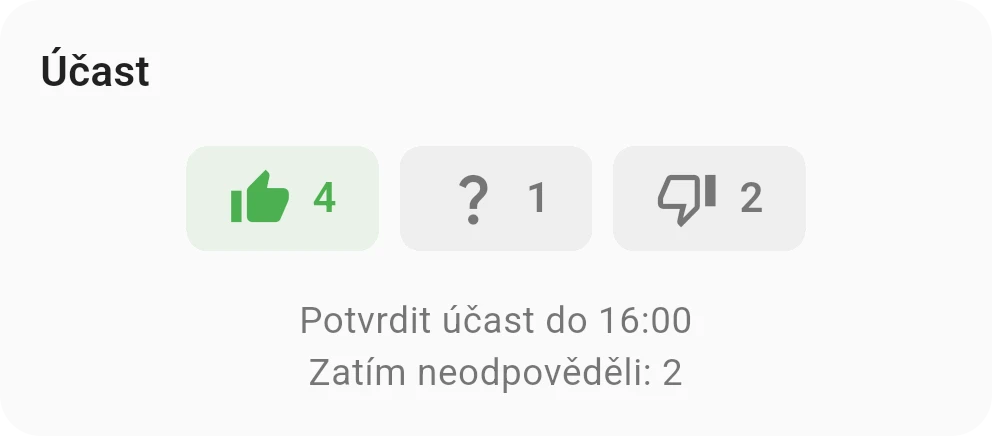
Thursday, 5:40 PM. How many are coming?
The group chat says: three thumbs-up, one “probably” and a photo of a dog.
In our app, everyone answers with one tap. And whoever stays quiet gets The day before, everyone who hasn’t answered gets a nudge, and three hours before meeting time everyone gets a reminder. They can answer right from the notification., not by you.
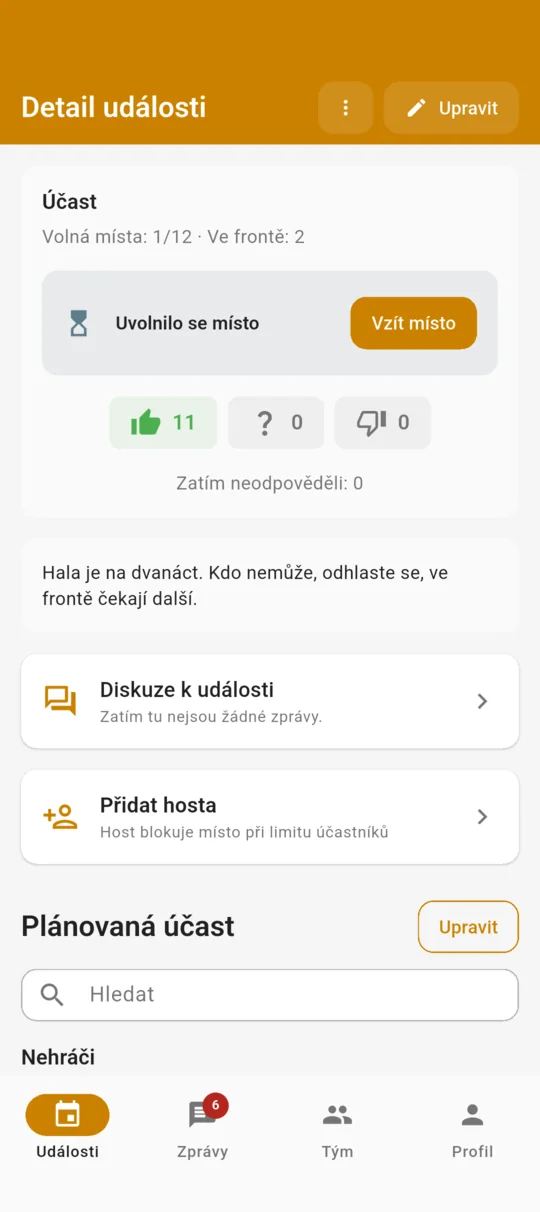
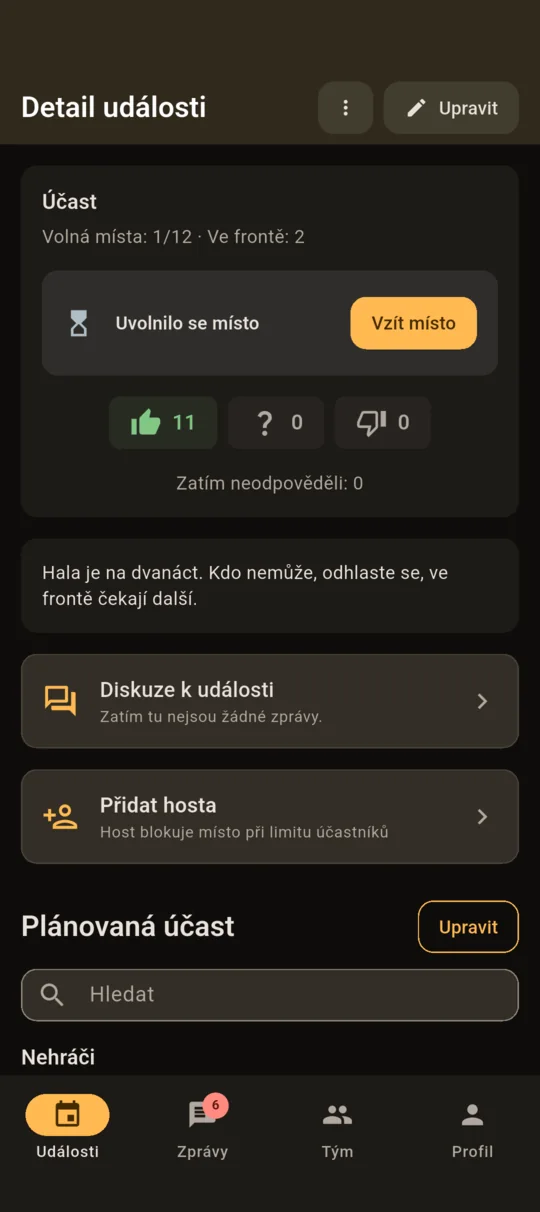
Room for twelve. Fourteen sign up.
A waitlist that doesn’t kick anyone out.
The rest wait on the waitlist and regular players come first. When a spot opens up, the substitute Right before meeting time, nobody moves up automatically. The spot goes to whoever on the waitlist taps “Take the spot”, which says they’ll make it in time..
Everyone answers. Even without the app.
Parents answer for their kids, you answer for a friend who’s in for one game.
No app? No problem. They answer in the browser or with one click Email notifications can be turned on in the app, in the notification settings..
Training’s over. The app isn’t.
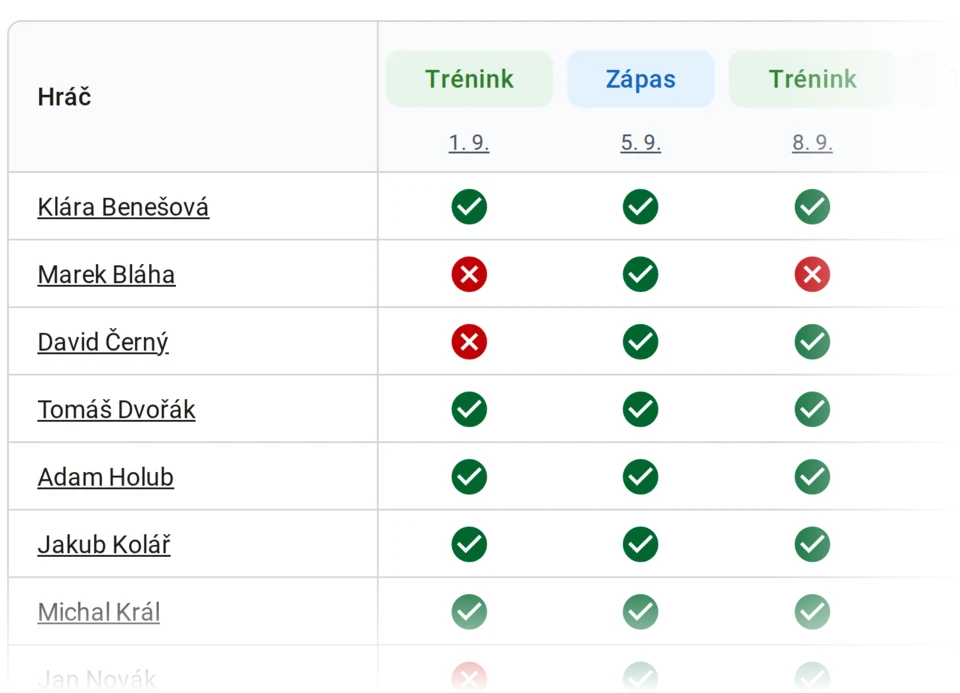
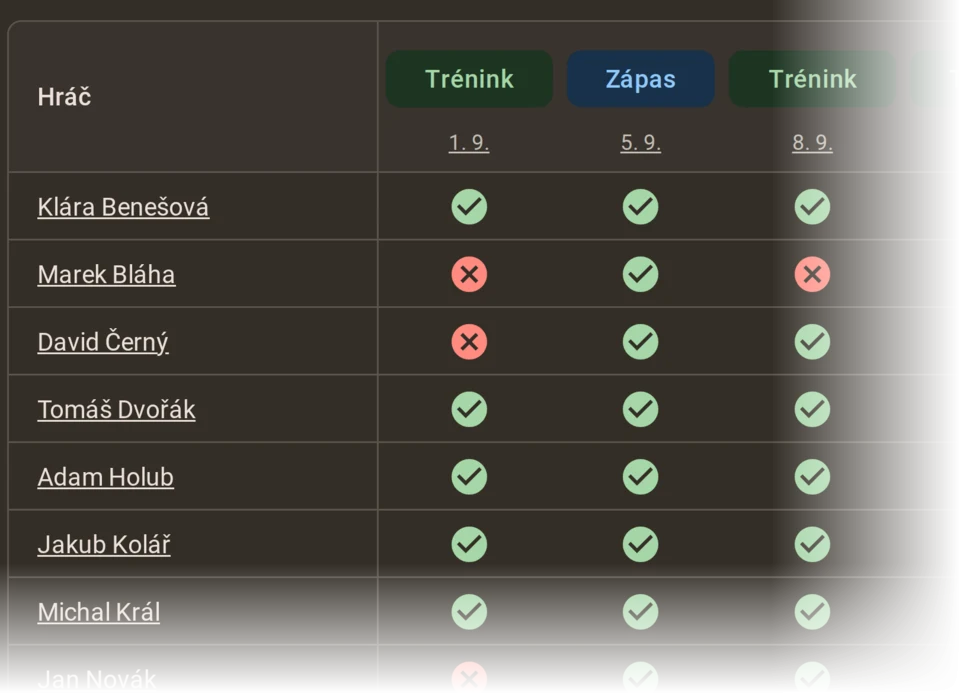
Attendance by season
Who showed up how often, per season and over the last 6 months.
Board, discussions and polls
Announcements that don’t get buried under photos.
Match results
The score or the tournament placement, right in the event.
Calendar on your phone
The schedule shows up in your phone’s calendar on its own.
Club website
The schedule and results land on the website by themselves.
For the one who organizes everything

Coaches
Create training for the whole season, record attendance after each one.

The friend who books the court
Set a limit of spots and tick off who has paid for the court.

Parents
Answer for your child from a notification that starts with their name.

Club admins
Manage every team in the club without reading their messages.
Create. Invite. Play.
No need to leave the group chat. The dog photo in the old chat can stay.
Sign up
With email, Google or Apple.
Team
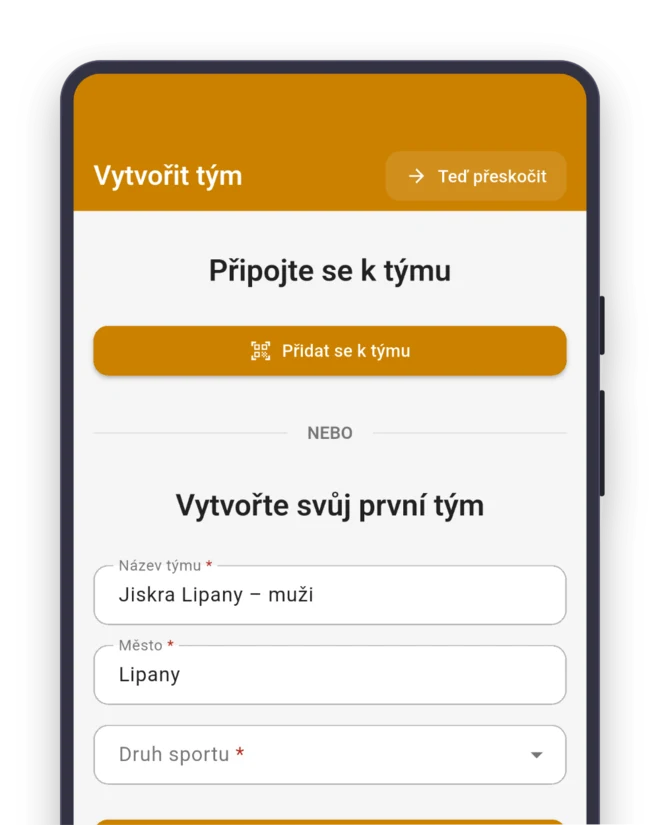
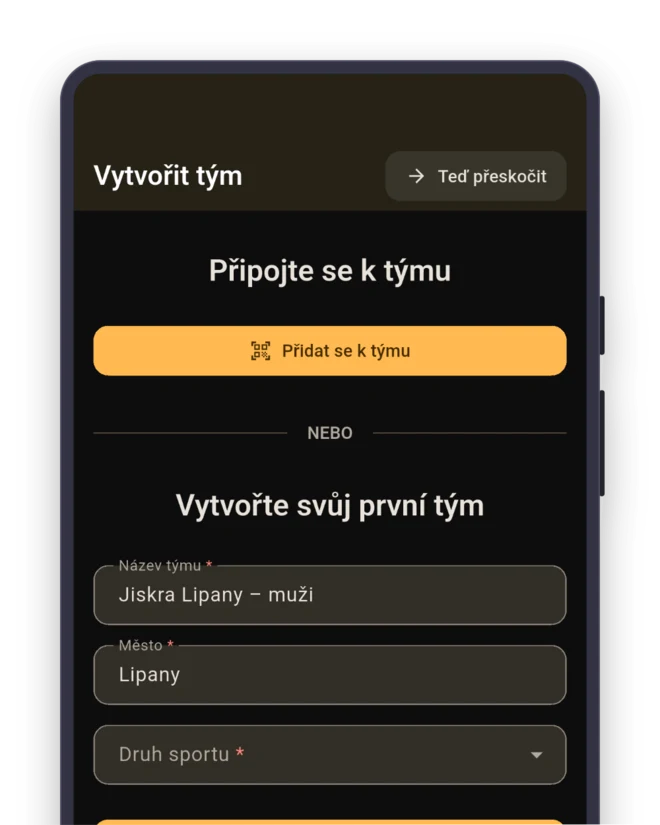
Name, city and sport. The team gets its roles right away.
- Goalkeeper
- Defender
- Forward
Invite
Send the link to the group chat, or show a QR code.
How much does it cost? Nothing.
No card, no time limit, even for a club with several teams.
Whatever you play
We fit the roles, the icon and the club website Floorball gets goalkeepers, centers and wings, football gets midfielders and forwards. In running a tournament is called a Race, in dance a Competition. The club website takes on the names and venues of your sport..
What people write in the stores
Word for word, as people wrote them (in Czech).
-
Funguje
Appka funguje jak ma, a to jak v mobilni tak i webove verzi. Komunikace s vyvojarem je vynikajici. O nametech na vylepseni / doplneni funkci bez problemu diskutuje a pokud je to ku prospechu vedeni tymu, ve velmi kratkem terminu funkcionalitu prida.
-
Skvělá appka na organizaci zajmovych skupin, kroužků. Hlavní výhodou je přehlednost a hlavně rychlost. (Oproti jiným komerčnějšim zeleně zbarveným appkám😉)
-
Doporučuji
Oproti konkurenčním appkám vypadá jednoduše a intuitivně. Hlavní je, aby se nesekala.
-
Doporučuji
Zadarmo, rychlé, funkční, bezkonkurenčně nejlepší
What coaches ask
Is it really free? What’s the catch?
There isn’t one. Free for a team, with no card and no time limit, and a club with several teams is free too. A club can add Premium with event templates and a club website. Players and parents never pay. The details are on the Pricing page.
Does everyone have to download the app?
No. Anyone who doesn’t want the app opens the invite in a browser and answers in the web app. They can also answer with one click from an email after turning on email notifications in the app. A friend who joins for one game can be added as a guest, with no app and no account.
How does it work for parents?
The parent creates an account on their phone or in a browser and a child profile for their kid, even right when accepting the invite. From then on the parent answers for the child and can invite the other parent as a contact person. The child needs no account and no email.
Do we have to delete our WhatsApp group?
No. Send the invite link right into the group, the app even has a message ready for it, and whoever clicks is in the team. Keep chatting in the group, the training sessions and answers live in the app.